Repository navigation
Getting Started
Before running any agents, you'll need to set up DNS. For this you will need two records:
- A record for your NS server. This is an A record that points directly at your DNS listener.
- A record targeting your NS server. This is an NS record that points to the A record for your DNS listener.
Additionally, you may have to deactivate existing DNS services and change any loopback entries in the resolv.conf file to point to a trusted public dns server.
NOTE: sometimes, the agent will be unable to call back in linux if systemd-resolved is disabled. I've also observed that my home router doesn't seem to allow it to properly communicate with dns.
Before you run lytty, you will need to run wolfmon.py to receive command output.
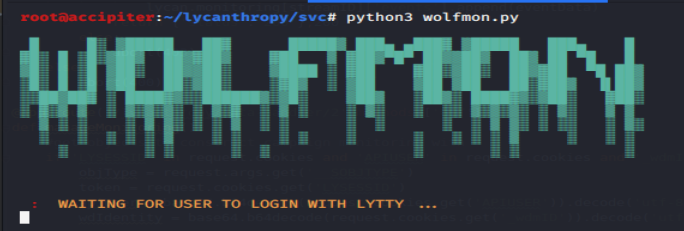
This is wolfmon, which acts as an output window for the server to keep verbose output separate from the rest of the cli.
Run lytty in another window.

Enter <your username>@<ip of api server>. You will then be prompted for your password, which is masked. If everything goes well, you should get another prompt in the main 'console' view. Run help to see the commands available for your current view.

Once you have installed the server, you will need to add a first operator and campaign. Login with the admin credentials you created during server setup and complete the following steps
- execute 'use manage'
- execute 'load add.user'
- execute 'set roles operator'
- execute 'set username '
- execute 'run'
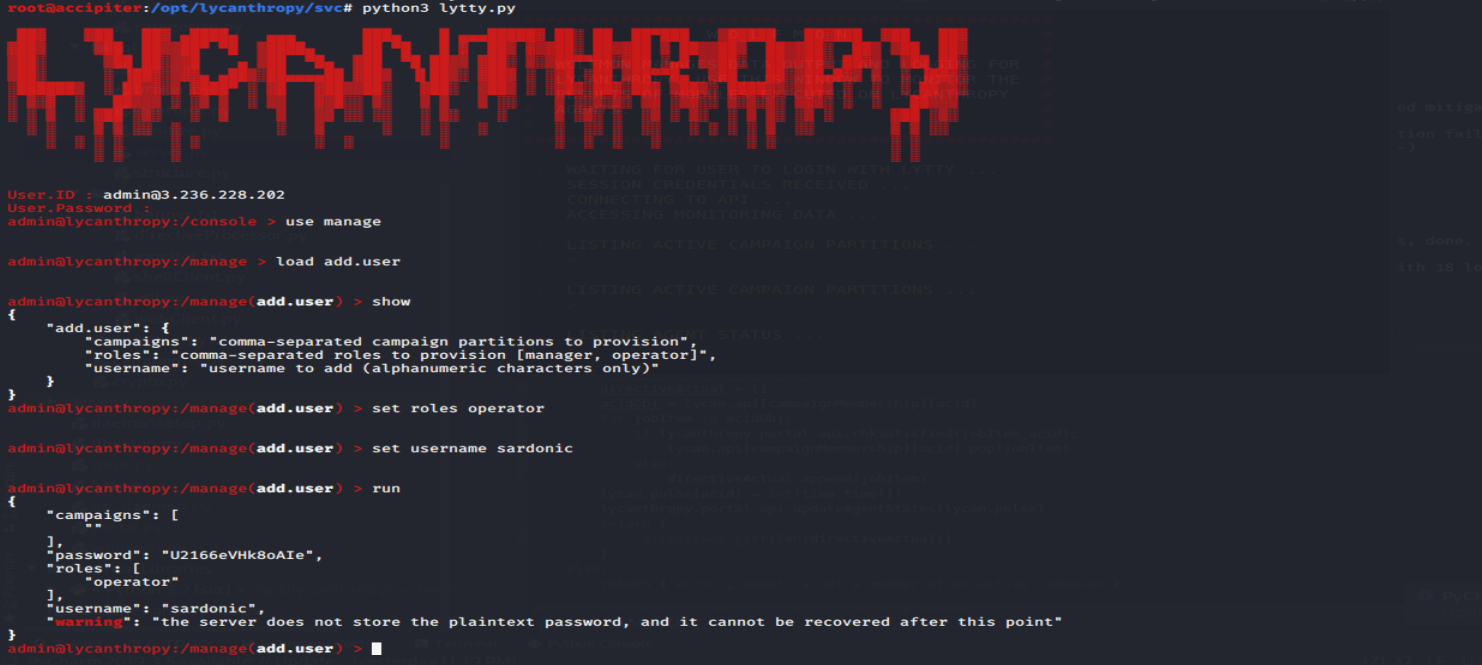
Lycanthropy will auto-generate a password for the user (which you should save). Some commands for lycanthropy's control view are restricted to operators, so you will need this password to interact with agents that call back to your server.
- execute 'use manage'
- execute 'load add.campaign'
- execute 'set operators <username from before / comma-separated list of operators>'
- if desired, execute 'set name '
- execute 'run'
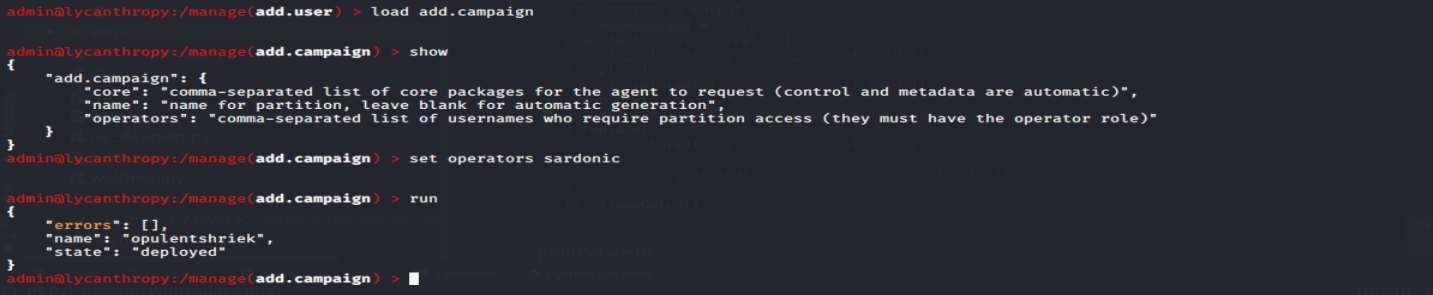
If you did not specify a name for the campaign, lycanthropy will generate one and spit it out for you to use. This campaign acts as a partition for data and a parent object for agents. You will definitely need the name of the campaign in future, so don't forget what it gave you.