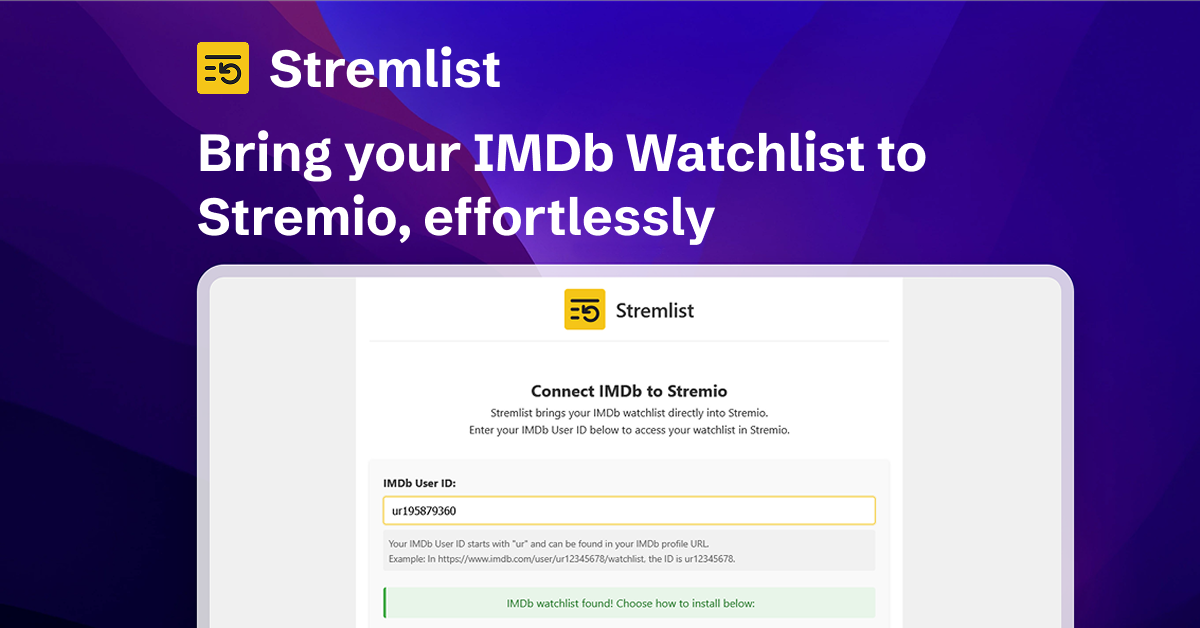
Stremlist is a Stremio addon that turns your IMDb watchlist into a Stremio catalog, so you can browse your saved movies and TV shows directly inside Stremio.
- Browse IMDb watchlist items in Stremio
- Supports one or multiple IMDb watchlists
- Supports sorting by title, year, rating, runtime, and random order
- Optional Rating Poster Database (RPDB) poster support via API key
- Simple install flow through a hosted configuration UI
- Cache-first watchlist serving with periodic auto-refresh and a manual "Refresh now" control
- Lightweight backend with Supabase for user configuration and Cloudflare R2 for watchlist caching
- Monorepo architecture with Turborepo (
apps+packages)
This repository follows the Turborepo recommended structure:
.
├── apps
│   ├── backend      # Hono API + Stremio addon endpoints
│   └── frontend     # Vite/React configuration UI
├── packages
│   └── shared       # Shared types/constants used by apps
├── turbo.json
└── pnpm-workspace.yaml
- Frontend and backend are deployed on Vercel
- Backend serves Stremio addon endpoints and configuration flow
- Supabase stores user configuration
- Cloudflare R2 stores gzip-compressed watchlist cache objects
- Node.js 20+
- pnpm 10+
pnpm installRun both apps:
pnpm devRun only one app:
pnpm dev:backend
pnpm dev:frontend
Default local URLs:
- Backend:
http://localhost:7001 - Frontend: Vite default (
http://localhost:5173unless overridden)
From repository root:
pnpm build
pnpm typecheck
pnpm lint
pnpm test
pnpm format
pnpm format:check- Open Stremio -> Addons
- Click Add Addon URL
- Enter:
[YOUR_DEPLOYED_BACKEND_URL]/manifest.json - Configure with your IMDb watchlist details (single or multiple watchlists)
- (Optional) Add your RPDB API key on the configure page to use rating posters
- Start backend (or full dev stack)
- In Stremio -> Addons -> Add Addon URL
- Enter:
http://localhost:7001/manifest.json
Set backend env vars in apps/backend/.env.
| Variable | Required | Description | Default |
|---|---|---|---|
PORT |
No | Backend HTTP port | 7001 |
FRONTEND_URL |
No | URL used for /:userId/configure redirect |
https://stremlist.com |
SUPABASE_URL |
Yes | Supabase project URL | - |
SUPABASE_SERVICE_ROLE_KEY |
Yes | Supabase service role key | - |
R2_ACCOUNT_ID |
Yes | Cloudflare account ID used by the R2 S3 endpoint | - |
R2_ACCESS_KEY_ID |
Yes | Bucket-scoped R2 API token access key | - |
R2_SECRET_ACCESS_KEY |
Yes | Bucket-scoped R2 API token secret | - |
R2_BUCKET |
Yes | Private R2 cache bucket name | - |
CACHE_TTL_MINUTES |
No | How long a cached watchlist is served before it is refreshed on the next request | 30 |
REFRESH_COOLDOWN_SECONDS |
No | Minimum time between manual "Refresh now" requests per user | 60 |
RESEND_API_KEY |
No | Resend API key for newsletter subscription endpoint | - |
RESEND_AUDIENCE_ID |
No | Resend audience ID for newsletter subscription endpoint | - |
To regenerate shared Supabase types:
pnpm generate:typesThis updates packages/shared/src/database.types.ts.
The production R2 rollout and cleanup procedure is documented in
docs/r2-cache-migration.md.
ISC
This project is not affiliated with IMDb or Stremio.