*test
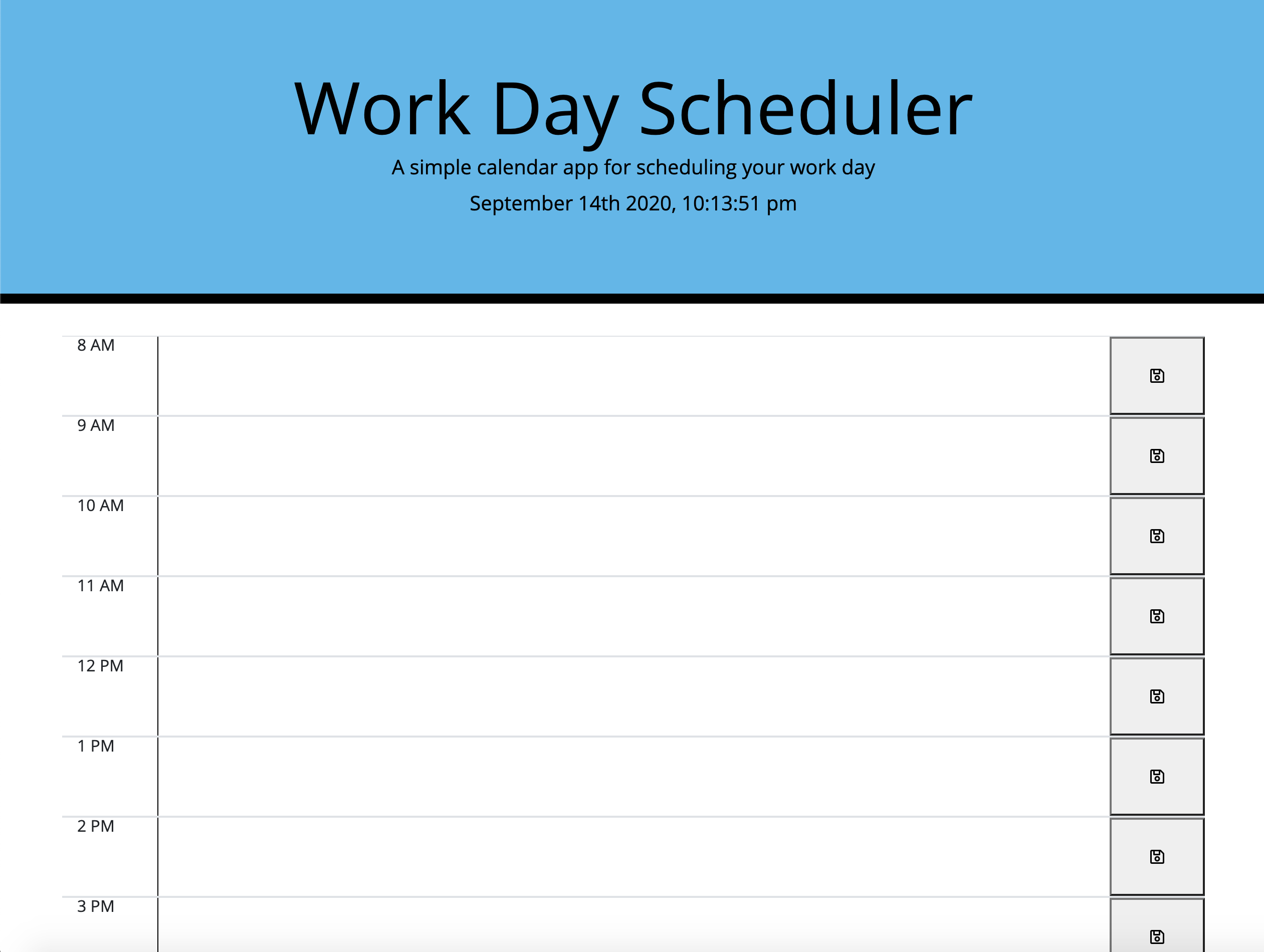
This calender application will feature HTML and Css powered by jQuery. When you open the planner, the current workday should be displayed at the top of the calender. As you scroll down you will be presented with timeblocks for your typical buissiness hours. The timeblocks will be color coded to indicate whether the task is in the past present or future, to make the layout more organized. If you click on a timeblock you can enter an event and once you press save the timeblock will save what you've entered. The text is saved in local storage and if you refreash the page, the saved events will still exist. This application will help its users manage their time more effectively, alongside the demands of a busy life.
Deployed: https://lillianparis.github.io/work-day-scheduler/ Repository: https://github.com/lillianparis/work-day-scheduler
To install necessary dependencies, run the following command:
npm install
This repository was created by: Lillian Paris.
npm test
Github: lillianparis
lillian.paris529@gmail.com

Source Source = https://momentjs.com/
If you have any questions about the repo, you may contact me directly at lillian.paris529@gmail.com. You can find more of my work at lillianparis