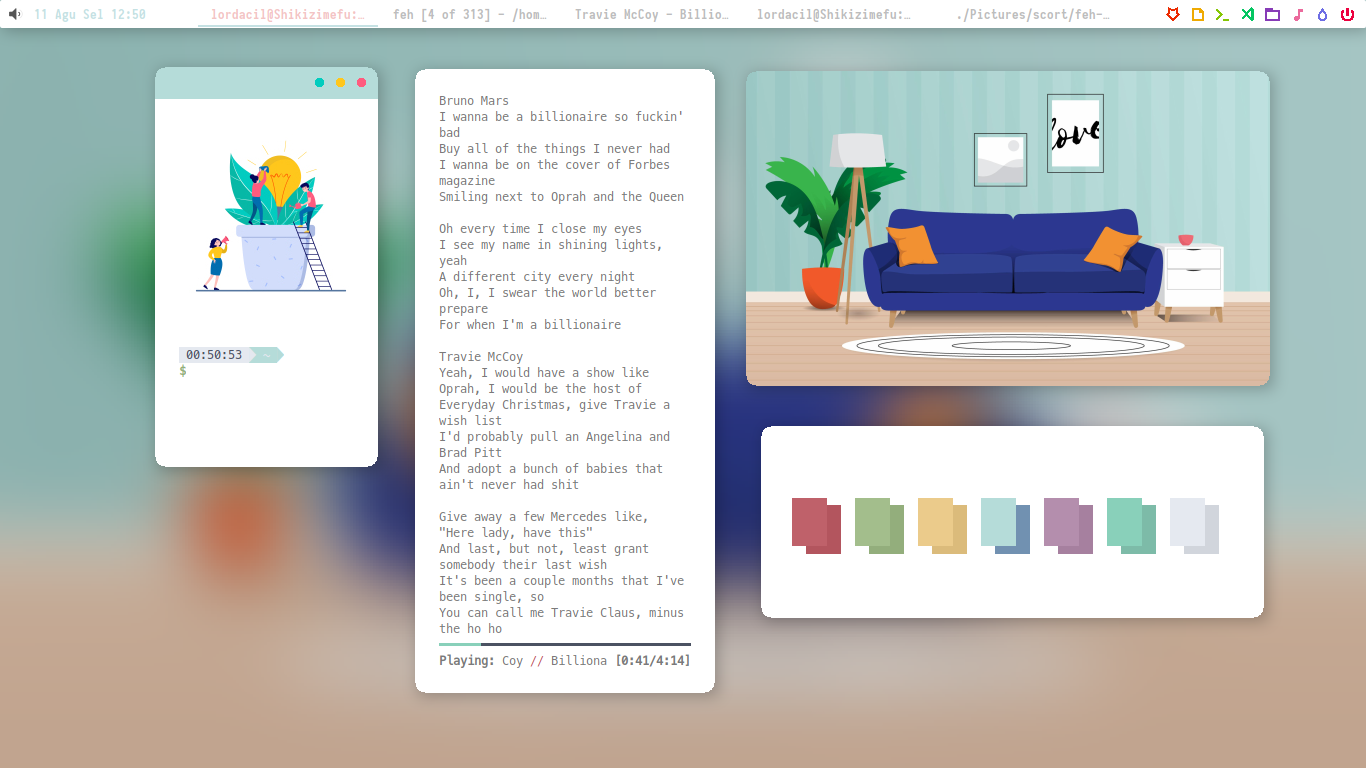
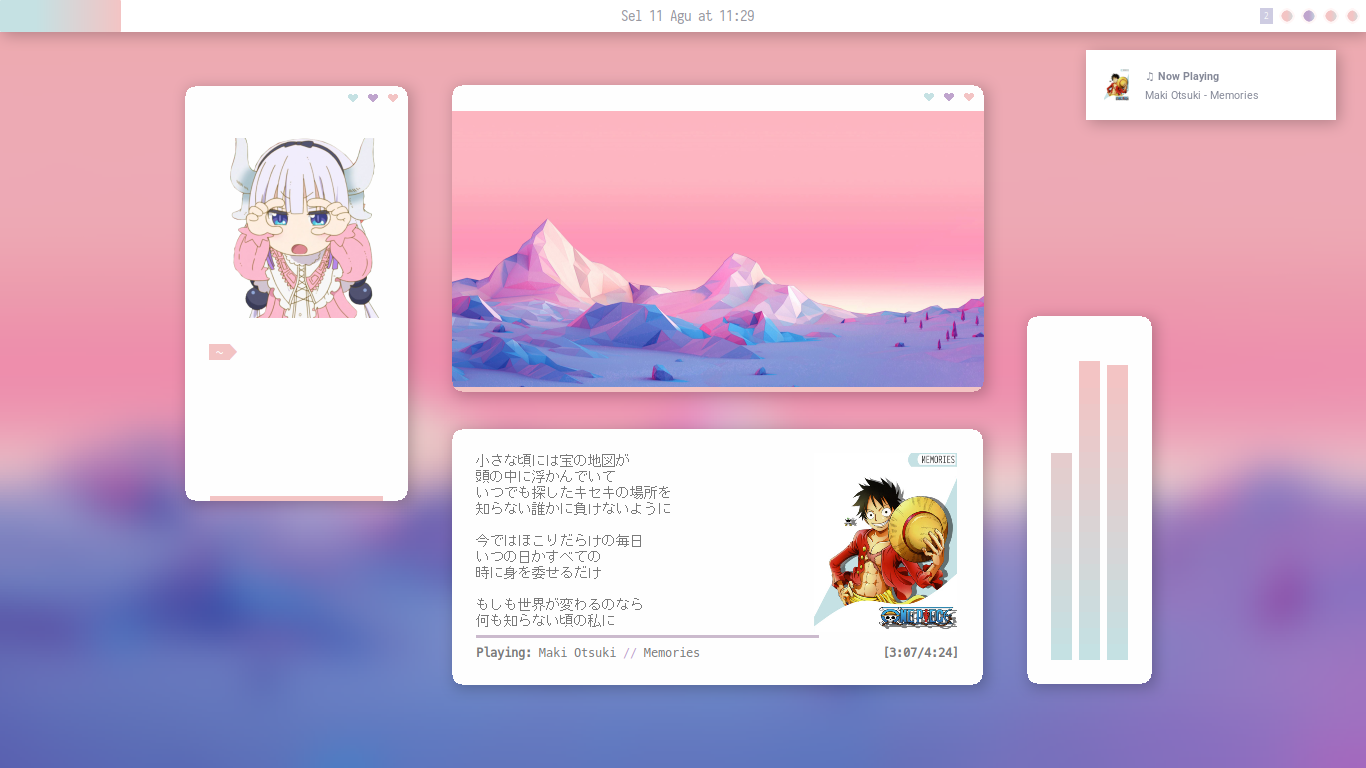
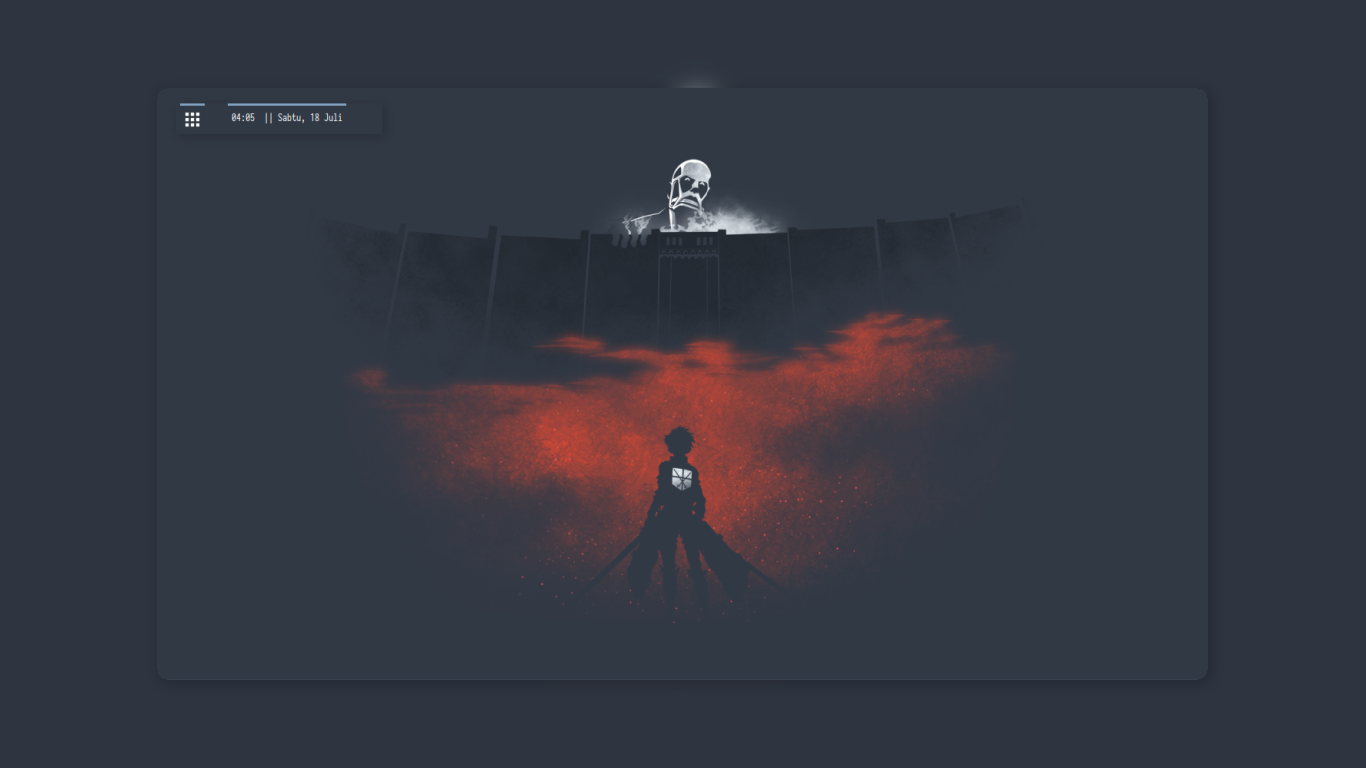
- Distro Manjaro
- WM Openbox
- Desktop Environment None
- Launcher Rofi
- Terminal URxvt
- Terminal Font MesloLGS NF
- Theme Openbox Venta
- Style Openboxs Fantome
- Compositor Picom
- Icons La-Sierra
- Cursor Breeze
- Web Browser Firefox
- Encoder/Decoder ffmpeg
- Task Manager HTOP
- Image Viewer Viewnior
- Sound Mixer PulseAudio
- Notification Daemon Dunst
- CLI Image Viewer Feh
- CLI Text Editor Vim
- Graphic Editor GIMP
- Screenshoot scrot
- Wallpaper Handler nitrogen
- Brightness Manager xbacklight
- Music Player Audacious
- Office Suite WPS
- Super Launch jgmenu
- Super + E Launch URxvt
- Alt + Tab Switch to next window
- Super + Tab Launch skippy-xd
- Super + 1~4 Goto desktop
- Alt + R Resize window
- Alt + 1 Move window
- Alt + 2 Toogle Max window
- Alt + 3 Toogle Decoration window
- Alt + f2 Launch Rofi
- Alt + print Launch scrot
- Super + f Launch Filemanager
- Ctrl + Alt + L Lockscreen
Run feh-blur. (Tip: optionally, you can pass -d to it to run it in the background.)
# Step 1: run the feh-blur service
$ feh-blur

 >> Monitoring changes
    feh-blur will now blur any wallpapers set using 'feh'.

 >> Found wallpaper
    /home/rsc/wallpapers/unsplash.jpg
    Generating blurred images... done.
Set a wallpaper using [feh]. You can do this before starting feh-blur, or while feh-blur is running.
feh --bg-fill "/path/to/yourwallpaper.jpg"
See feh-blur --help for full usage options.
Install feh-blur somewhere. You may also need some dependencies, install them using your Linux distro's appropriate package manager.
# Arch Linux
sudo pacman -S wmctrl graphicsmagick feh

# Ubuntu and alike
sudo apt install wmctrl graphicsmagick feh