

Sponsored by  Cloudflare
Animated ascii art for web pages.
169 pieces for React, Next.js, Astro or plain HTML.
ascii.rest · install · pieces · contributing




Written in TypeScript by @bas3line. 191 pieces, from full-colour scenes to loaders, charts, language logos, Linux distros, spinning shapes and physics. The donut above turns on a page with one tag: <ascii-art piece="donut"></ascii-art>. See them all at ascii.rest.
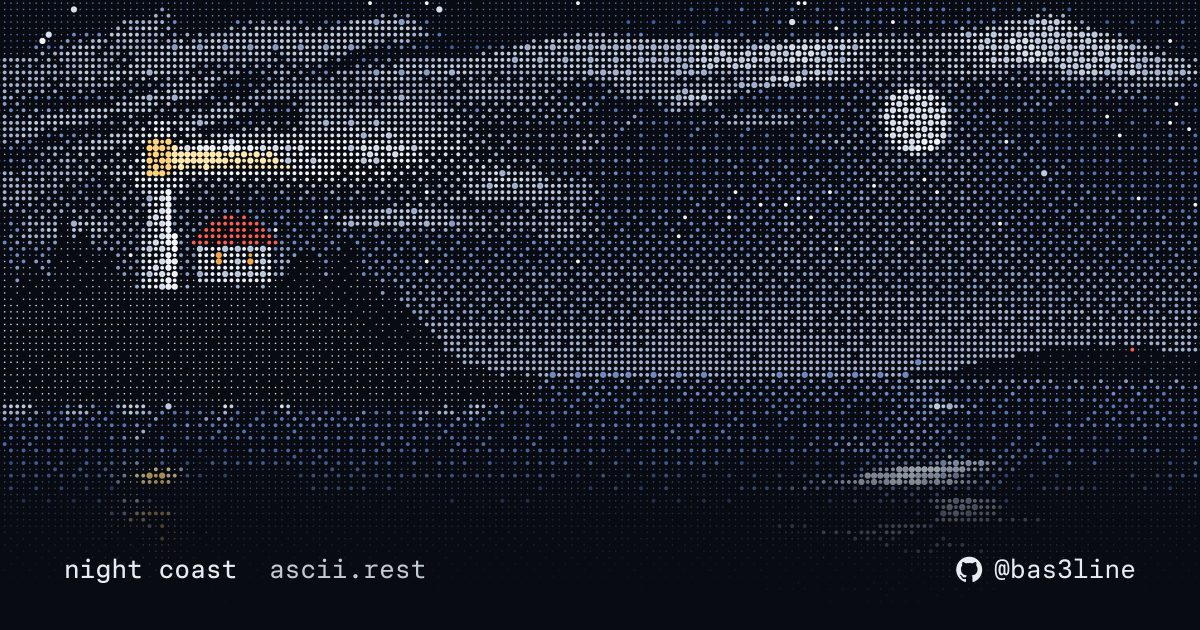
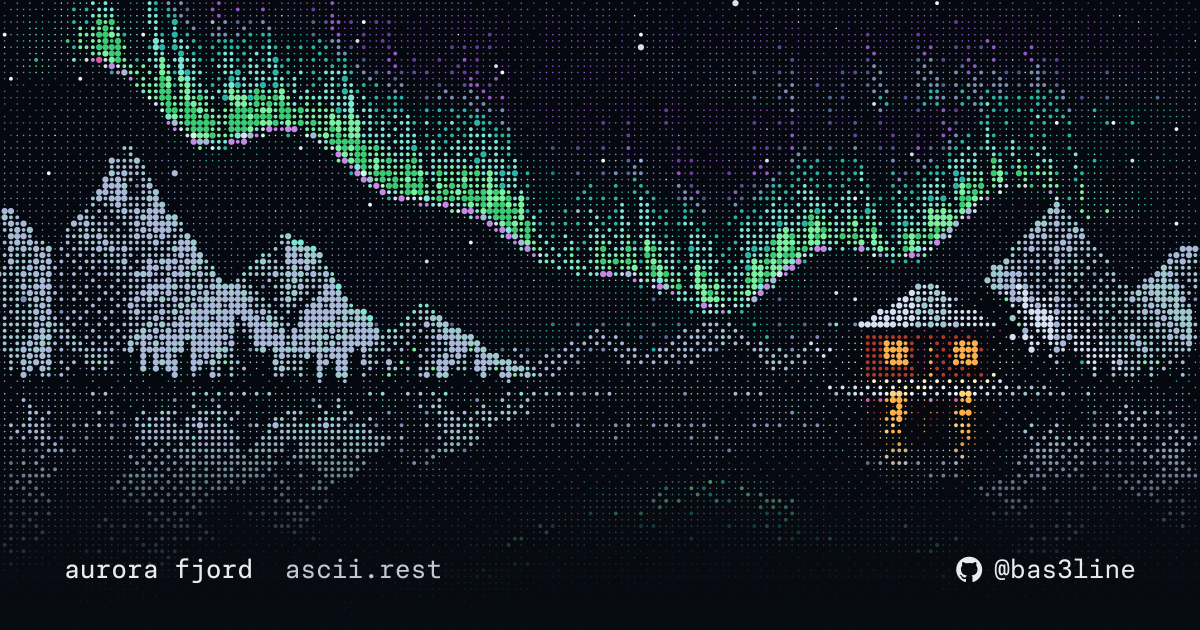
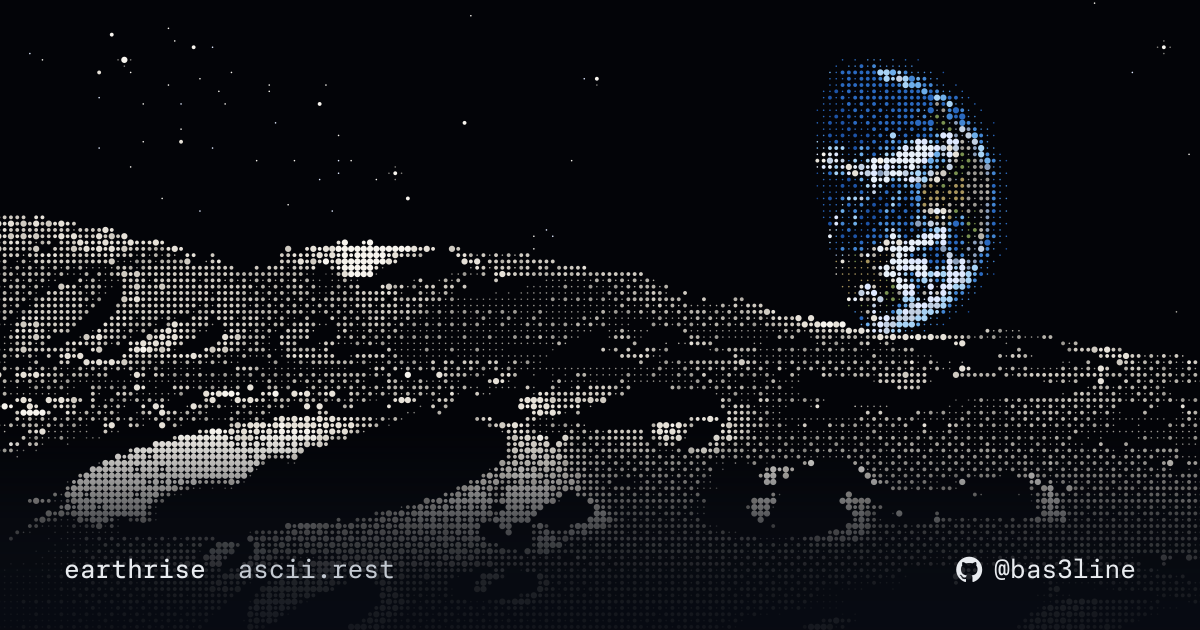
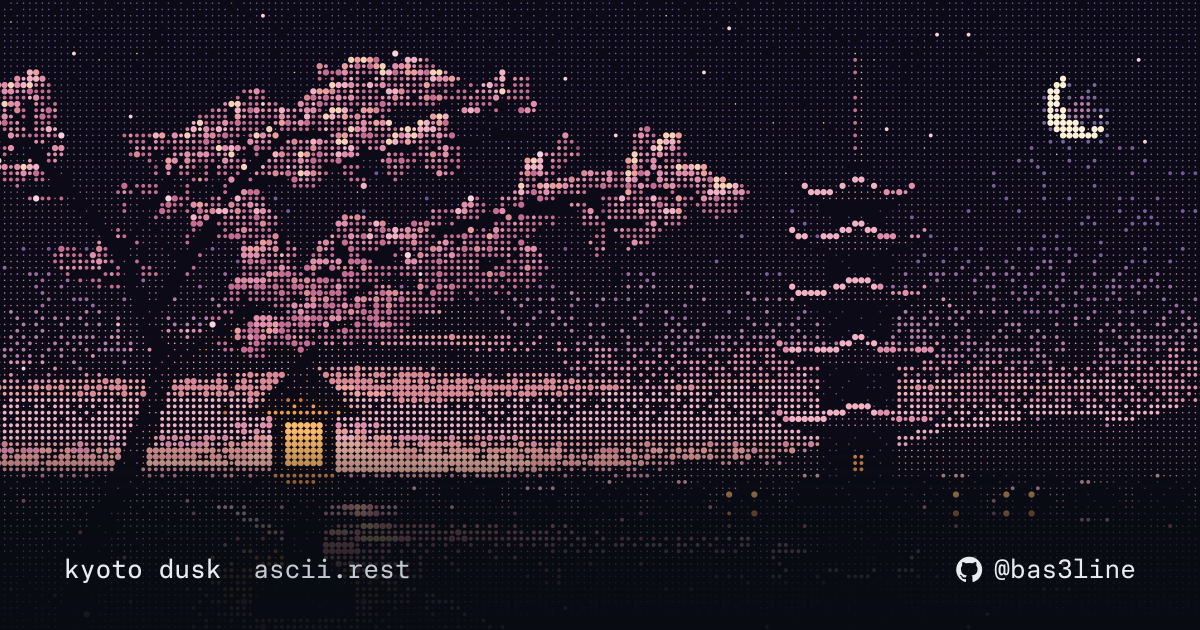
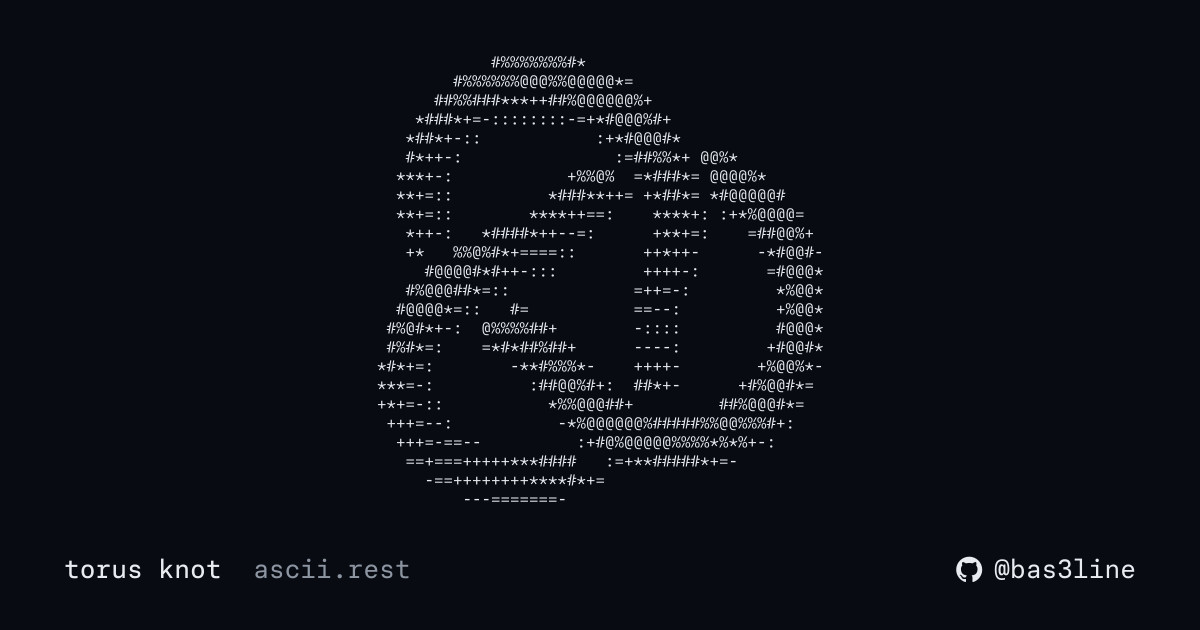
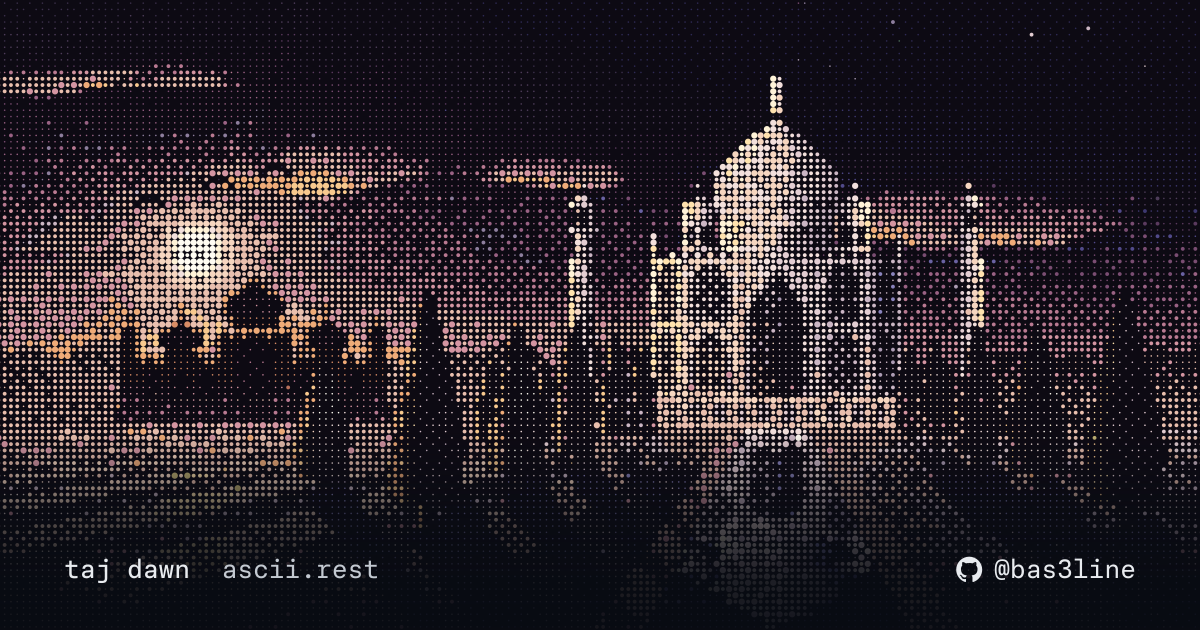
I've always been a fan of Markdown files and terminal-style websites: plain text, one monospace face, nothing that moves without a reason. The kind of quiet web that planetscale.com does well. So I made this, a way to put a little motion on pages like that without giving up the style. If you like minimalism, this library is for you.
npm install github:bas3line/asciiIt installs as ascii.rest and builds itself on install. Or skip installing: the HTML tag loads everything from ascii.rest.
import { Ascii } from "ascii.rest/react";
import { donut } from "ascii.rest/pieces";

<Ascii piece={donut} />
<Ascii piece="night-coast" />                          // fetched by name when it mounts
<Ascii piece={donut} options={{ fps: 12 }} className="art" />
<Ascii piece="rust" mono />                            // a logo in one ink
Ascii is a client component ("use client"), so it goes straight into the Next.js app router. Text pieces draw into a <pre> in its colour and font size; the coloured ones, scenes, logos and distros, draw onto a <canvas> as wide as its container, or into a <pre> in one ink with mono.
---
import Ascii from "ascii.rest/astro";
---

<Ascii piece="donut" />
<Ascii piece="big-text" options={{ text: "hello" }} class="banner" />
The first frame is rendered on the server, so the page is whole before any script runs; the piece starts playing once the page loads.
<script type="module" src="https://ascii.rest/ascii.js"></script>

<ascii-art piece="donut"></ascii-art>
Style it like text: ascii-art { font-size: 10px; color: teal; }. The logos and distros come in their own colours; add mono, <ascii-art piece="rust" mono>, to draw one in the text's colour instead. In a bundled app, import "ascii.rest/element" defines the same tag.
import { mount } from "ascii.rest";
import { donut } from "ascii.rest/pieces";

const stop = mount(document.querySelector("pre")!, donut, { fps: 12 });Plays piece in element and returns a function that stops it.
element: a<pre>for text pieces, a<canvas>for the coloured ones (canvas.has(name)tells you which). A coloured piece in a<pre>is drawn in one ink.piece: a piece module, such asdonutfromascii.rest/pieces.options: overrides the piece's option defaults, plusfpsto change its frame rate, andmotion: trueto play even when the reader prefers reduced motion. Pieces hold their first frame for those readers by default; setmotiononly behind a control the reader chooses, like the site's[play anyway].
From ascii.rest. load["night-coast"]() imports any piece by name, names lists every name, canvas is the set of pieces drawn on a canvas, and isPiece(name) narrows a string to a piece name.
| prop | type | |
|---|---|---|
piece |
piece module or name | a module is bundled, a name is fetched when it mounts |
options |
object | option overrides, and fps |
label |
string | what it shows, for screen readers; the piece's name by default |
mono |
boolean | draws a coloured piece in one ink, in a <pre> |
className, style |
passed to the <pre> or <canvas> |
piece (a name), options, fps, label, mono and class.
| attribute | |
|---|---|
piece |
a piece's name: donut, night-coast |
src |
or the URL of any module that follows the piece contract |
fps |
overrides the frame rate |
options |
JSON overriding the option defaults: '{"text":"hello"}' |
label |
what it shows, for screen readers |
mono |
draws a coloured piece in one ink, the text's colour |
Any current browser: it needs ES modules, custom elements and IntersectionObserver, plus ResizeObserver for the coloured pieces. Importing any module on a server, for server rendering, is safe: nothing touches the DOM until a piece is mounted.
Many pieces draw with box drawing and block glyphs (─ │ ╭ █ ▄ ░). Where the system monospace face has none, as on Android, the tag and the Astro component take them from "ascii.rest mono", a 3 KB cut of JetBrains Mono (OFL) served by ascii.rest, so every row keeps its width. Only a browser that lacks the glyphs fetches it. With React, put it in your own <pre>'s font stack:
@font-face {
  font-family: "ascii.rest mono";
  src: url("https://ascii.rest/fonts/ascii-rest-mono.woff2") format("woff2");
  unicode-range: U+00B0, U+00B7, U+2022, U+2500-259F, U+25CF;
}
pre.art { font-family: ui-monospace, SFMono-Regular, Menlo, Consolas, "Liberation Mono", "ascii.rest mono", monospace; }The logos and distros are drawn from devicon (MIT) and Simple Icons (CC0). Each is a trademark of its owner, shown here to name the language or the distribution.
New pieces, fixes and ideas are welcome. CONTRIBUTING.md covers the piece contract, the checks and how to open a pull request, and the code of conduct applies everywhere. Found a security problem? See SECURITY.md.
Made by @bas3line. If you use it, a link back is appreciated, and so is a star.
MIT, © @bas3line