A local-first desktop app for fast subtitle and caption editing.
Import, edit, and export captions — burn them into video or embed them as switchable subtitle tracks.
No cloud, no upload, no subscription required.
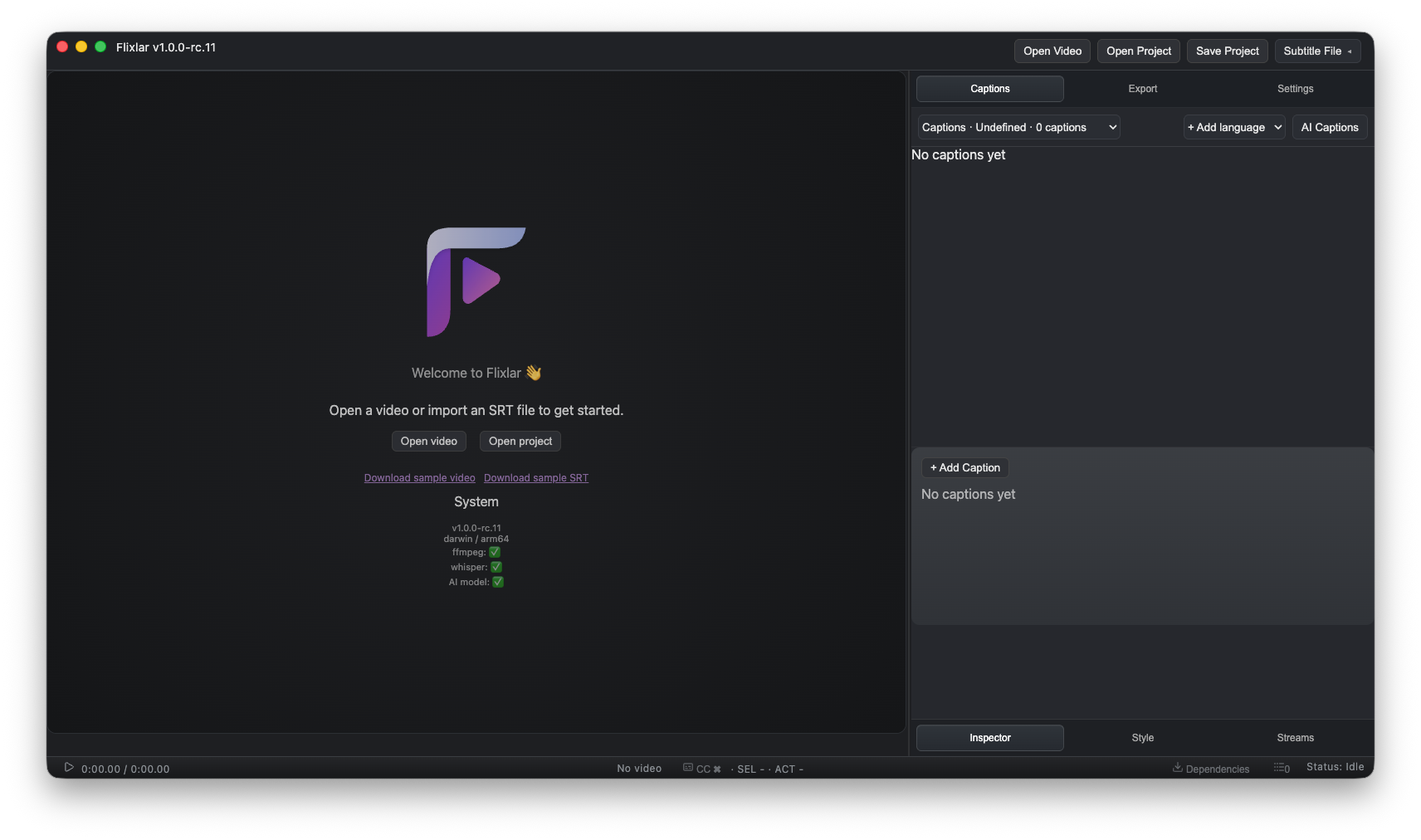
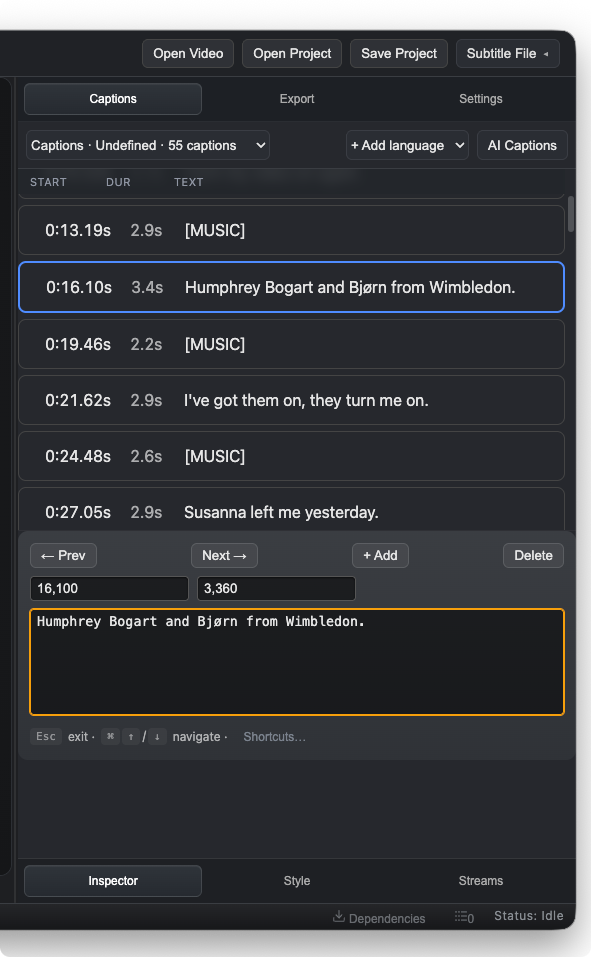
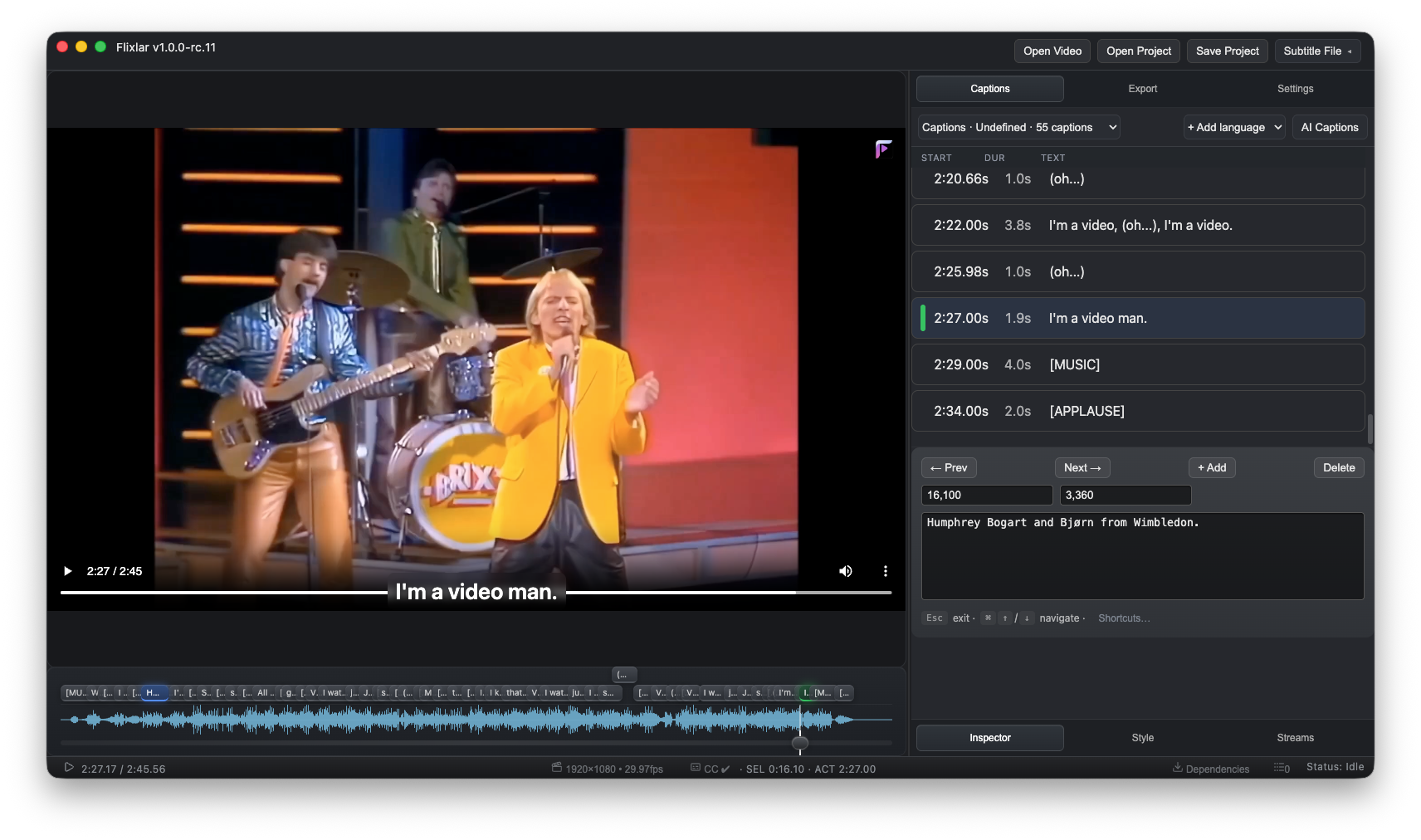
- Caption editing — create, edit, and navigate captions on a visual timeline with a waveform view
- Multilingual subtitle tracks — manage and embed multiple subtitle languages in a single project
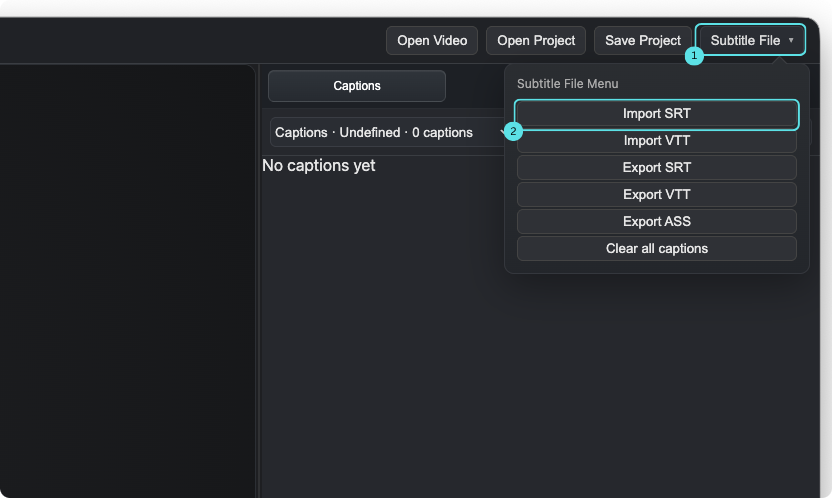
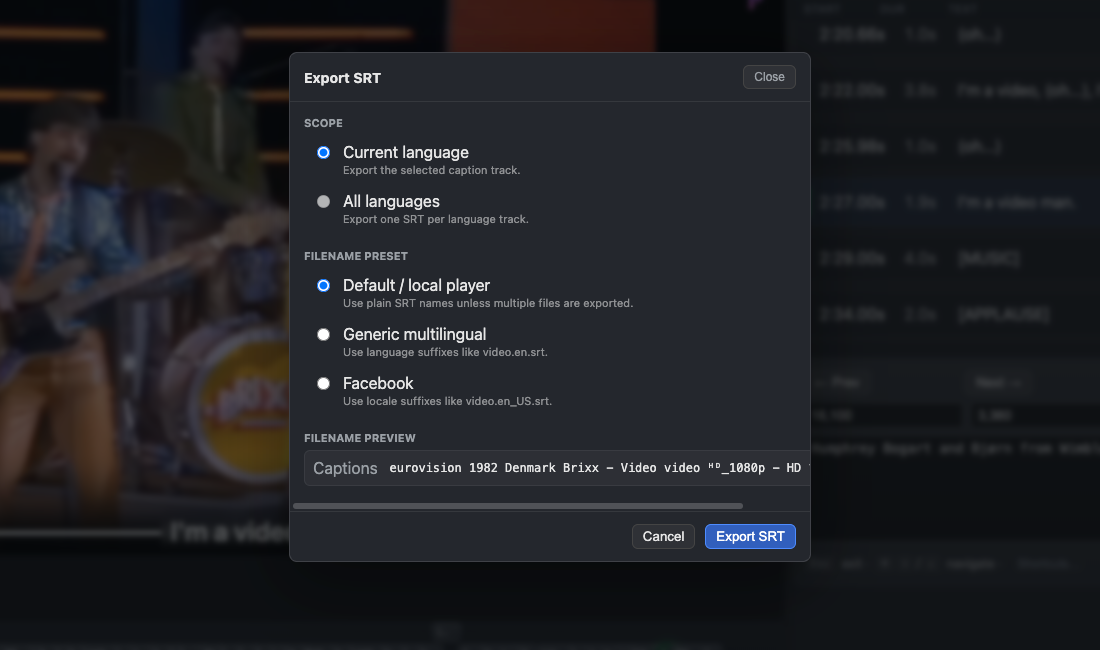
- Subtitle formats — import and export SRT, WebVTT, and ASS
- MP4 & MKV export — burn captions directly into video (re-encodes video, audio stays lossless), or embed subtitle tracks as a switchable option with zero re-encoding of video or audio — only the subtitle stream itself is converted
- Local AI captions — generate captions offline with a local Whisper model (
tiny,base, orsmall— nomedium/largemodels at this time) - Effect Editor (beta 1) — describe a visual effect in plain language, paste back AI-generated canvas code from any AI tool, and preview it live over your video's waveform and duration; export as a PNG sequence or transparent WebM, or save it as a reusable project layer
- 100% local — all processing happens on your own machine; no cloud rendering, no account required
 |
 |
 |
 |
 |
Flixlar is available for macOS, Windows, and Linux.
Download the latest release → flixlar.com/download
Flixlar uses FFmpeg/FFprobe for video export and metadata, and a local Whisper runtime for offline AI captions. Most users won't need to install anything manually:
- On first run, Flixlar can automatically download and manage its own FFmpeg/FFprobe and Whisper runtime.
- Alternatively, Flixlar detects an existing global FFmpeg install (e.g. via Homebrew on macOS), or you can point it at a custom runtime path yourself.
- Local AI captions currently support the tiny, base, and small Whisper models — there's no
mediumorlargemodel option yet.
Note for Intel Macs (macOS x64): automatic runtime download isn't available on Intel-based Macs yet — only Apple Silicon, Windows and Linux get it. On an Intel Mac, install FFmpeg via Homebrew (or point Flixlar at a custom runtime path) to use the features that need it.
Flixlar is currently in release candidate / public beta, and free to use:
- All core subtitle editing features are available without a license.
- Free exports include a small Flixlar watermark. A free license (delivered by email, no payment required) removes it — see flixlar.com/get-license.
This repository exists for discovery purposes only — it doesn't contain the application's source code, which is developed in a private repository. See LICENSE: this repo's documentation is MIT-licensed, but the Flixlar application itself is proprietary, © Flixlar.
- Website: flixlar.com
- Changelog: flixlar.com/changelog
- Report a bug: flixlar.com/report-bug
- Request a feature: flixlar.com/feature-request