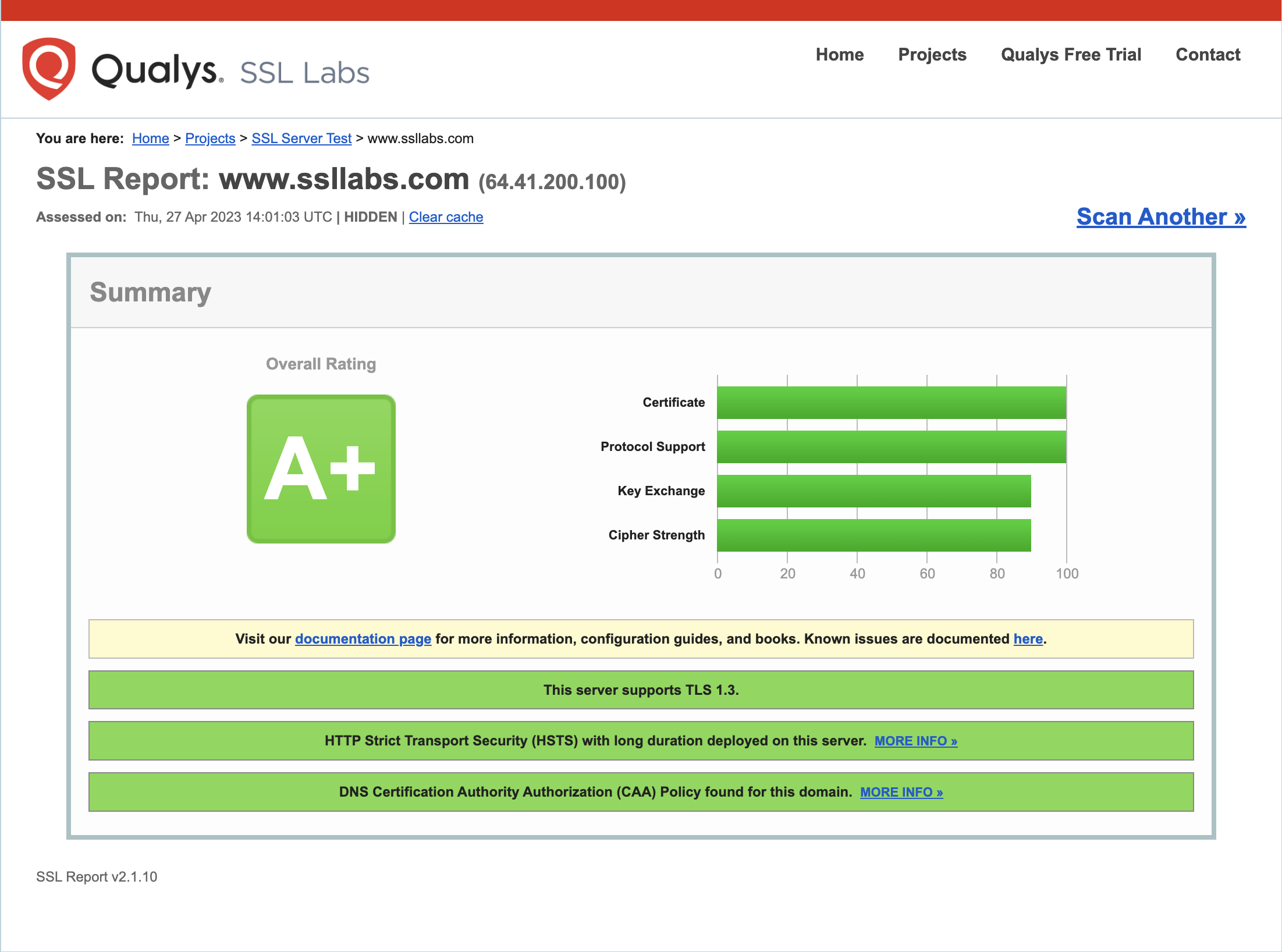
A Python package to capture a trimmed screenshot of the SSL Labs report for a given domain.
- Python 3.6 or newer
- Chrome browser version 89 or later
- ChromeDriver
-
Install using pip:
pip install ssl-labs-screenshot -
Download the latest version of ChromeDriver from the following link: https://sites.google.com/chromium.org/driver/downloads
-
Extract the contents of the downloaded ZIP file.
-
Either move the ChromeDriver executable to a directory that is already included in your system's
PATHenvironment variable, or add the directory containing the extracted ChromeDriver executable to your system'sPATHvariable.
Run the script with the following command:
ssl-labs-screenshot domain.com
Replace domain.com with the domain you want to test. The script will open a headless Chrome browser and load the SSL Labs report for the domain. It will capture a temporary screenshot of the report and save it as a PNG file in the same directory as the script, with the name domain_report_tmp.png. The script will delete the temporary screenshot after the trimmed image is created with the name domain_report.png
The script only captures the first server's report for domains with multiple servers.
The scripts and documentation in this project are released under the MIT License