Bamboo theme is a dark theme for Sublime Text 3. The syntax color scheme is mostly derived from previous djangoproject.
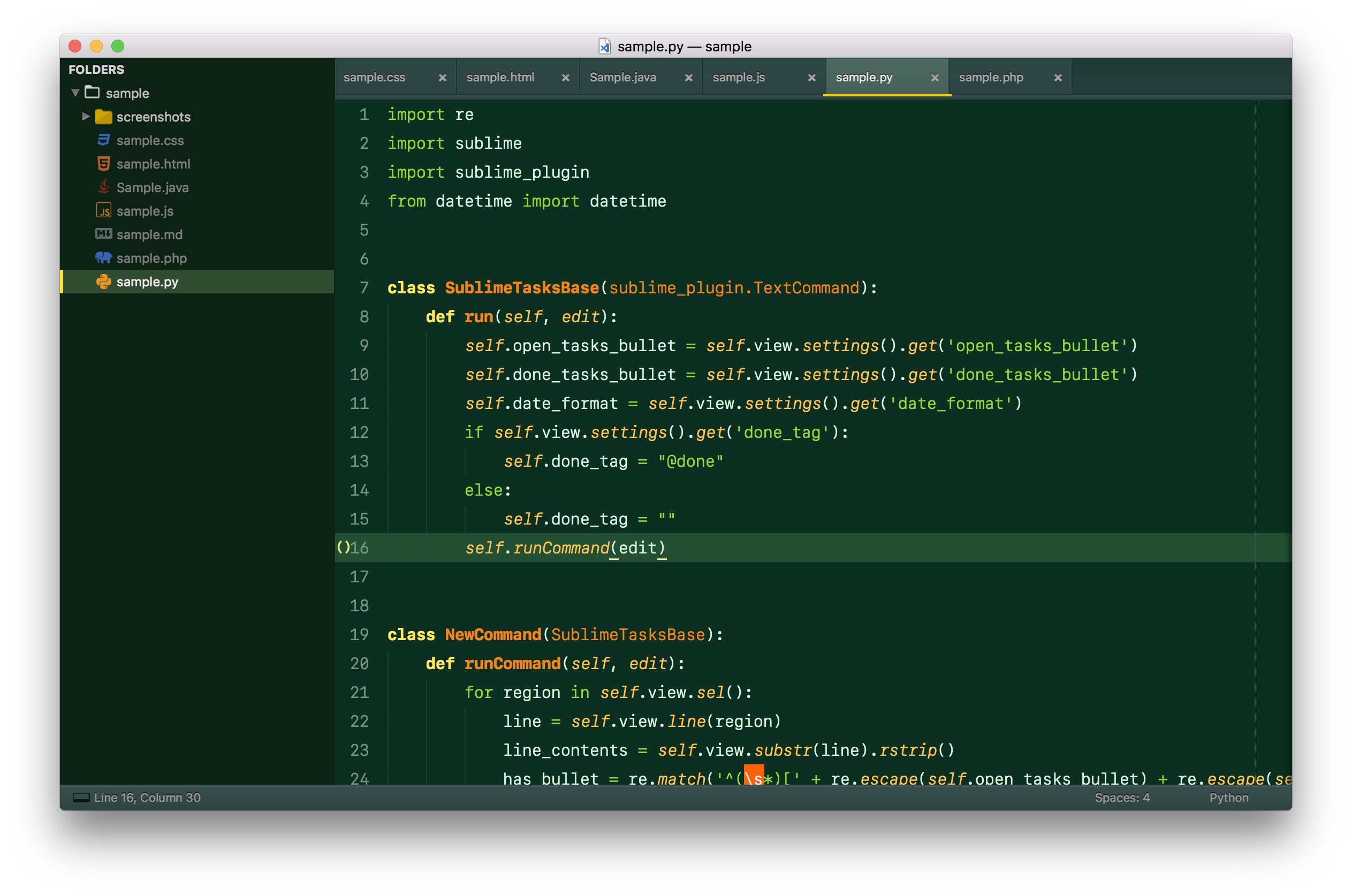
You can install this theme through the Package Control. Search for "Theme Bamboo" and install
Activate the theme with the following preferences at (Preferences > Setting - User):
{
    "theme": "Bamboo.sublime-theme",
    "color_scheme": "Packages/Theme - Bamboo/Bamboo.tmTheme"
}
Note : Remember to restart Sublime Text after activating the theme.
enjoy!
--
Locate your Sublime Text Packages directory by using the menu item Preferences -> Browse Packages....
Then, clone the repository using this command:
git clone https://github.com/gzhihao/bamboo-theme.git "Theme - Bamboo"
Activate the theme by edit the user setting as described easy installation
Download the latest release, extract and rename the folder to "Theme - Bamboo".
Move the folder inside your sublime Packages directory. (Preferences > Browse packages...)
Activate the theme by edit the user setting as described easy installation
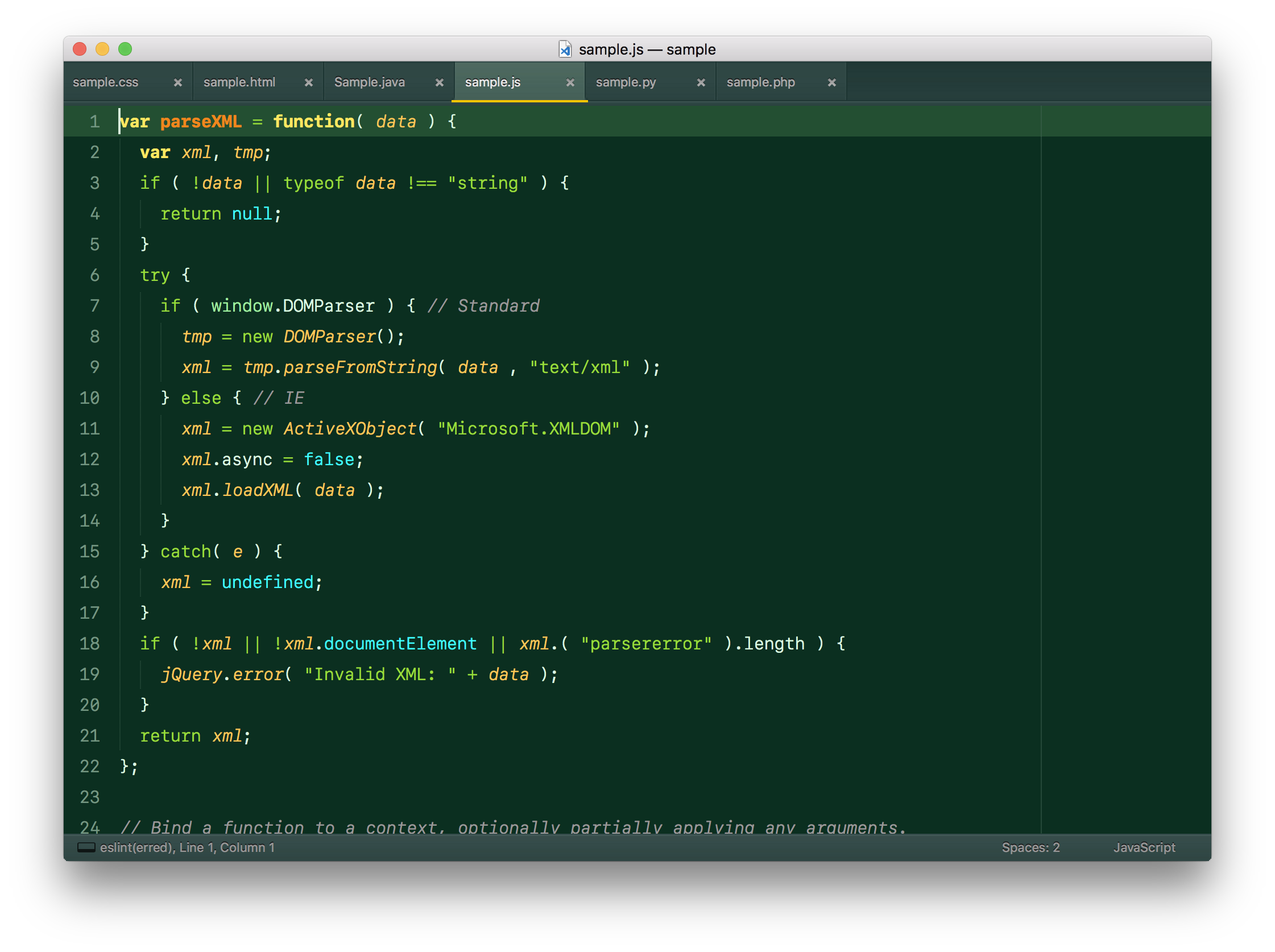
javascript
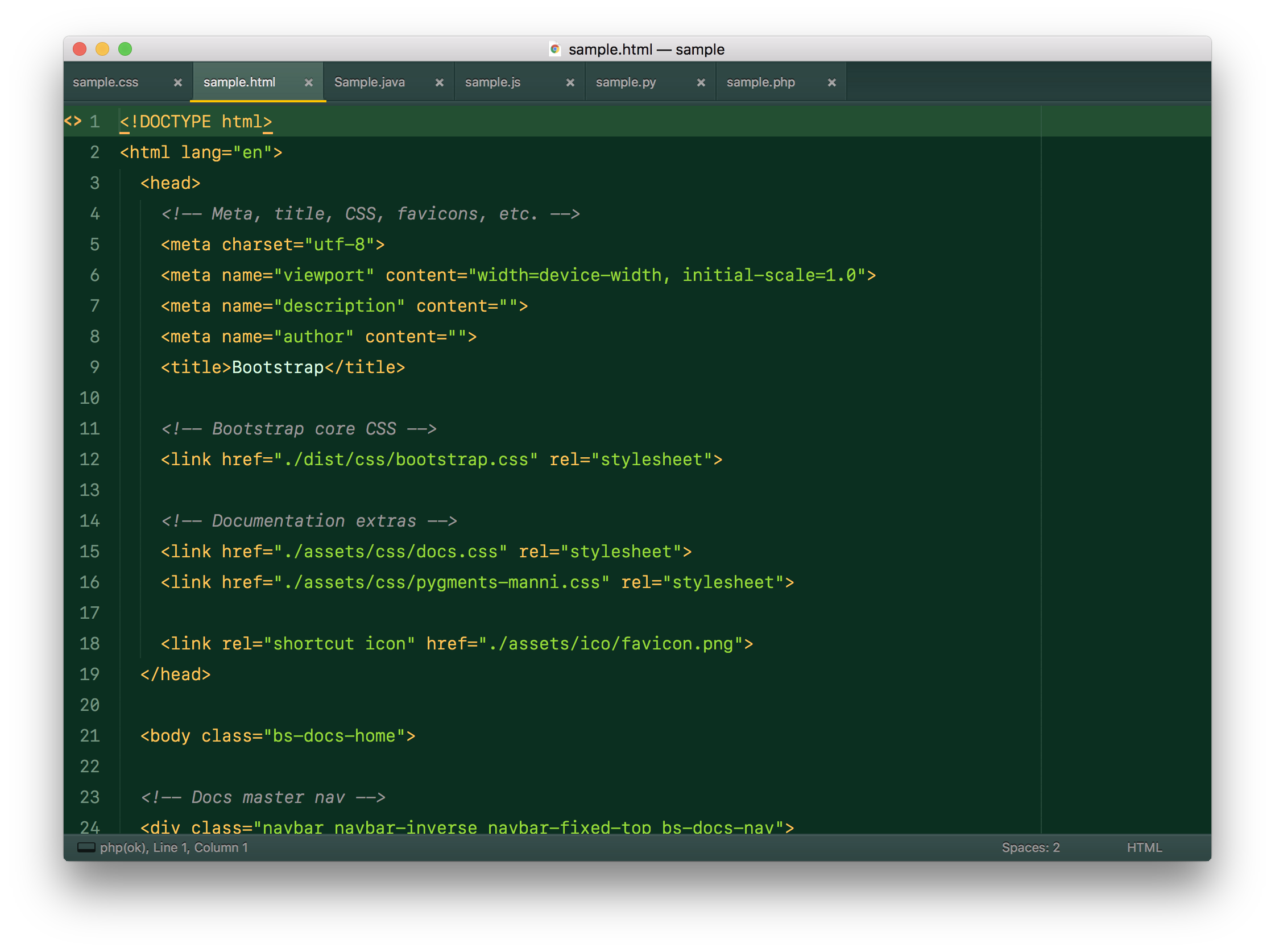
HTML
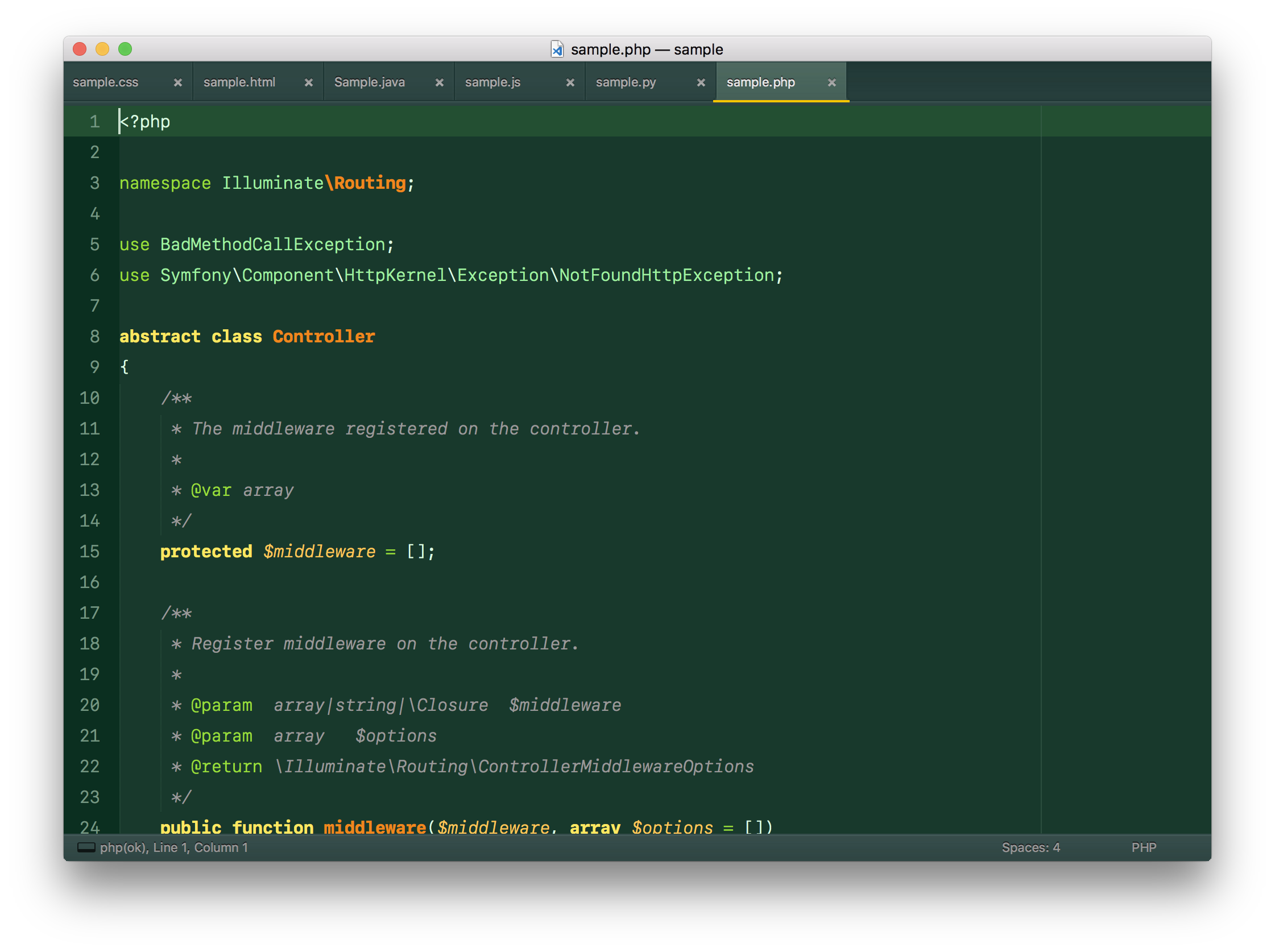
PHP
JAVA
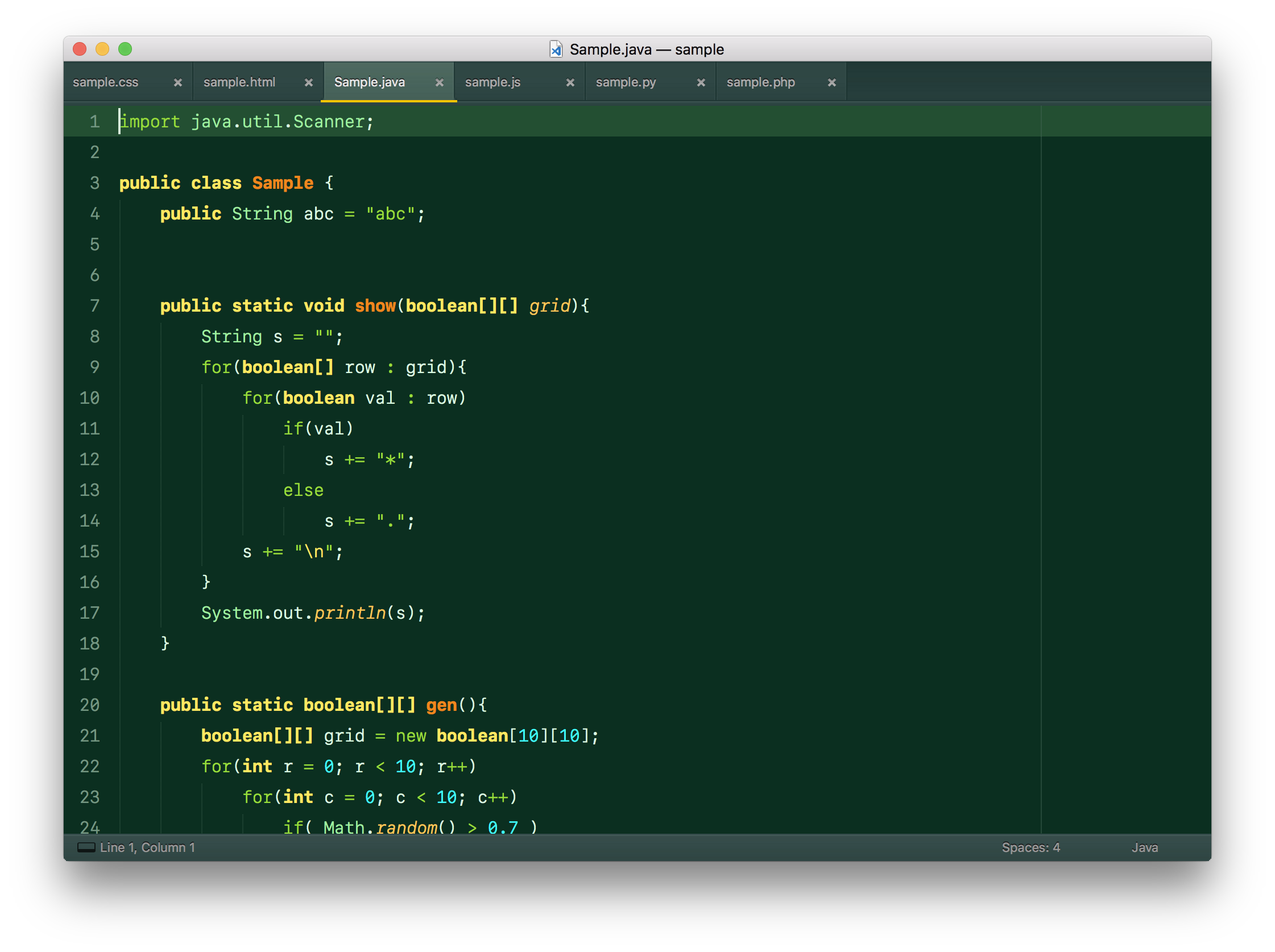
- Retina Resolution UI
This theme is based on the great Cobalt2 Theme