
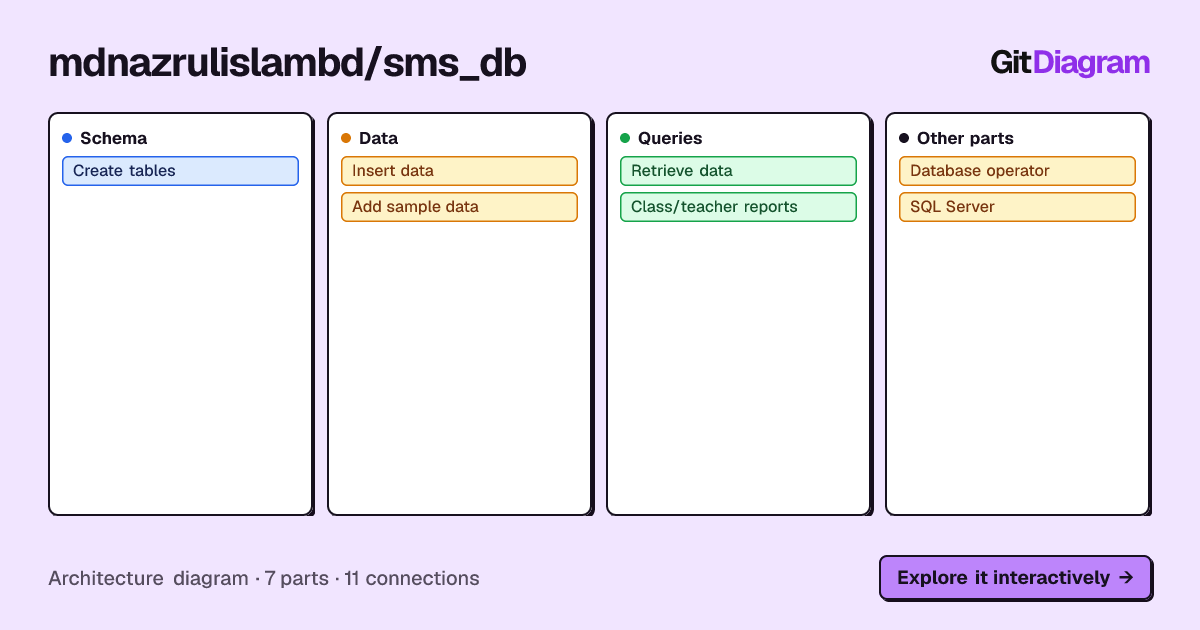
A SQL Server database project for a School Management System, containing database table creation scripts, sample/test data, data insertion queries, selection queries, and reporting queries.
This project focuses on the database layer of a School Management System.
It demonstrates how to design and work with a relational database for managing school-related information such as classes, teachers, subjects, and their relationships.
The repository contains SQL scripts that can be executed in Microsoft SQL Server / SQL Server Management Studio (SSMS).
- 🏗️ Database table creation scripts
- 📝 Data insertion queries
- 🧪 Test/sample data
- 🔍 SELECT and data retrieval queries
- 📊 Class, teacher, and subject reporting queries
- 🗃️ Relational database structure
- 🔗 Queries involving relationships between school entities
SMS_DB/
│
├── Table_Create_Query.sql
│   └── Creates the database tables
│
├── Data_Add_Query.sql
│   └── Inserts data into the tables
│
├── DataBase_Test_Data_add.sql
│   └── Adds test/sample data
│
├── Select_Query.sql
│   └── Contains data retrieval queries
│
├── Class_Techer_Subject_Report.sql
│   └── Queries for class, teacher, and subject reports
│
└── README.md
- Microsoft SQL Server
- T-SQL
- SQL Server Management Studio (SSMS)
This project demonstrates practical SQL/database concepts including:
- Database table design
- Primary keys
- Foreign keys
- Relationships between tables
- Data insertion
- Data retrieval
- Filtering and querying
- Relational data management
- Reporting queries
- Test data management
Install one of the following:
- Microsoft SQL Server
- SQL Server Management Studio (SSMS)
git clone https://github.com/mdnazrulislambd/SMS_DB.gitConnect to your local SQL Server instance.
Create a new database for the project.
For example:
CREATE DATABASE SchoolManagementSystem;
GO
Then select the database:
USE SchoolManagementSystem;
GORun:
Table_Create_Query.sql
This creates the required database tables.
Run:
Data_Add_Query.sql
You can also run:
DataBase_Test_Data_add.sql
to add sample/test data.
Use:
Select_Query.sql
to retrieve and inspect the stored data.
Run:
Class_Techer_Subject_Report.sql
to execute queries related to classes, teachers, and subjects.
After creating the tables and adding data, you can use queries such as:
SELECT *
FROM Teacher;
or retrieve related information using JOIN queries.
The main goals of this project are to:
- Practice SQL Server and T-SQL
- Understand relational database design
- Build a database for a real-world school management scenario
- Practice creating and querying related tables
- Work with test data
- Create useful reporting queries
Possible improvements include:
- Add a complete database schema/ER diagram
- Add stored procedures
- Add views
- Add user-defined functions
- Add database constraints and validation
- Add indexes for frequently queried columns
- Add more reporting queries
- Add attendance tables
- Add examination/result tables
- Add student payment/fee tables
- Add database backup and restore documentation
A database/ER diagram can be added here to make the project easier to understand.
[Student] ─────── [Class]
                    │
                    │
                 [Subject]
                    │
                 [Teacher]
Replace this example with the actual database relationship diagram when available.
MD Nazrul Islam
GitHub: @mdnazrulislambd
⭐ If you find this project useful, consider giving it a star.