

PSWriteExcel is very basic (at the moment) PowerShell module to create Microsoft Excel workbooks without Microsoft Excel installed. It's main purpose is to support/create Excel for PSWinDocumentation project. Depending on requirements of this project (and maybe few others) it may evolve or cover more feature sets. After some basic testing it seems to work fine on Windows and Linux and MacOS.
More information can be found on dedicated page for PSWriteExcel module.
- Long way -
New-ExcelDocument,Add-ExcelWorkSheet,Add-ExcelWorksheetDataand finallySave-ExcelDocument - Short way -
$Object | ConvertTo-Excel -Path 'Export.xlsx' -WorkSheetName 'MyName'
There are couple of more commands in play that may come useful. Feel free to explore.

- 0.0.16 - 15.02.2019
- Added -TableStyle ConvertTo-Excel
- Added -TableStyle Add-ExcelWorksheetData
# Download the Microsoft repository GPG keys
wget -q https://packages.microsoft.com/config/ubuntu/16.04/packages-microsoft-prod.deb
# Register the Microsoft repository GPG keys
sudo dpkg -i packages-microsoft-prod.deb
# Update the list of products
sudo apt-get update
# Install PowerShell
sudo apt-get install -y powershell
# Start PowerShell
pwsh
For anything else refer to great Microsoft Article - Installing PowerShell Core on Linux
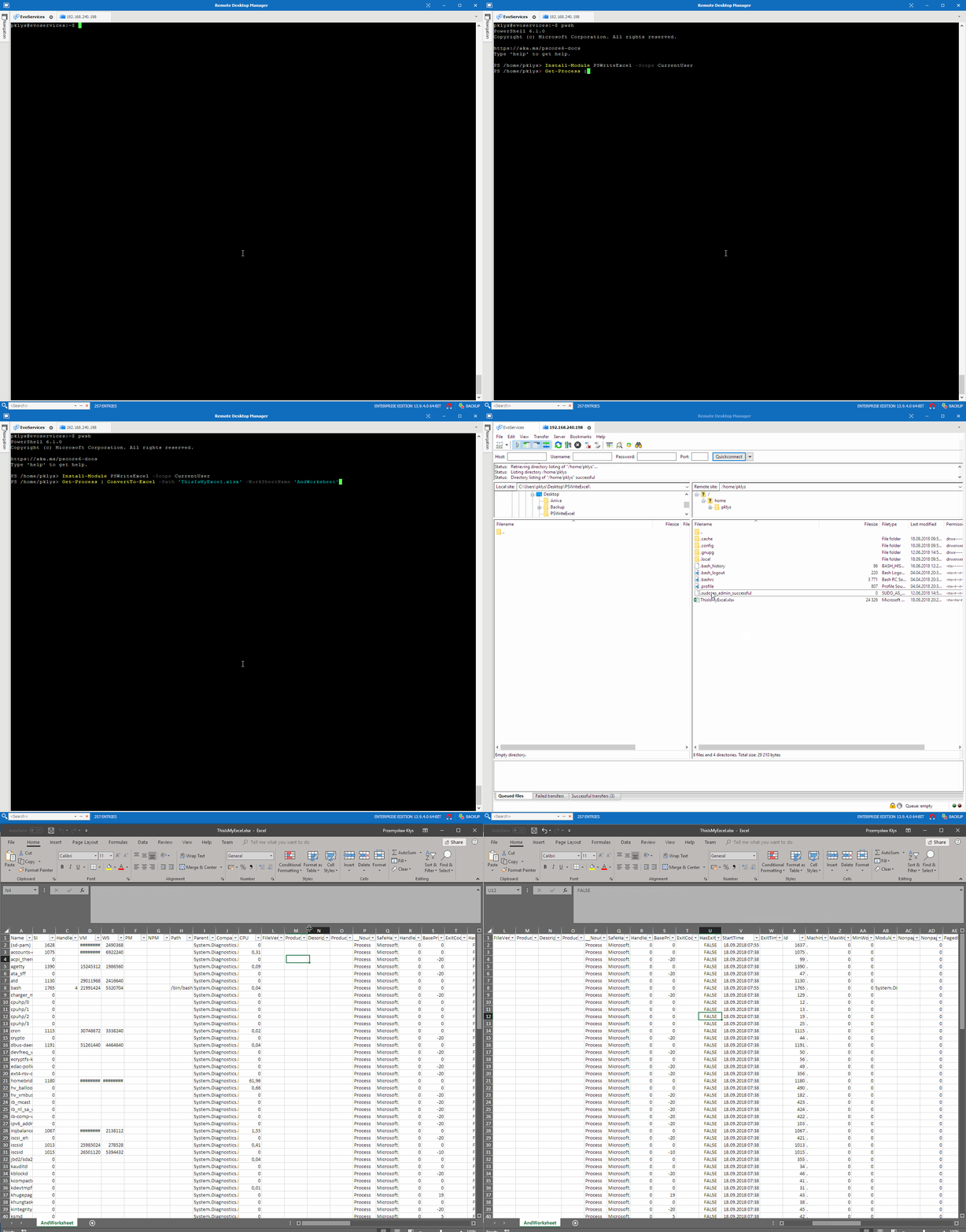
Install-Module PSWriteExcel -Scope CurrentUser
#Update-Module PSWriteExcelGet-Process | ConvertTo-Excel -Path 'ThisIsMyExcel.xlsx' -WorkSheetName 'AndWorksheet' -AutoFilter
This module is based on EPPlus and it's doing all the magic behind this project. PSWriteExcel is merely a wrapper around that with few PowerShell tricks around converting objects into tables.