Home
Welcome to the ros_jimmy package wiki!

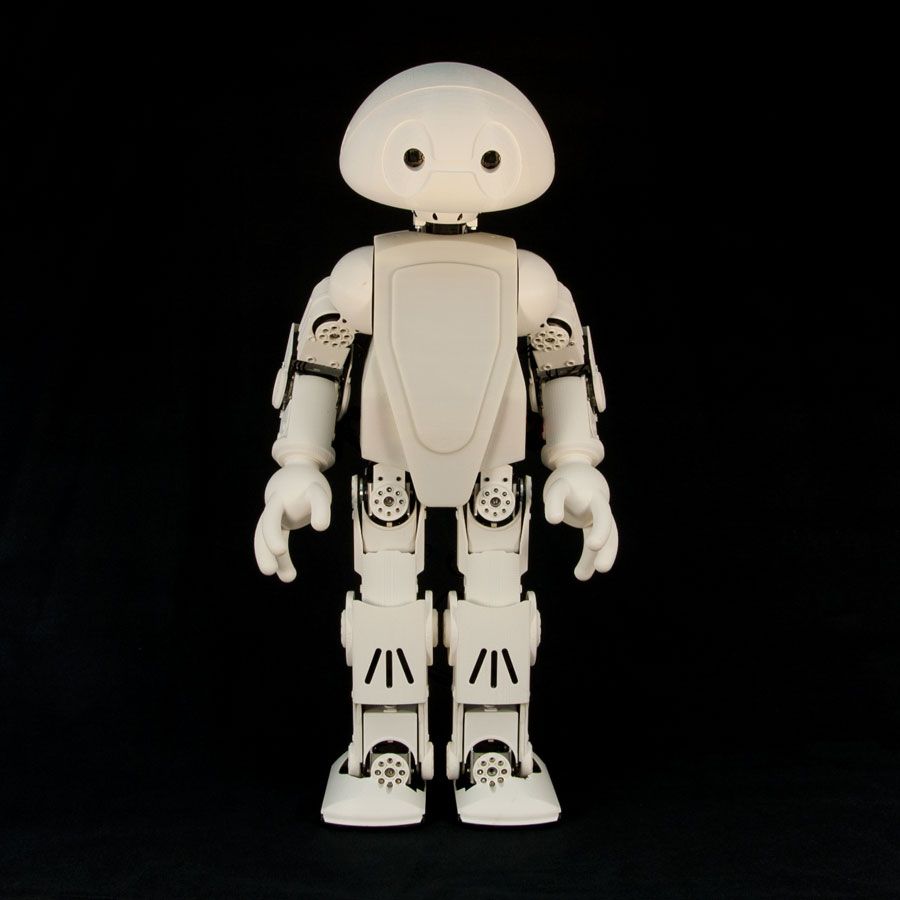

- Currently working on mapping joint states and motor states.
- Speech Recognition and synthesis
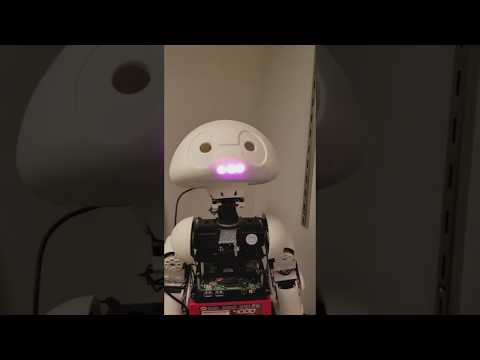
- Adding blinking light mouth to the robot
- MoveIt Integration
- The robot description files are from ros_hros5.
- The Interbotix HROS5-Framework is not required for this package.
- Instead of ArbotixPro controller board that comes with the robot, USB2Dynamixel adaptor is used in this project.
- RME (Robot Motion Editor) is replaced with Motion Creator V1.0. In this package, the Motion Creator node is used to create nodes frame by frame. It does the same work as RME and saves motion data in separate text (.txt) files.
- A Voice User Interface for Human-Robot Interaction
- USB2Dynamixel
- Powerhub
- 12V Power Supply
- HROS5
- Microsoft LifeCam USB Camera
- Operating System: Linux Ubuntu 14.04
- ROS Distribution: ROS Indigo
- Make sure dynamixel_controllers package is successfully installed
- Make sure USB port is available/accessible.
- Make sure id numbers and servo limits (min, max) are same as in the motor.yaml
- http://wiki.ros.org/dynamixel_controllers
- cd catkin_ws/src
- download the git repository
- cd ..
- source devel/setup.bash
- catkin_make
- make sure there are no error messages
- open a terminal and type
- cd catkin_ws
- source devel/setup.bash
CMUSphinx is used for offline speech recognition.
- git clone https://github.com/mikeferguson/pocketsphinx
- cd catkin_ws
- catkin_make
- roslaunch pocketsphinx robocup_r1.launch
- If it complains about the queue size, add queue_size = 10 to the publisher in recorder.py
- If it complains about Gstreamer, install Gstreamer plugin.
- apt-get install gstreamer0.10-gconf
- rostopic echo output
- rosservice call /recognizer/start
- create your own dictionary with lmtool
- http://www.speech.cs.cmu.edu/tools/lmtool-new.html
- Create a text.txt file that has a list of the words you want to recognize. Upload it to the website.
- download and copy .lm and .dic files to your directory
- update your parameters in your launch file
Google Cloud Speech API is used for speech recognition.
- More Details Coming Soon
Amazon Polly API is used for speech synthesis.
- More Details Coming Soon
Dialogflow API is used for human-robot conversation.
- More Details Coming Soon
- Useful Tutorials: http://wiki.ros.org/rosserial_arduino/Tutorials/Arduino%20IDE%20Setup
- git clone https://github.com/ros-drivers/rosserial.git
- cd catkin_ws
- catkin_make
- Install Arduino IDE
- go to your Arduino library directory under sketchbook directory
- cd home/sketchbook/libraries
- Upload Arduino Sketch called ServiceServer.ino to your Arduino by using Arduino IDE
- rosrun rosserial_python serial_node.py _port:=/dev/ttyACM0 _baud:=57600
- rosservice call /mouth "Talk"
- rosservice call /mouth "StopTalk"
- roslaunch jimmy jimmy.launch
- make sure there are no error messages. If there are yellow and red colored lines run the lunch file again.
- Select an option. Make sure you are in the keyboard window when you select an option.
- Coming Soon
- /play_motion (std_msgs/String)
- Motion file name. For example:
- rostopic pub -1 /play_motion std_msgs/String stand
- /mouth
- rosservice call /mouth "Talk"
- rosservice call /mouth "StopTalk"