
Pointer acceleration, scroll-wheel acceleration, and mouse-button remapping for Wayland, configured from a terminal UI.
Wayland has no scroll-wheel speed setting, only a coarse pointer-acceleration curve, and no button remapping. wayland-mouse is a small daemon that grabs the mouse with evdev and re-emits it through a virtual device, so its curves apply in every application. It is written in Rust, has no GUI dependencies, and is idle when you aren't moving the mouse.
- Pointer acceleration. A logistic gain curve: 1:1 at low speed for precision, higher gain at high speed, with a ceiling. The
mac-likepreset approximates macOS. - Wheel acceleration. Precise at low speed, multiplied when you scroll fast, so long pages take one flick — consistently across app toolkits (see How it works).
- Button remapping. Map any button to a key combination, e.g. the side buttons to workspace switch. Emitted as keystrokes, so it is independent of the compositor.
- Live tuning.
wayland-mouse tuneplots each curve with a marker that follows the mouse; edits apply immediately. - DPI- and polling-rate-independent. Curves are derived from kernel event timestamps. Tested at 8000 Hz.
- Portable. Works on GNOME, KDE, sway, Hyprland, or any libinput compositor.
sudo wayland-mouse tune opens a four-tab UI. Move between knobs with the arrow keys, adjust with left/right, switch tabs with Tab, save with s.
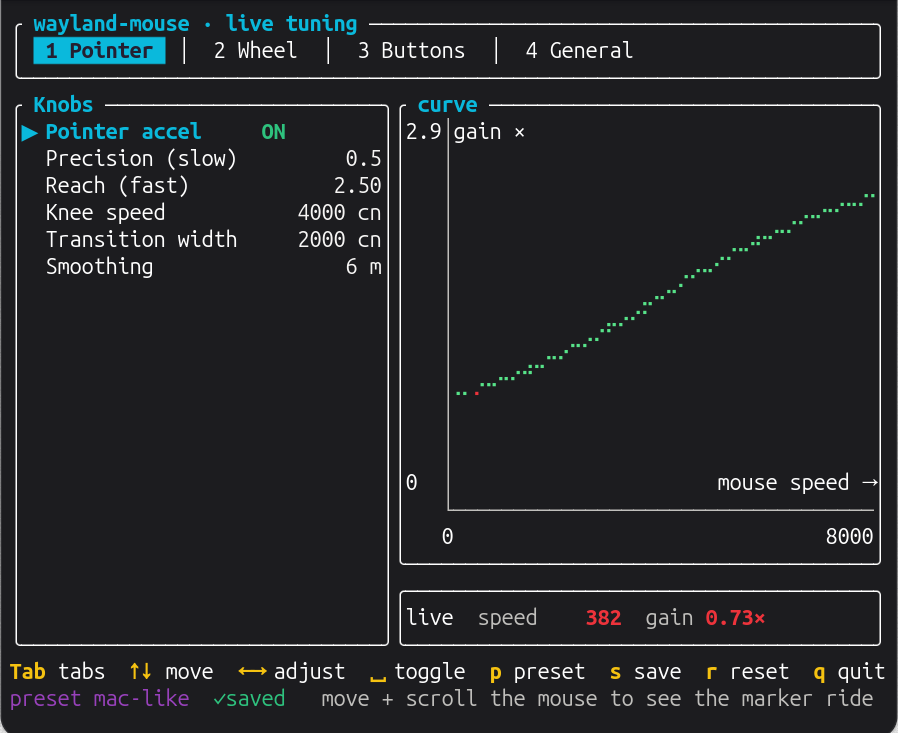 Pointer: gain vs. cursor speed; the dot is your current speed. |
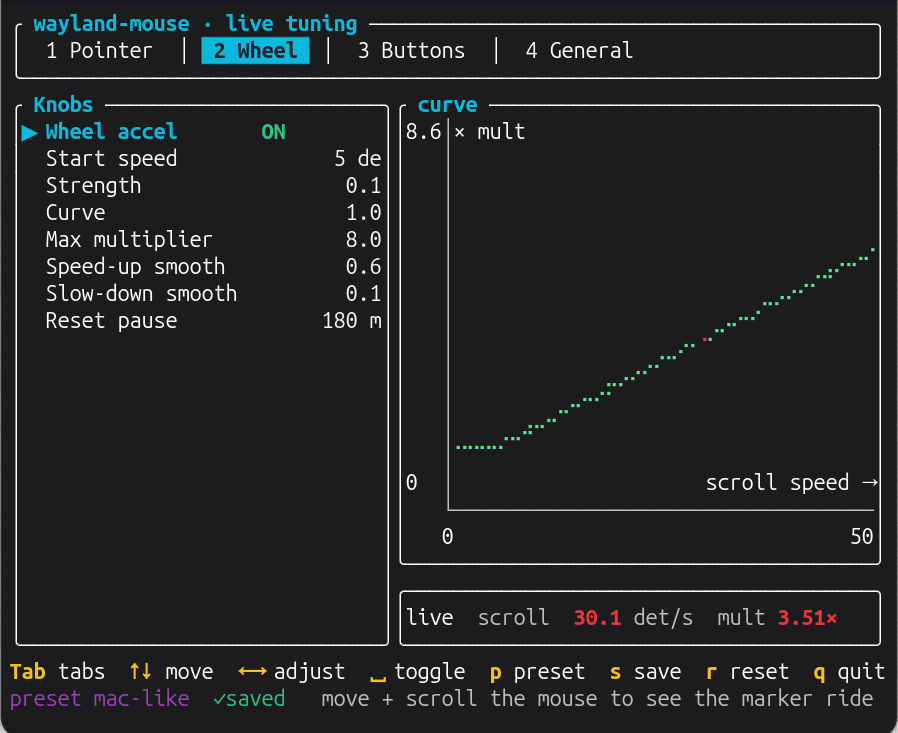 Wheel: multiplier vs. scroll speed. |
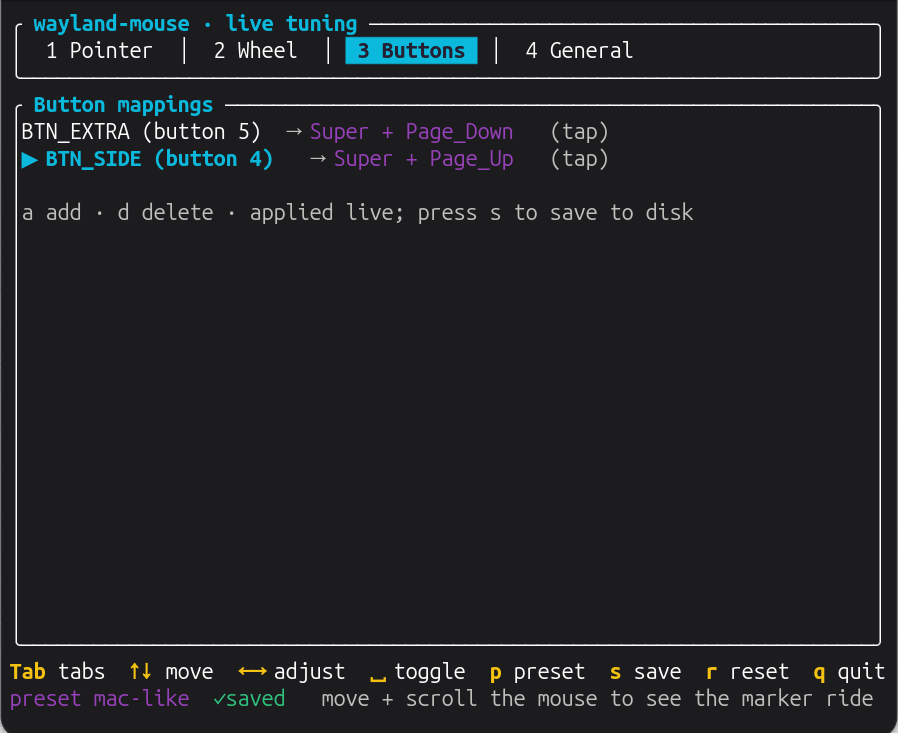 Buttons: press a button, type the combination. |
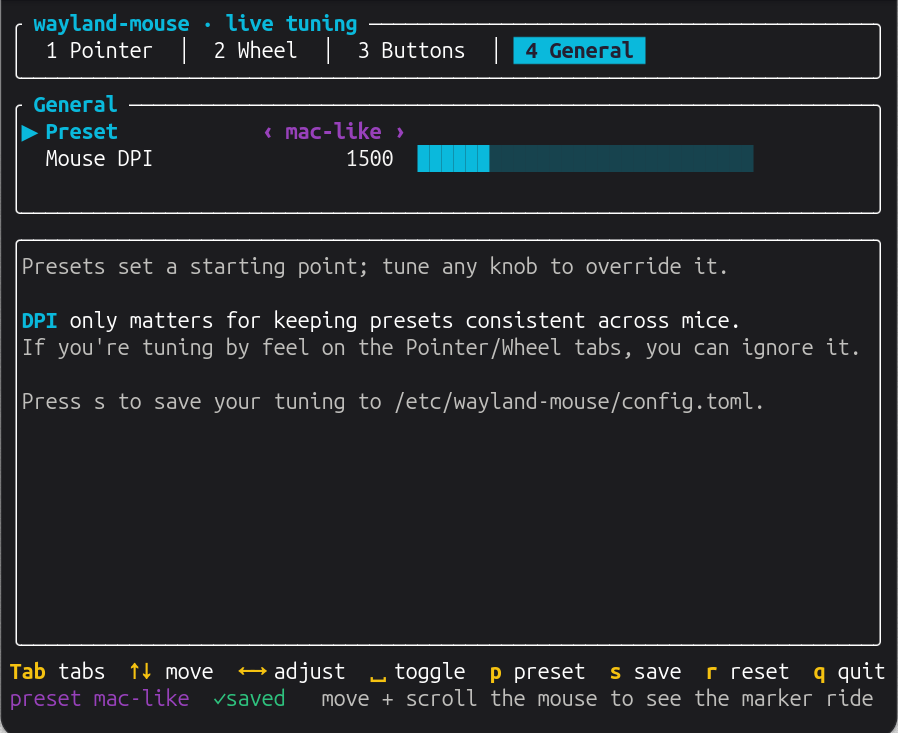 General: preset and DPI. |
Requires a uinput-capable kernel (standard on Linux).
cargo install wayland-mouse
sudo "$(command -v wayland-mouse)" install
The $(command -v …) matters: sudo's secure_path skips ~/.cargo/bin, so a bare sudo wayland-mouse install runs an older copy on root's PATH (or fails with command not found) instead of the one you just installed. Re-run both lines to upgrade — the installer refuses to reinstall an older binary over a newer one in your cargo bin.
Or download the static binary from the releases page and run sudo ./wayland-mouse install.
install copies the binary to /usr/local/bin, registers a systemd service, writes a default config to /etc/wayland-mouse/config.toml, ensures uinput loads at boot, and on GNOME sets the pointer acceleration profile to flat. Then run sudo wayland-mouse tune.
The config is TOML at /etc/wayland-mouse/config.toml; see the annotated example for every option. Choose a preset and override individual values:
preset = "mac-like"   # mac-like | subtle | off

[pointer]
max_gain = 3.0

[[button]]
match = "BTN_SIDE"
keys  = ["Super", "Page_Up"]
Validate with wayland-mouse config --check; --print shows the resolved values.
run         run the daemon (default; used by the service)
install     install or reinstall the binary, service, and config
uninstall   remove them and restore desktop settings
status      service state, effective config, and GNOME accel state
tune        live tuning UI
buttons     print each button's evdev name as you press it
config      --print | --check
The tune UI is included by default; build with --no-default-features for a daemon-only binary.
The compositor's own pointer acceleration must be disabled, or it stacks on top of this one. install does this on GNOME and uninstall restores it; wayland-mouse status reports whether it is still off. On other desktops, set the pointer acceleration profile to flat once (install prints the setting). Wheel and button features need no change and are fully portable.
Each mouse is grabbed with evdev and re-emitted through a virtual uinput device with the curves applied. The grab is tied to the process, so if the daemon stops, the mouse returns to normal immediately. Pointer motion and unmapped buttons are copied through unmodified.
Scroll acceleration reaches every app by working two ways at once. Apps that scroll by the raw wheel delta (Chrome, Firefox, GTK) get a larger delta; apps that scroll a fixed amount per notch and ignore the delta (Flutter, Electron — e.g. the Ubuntu App Center) get extra notches instead. Both cover the same distance, so the feel stays consistent across toolkits. Slow scrolling stays fine-grained, and the crossover between the two is tunable (min_multiplier, steps_above).
MIT