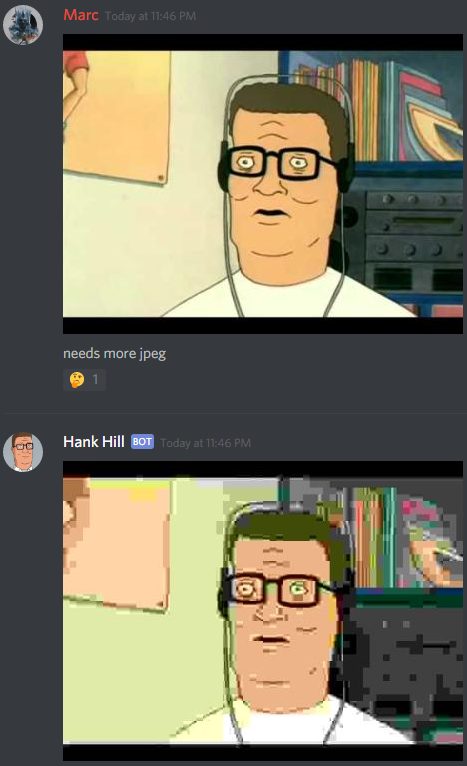
A discord bot for pixelating and jpegifying images



- Sending "needs more jpeg" (or "more jpg") will jpegify the last image in the current Channel
- Sending "pixelate" will pixelate the last image in the current Channel
- Sending "@HankHill help" will show help

- Download/Clone this Project
- Open it in Visual Studio
- Go to
Tools > NuGet Package Manager > Package Manager Settings > Package Sources - Add a new Source: "ImageSharp Beta", URL: https://www.myget.org/F/imagesharp/api/v3/index.json
- Click
Update, close dialog withOk - Change Project output from
DebugtoReleasemode in drop down menu - Build Project (CtrlShiftB, or
Build > Build Solution)
If step 7 was successful, open the Project in your file explorer and go to HankHill/bin/Release. Your executable will be located in a subfolder here.
Run HankHill.exe. It should fail at the first time because we need a token.
Go to the discord API interface and create a new app. This guide explains it quite well.
Open the file token in any text editor and paste the discord API token in there. Save and run HankHill.exe, it should now start successfully.
Add the bot to your server with this link: https://discordapp.com/oauth2/authorize?client_id=CLIENT_ID_GOES_HERE&scope=bot
Now you're good to go.
