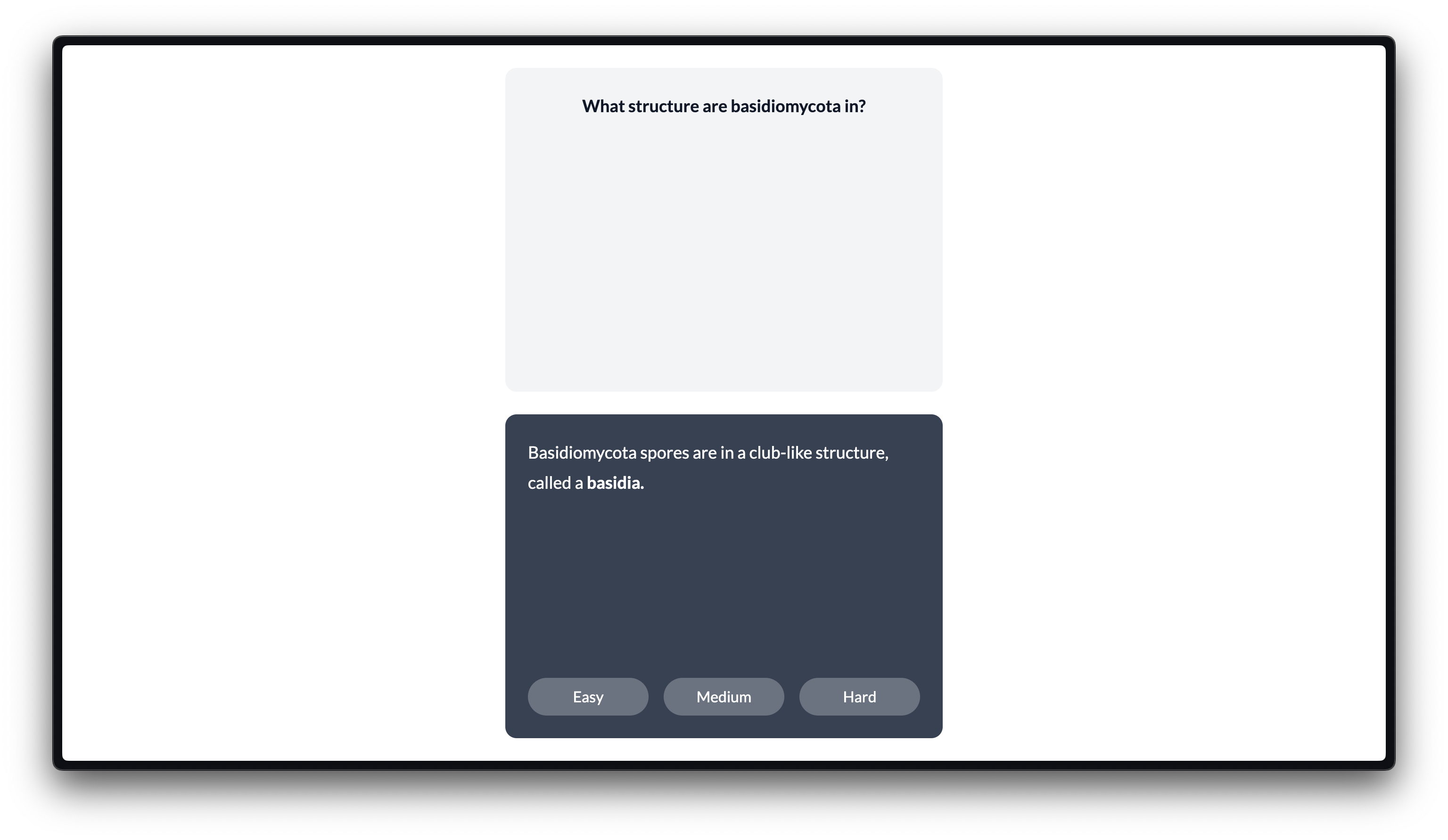
Cardsmooth is a smooth, minimal flashcards app where you write your flashcards in Notion!
Each card is a toggle block: the always-visible part is the question, and the hidden part is the answer. Each deck is a page of a toggle blocks.
I've tried other flashcard apps before, and they have helped me a lot! However, I wanted to make my own app that would fit me a bit better (and be fun to build!)
Cardstock is still a bit work-in-progress. You can try and set it up, though!
-
Setup a Notion integration, and make sure it's added as a viewer (at minimum) to any page you want Cardstock to access. An internal integration is fine.
-
Open
scripts/config.json. Set theNOTION_TOKENvariable to your Internal Integration Token as a string. Add the IDs for the pages you want to use as your decks to thepageIDsvariable. (Even if it's just one ID, use an array of strings.) Do not commit this file to a Git repo. (I added it to .gitignore, so that'll hopefully not happen, anyways.) -
Run
scripts/generateData.js. You should have a data file in the top-level project folder, calleddata.json. If the file ended up somewhere else, just move it to the appropriate location. -
You're ready to deploy this as a NextJS project! Or, run it on your local device using
npm run dev.
- Framer Motion
- Hero Icons
- NextJS
- notion-to-md
- Notion SDK for JavaScript
- React
- Remark
- Tailwind CSS