
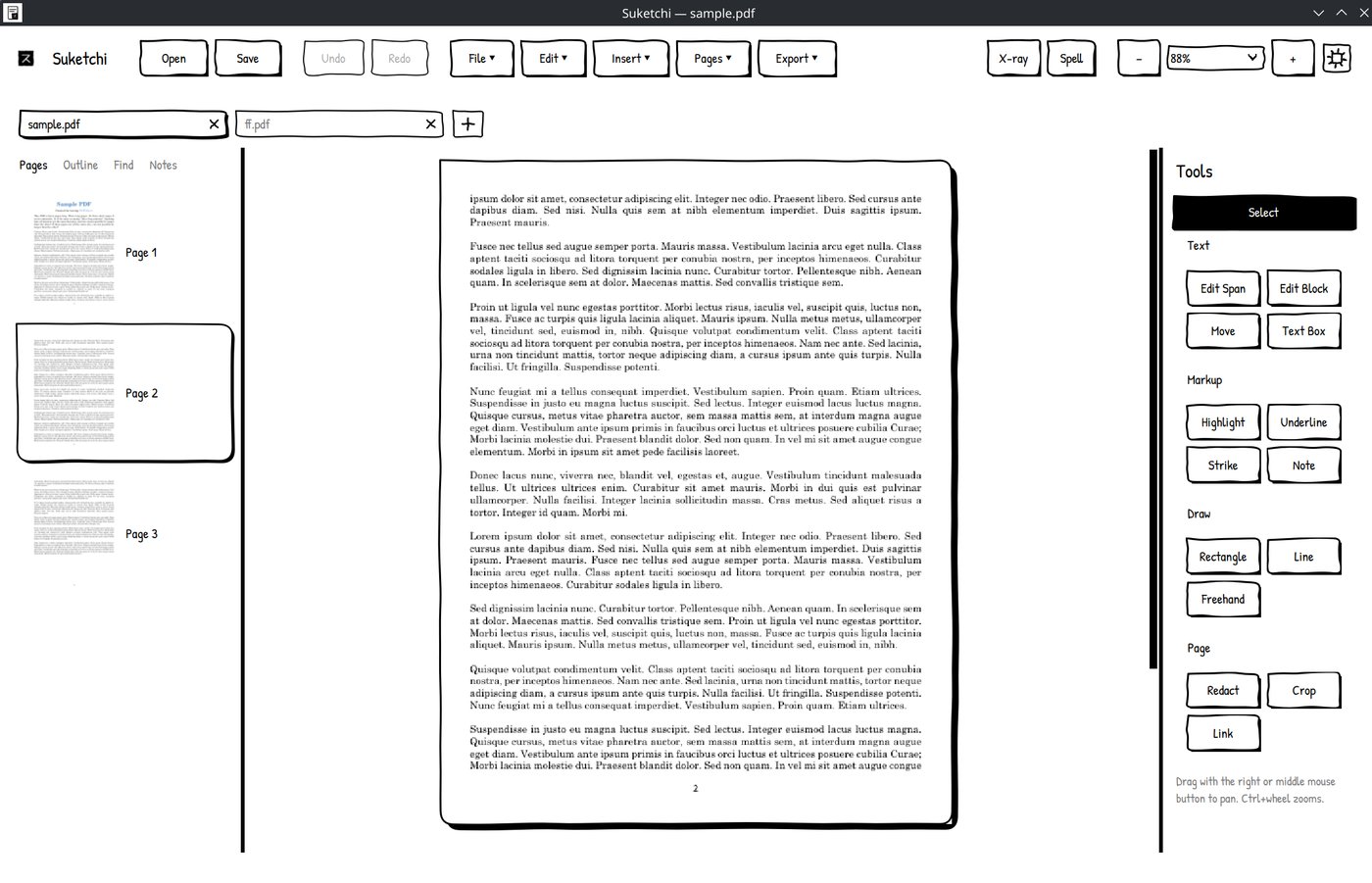
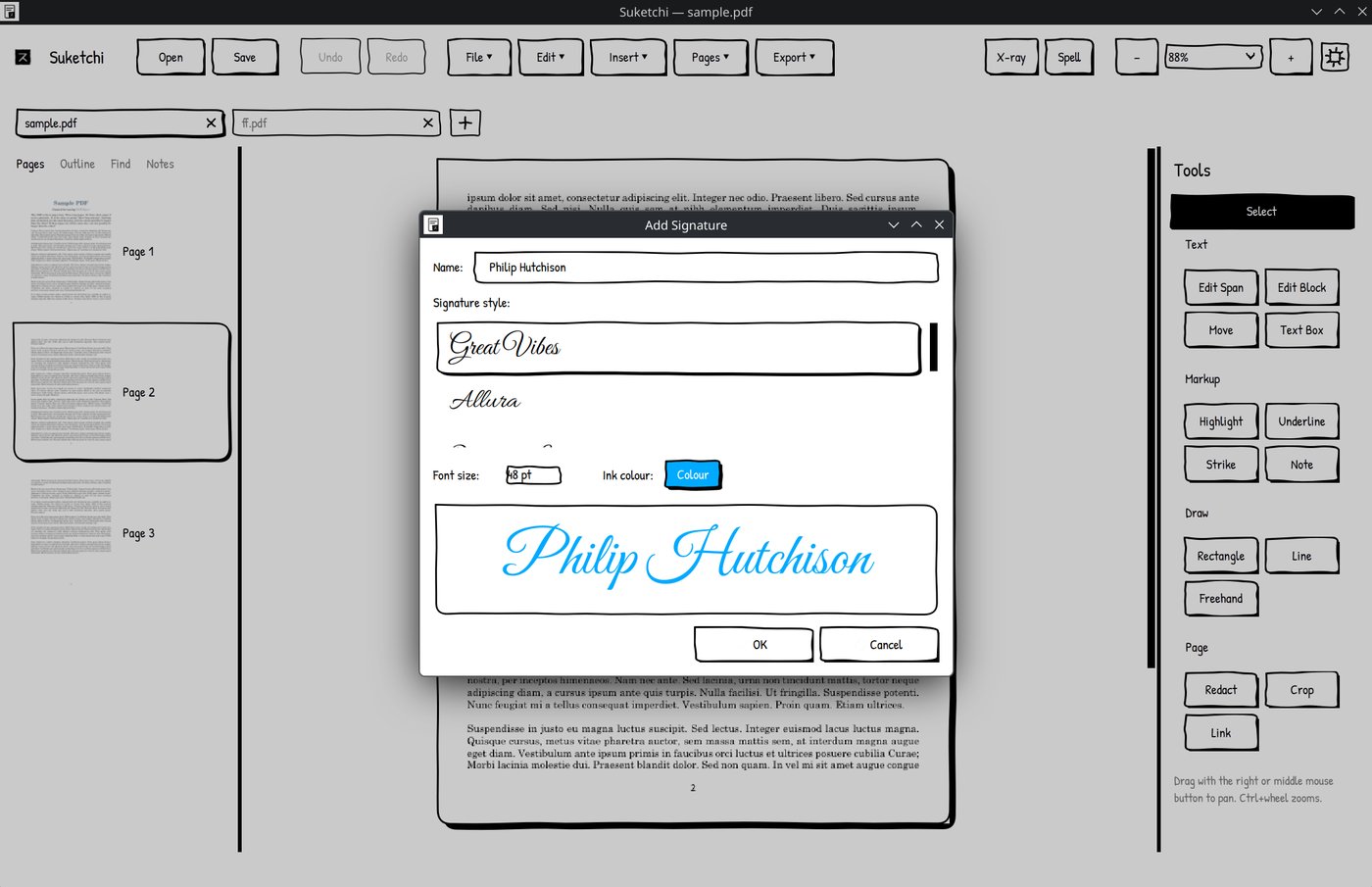
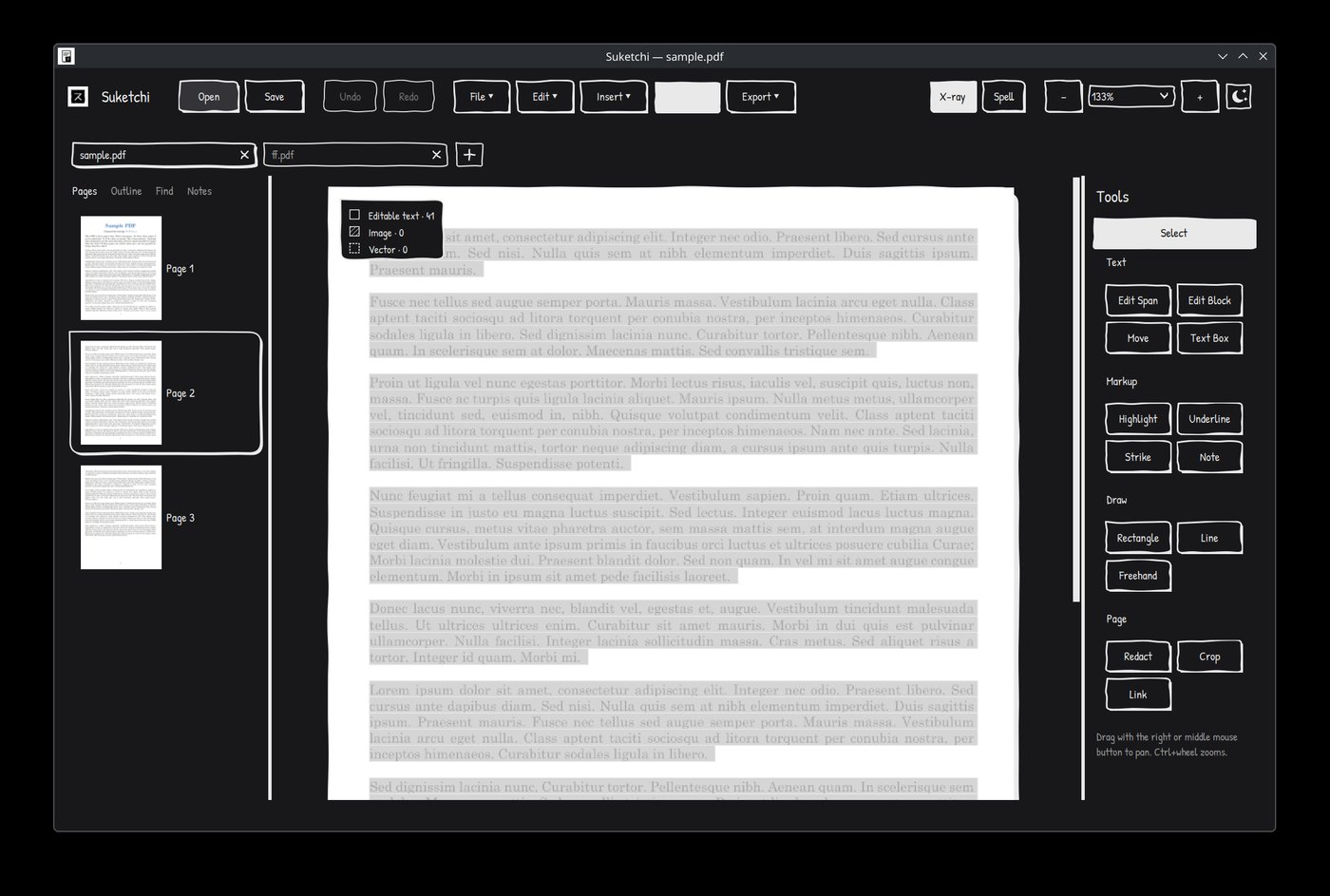
Suketchi PDF delivers a smooth, native desktop experience for viewing, navigating, and editing PDF documents without heavy resource overhead.
- Python 3.10 or higher installed on your computer.
It is highly recommended to isolate the install using a virtual environment:
- Linux / macOS:
python3 -m venv venv source venv/bin/activate - Windows:
python -m venv venv
venv\Scripts\activate
Then install with pip:
pip install --upgrade pip
pip install suketchi
Optional extras add support for spell checking, DOCX export, and cryptographic PDF signing:
pip install "suketchi[all]"Once installed, launch the editor with:
suketchiThe first time you run it, Suketchi automatically adds itself to your applications
menu (Linux), Start Menu (Windows), or Applications folder (macOS) with its icon,
so afterwards you can just launch it like any other installed app. (pip cannot run
this step during pip install itself — it happens on first launch instead.) To
add or refresh the shortcut manually, run:
suketchi --install-shortcutgit clone https://github.com/nafeeur/suketchi-pdf-editor
cd suketchi-pdf-editor
pip install -e .
suketchiThis project is licensed under the GPL-3.0 License. See the LICENSE for more details.