
- Reads all available data streams from BMS and publishes to SignalK
- Supports WebSocket connection from the REC WiFi module with firmware >= SW164_2
- Supports serial connection directly from BMS
- Can set BMS settings when using serial connection
- Live status & settings page within SignalK
Tested with the 4 cell ABMS model only. Multi-unit series configurations are detected automatically but have not been tested beyond a single unit — proceed with caution if running multiple ABMS units in series.
- A REC WiFi module with firmware >= SW164_2, which enables websockets
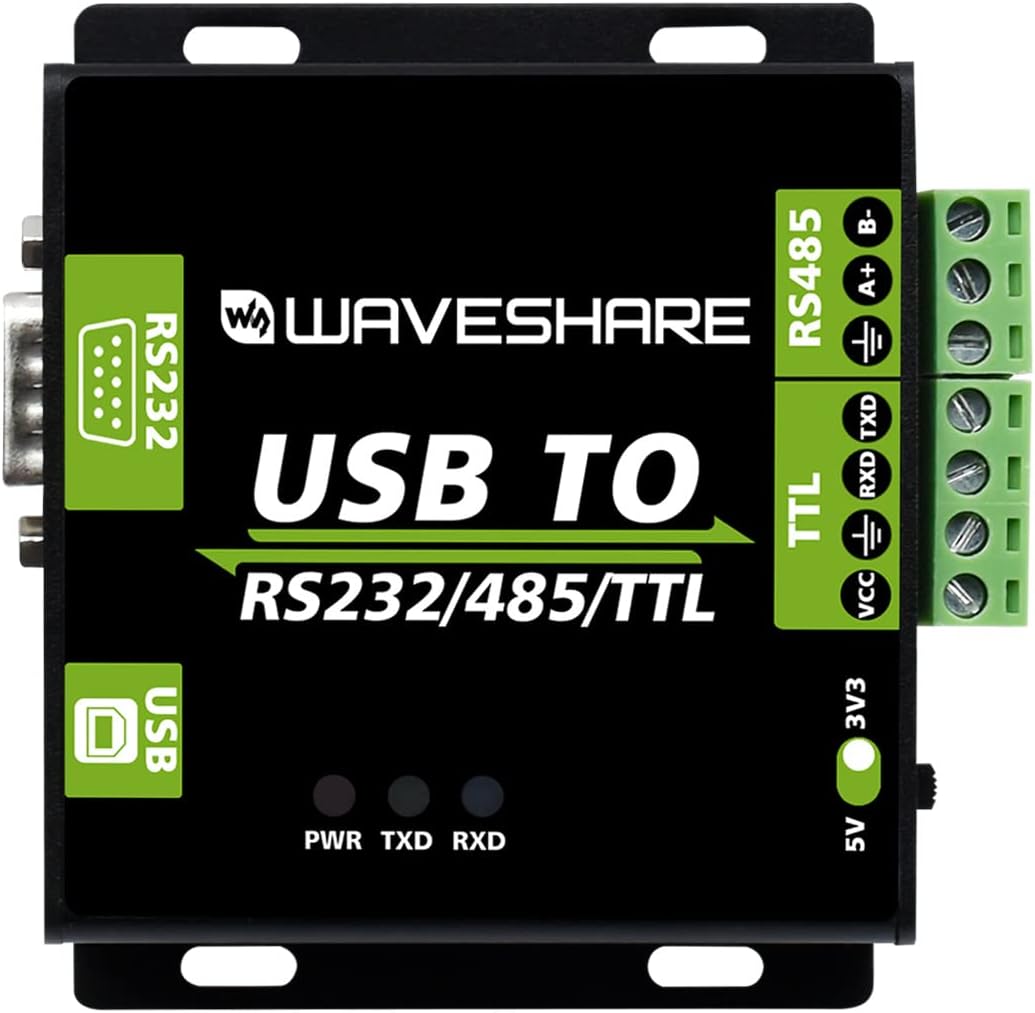
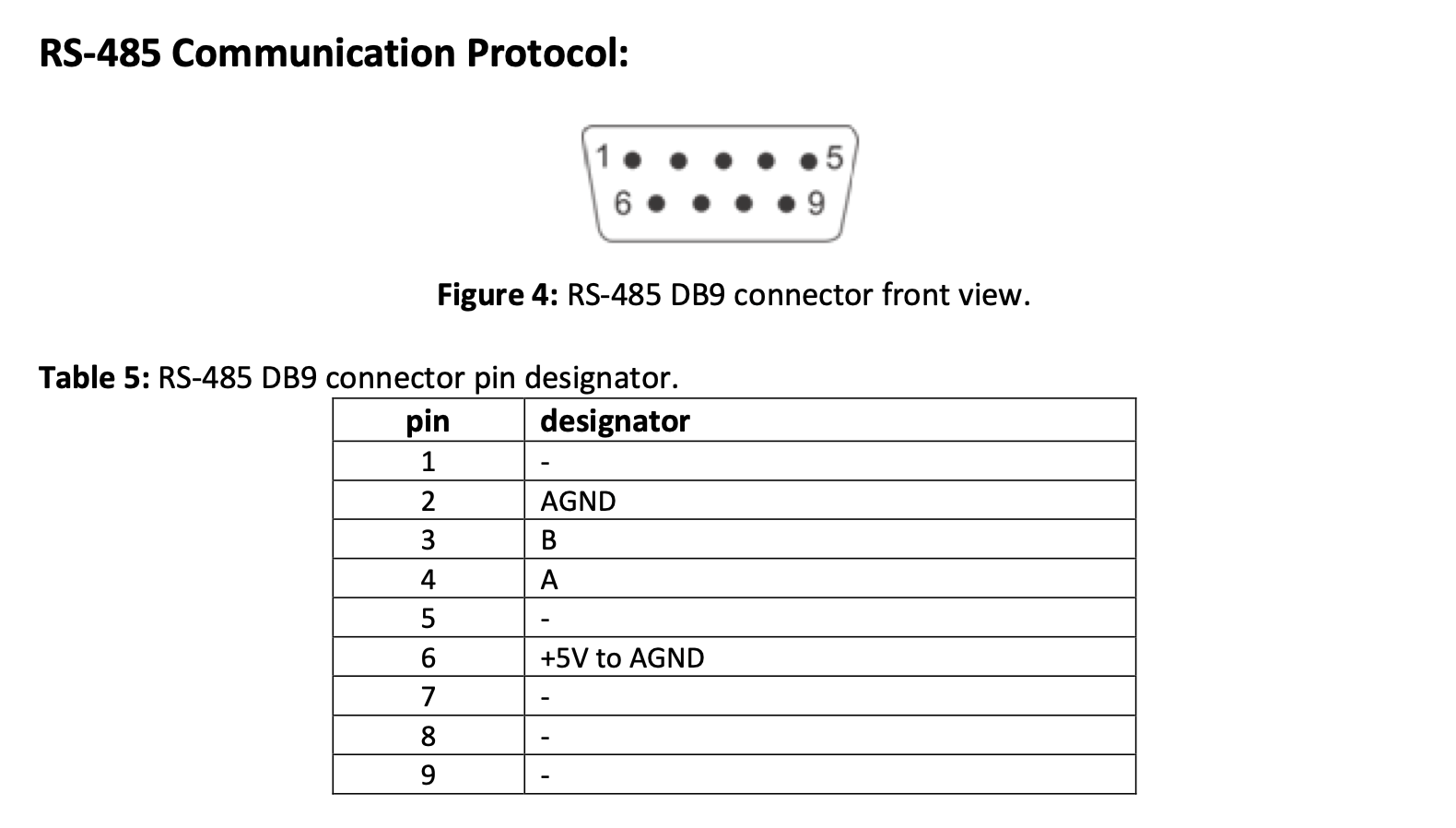
- RS485 to USB adapter with 3v output. The REC-BMS serial chip is not powered internally and you must supply 3v to power it.
- npm package: ws
- npm package: serialport
- npm package: crc
Use the SignalK application store (preferred)
Run the following command:
npm install signalk-rec-bmsAll data is published under electrical.batteries.bms.* by default. The base path is configurable via the deltaPrefix plugin setting. Key paths include:
| Path | Description |
|---|---|
electrical.batteries.bms.voltage |
Pack voltage |
electrical.batteries.bms.current |
Pack current |
electrical.batteries.bms.power |
Instantaneous power |
electrical.batteries.bms.capacity.stateOfCharge |
State of charge (0–1) |
electrical.batteries.bms.capacity.stateOfHealth |
State of health (0–1) |
electrical.batteries.bms.capacity.nominal |
Configured capacity (Ah) |
electrical.batteries.bms.capacity.remaining |
Estimated remaining (Ah) |
electrical.batteries.bms.cellVoltage{N} |
Individual cell voltages |
electrical.batteries.bms.cellTemperature{N} |
Cell temperatures (K) |
electrical.batteries.bms.cellResistance{N} |
Cell internal resistance (Ohm) |
electrical.batteries.bms.bmsTemperature |
BMS board temperature (K) |
electrical.batteries.bms.minCellVoltage |
Minimum cell voltage |
electrical.batteries.bms.maxCellVoltage |
Maximum cell voltage |
Temperature values are published in Kelvin in compliance with the SignalK specification. Instrument displays that respect SK unit preferences will convert automatically to °C or °F.
VenusOS claims all USB serial devices by default via its serial-starter service, which cycles through Victron protocols and prevents SignalK from accessing the port. The setup script creates a udev rule that instructs VenusOS to ignore your specific RS485 adapter, leaving it available exclusively for SignalK. The rule uses a zz- prefix to ensure it overrides Victron's default rules regardless of load order.
curl -o /home/root/signalk-rec-bms-venusOS.sh https://raw.githubusercontent.com/ofernander/signalk-rec-bms/main/venus-os/signalk-rec-bms-venusOS.sh && bash /home/root/signalk-rec-bms-venusOS.shThe script will list your connected USB serial devices, you select which one is the usb to serial converter for your REC-BMS. Once complete, unplug and replug your RS485 adapter, then reboot the Cerbo device.
To uninstall: bash /home/root/signalk-rec-bms-venusOS.sh --uninstall or select the last option in the script menu.