Problem
T3 Code recognizes absolute Markdown links to generated HTML/PDF/image files, but opening a linked file outside the project root fails because the asset request is always authorized as a workspace-file.
Reproduction
- Open any project in T3 Code.
- Have the agent create a previewable file at an absolute path outside the project root.
- Return it as a Markdown file link.
- Click the link.
Actual behavior
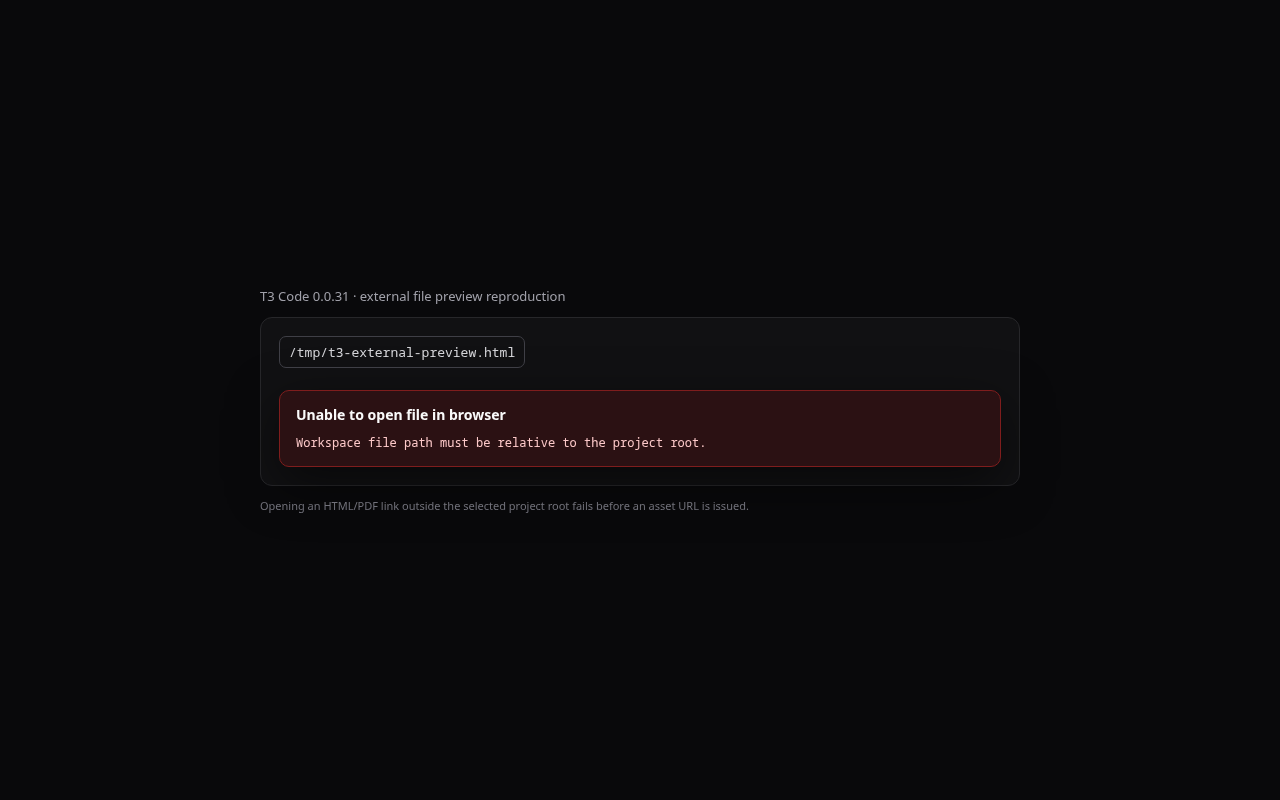
The integrated browser reports:
Unable to open file in browser
Workspace file path must be relative to the project root.
Expected behavior
Any regular previewable file referenced by an absolute path can be opened through a short-lived, exact-file asset capability. The capability must not expose sibling files, relative parent traversal must remain rejected, and existing workspace previews should retain their current behavior.
Environment
- T3 Code 0.0.31
- Build commit
e6987965f659
- Linux desktop AppImage
Root cause
openFileInPreview sends every linked browser document as workspace-file. AssetAccess.issueAssetUrl resolves absolute paths relative to the thread worktree/project root, so any external path becomes a parent traversal and is rejected before the signed asset URL is issued.
A minimal fix can keep the current contract and route, validate an external file relative to its containing directory, and issue an exact-file capability. This allows the selected file without granting access to its directory or weakening relative traversal checks.
Problem
T3 Code recognizes absolute Markdown links to generated HTML/PDF/image files, but opening a linked file outside the project root fails because the asset request is always authorized as a
workspace-file.Reproduction
Actual behavior
The integrated browser reports:
Expected behavior
Any regular previewable file referenced by an absolute path can be opened through a short-lived, exact-file asset capability. The capability must not expose sibling files, relative parent traversal must remain rejected, and existing workspace previews should retain their current behavior.
Environment
e6987965f659Root cause
openFileInPreviewsends every linked browser document asworkspace-file.AssetAccess.issueAssetUrlresolves absolute paths relative to the thread worktree/project root, so any external path becomes a parent traversal and is rejected before the signed asset URL is issued.A minimal fix can keep the current contract and route, validate an external file relative to its containing directory, and issue an exact-file capability. This allows the selected file without granting access to its directory or weakening relative traversal checks.