Your talk is your presentation.
ZeroPrep listens while you speak and composes a live visual presentation around your ideas. It can hold the current scene, evolve it with more detail, or introduce a new visual beat without requiring a prepared slide deck.

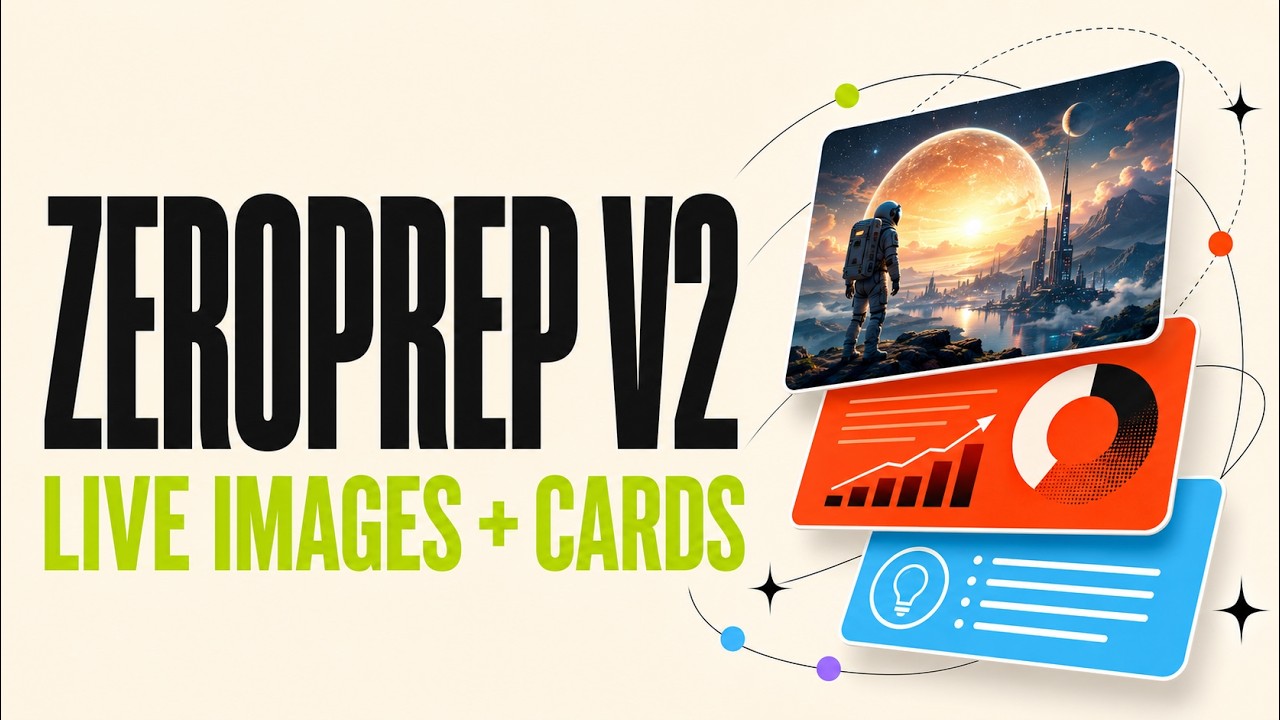
Watch the ZeroPrep demo on YouTube
ZeroPrep started at the OpenAI Codex Hackathon in Hyderabad, where Ramsri and Danish met for the first time. In one day, we went from two strangers with a rough idea to a working product.
We used Codex with gpt-5.6-sol as a hands-on engineering partner throughout the build. Our loop was simple: explain what we wanted, let Codex inspect and change the codebase, try the result live, and bring back the rough edges. Codex helped us:
- Turn the initial idea into a working Next.js application
- Build and debug the realtime voice and visual-update flow
- Iterate on dynamic layouts, motion, microphone controls, and error handling
- Coordinate asynchronous generated imagery without letting stale responses replace newer scenes
- Add PDF and PowerPoint exports, then run builds and checks before shipping
What stood out was that Codex could keep track of the whole system, from WebRTC and model tool calls to React rendering and browser exports, while we focused on product decisions and tested how the experience felt. gpt-5.6-sol was used during development through Codex; it is not part of ZeroPrep's runtime model stack.
- Listens continuously until the presenter stops the session
- Lets the presenter choose from available microphone inputs
- Uses GPT-Realtime 2.1 by default to understand live speech and direct visual changes
- Lets the presenter switch to GPT-Realtime 2.1 Mini for faster, lower-cost sessions
- Generates scene-aware background imagery asynchronously with Gemini 3.1 Flash Lite Image (Nano Banana 2 Lite)
- Lets you upload your own images, then chooses when to show them and how to compose them into each presentation slide
- Renders animated presentation scenes with React, HTML, and CSS
- Builds heroes, cards, metrics, quotes, icons, and diagrams dynamically
- Downloads the completed presentation locally as PDF or PowerPoint
- Presents the live canvas in fullscreen
Upload your own images before presenting and add a short description for each one. As you speak, ZeroPrep chooses when an image is relevant and automatically composes it into the presentation.
Microphone
   └── WebRTC → ZeroPrep API → OpenAI Realtime
                                  └── visual tool calls
                                         └── React + HTML/CSS scenes

New scene → text and layout render immediately
          └── parallel Gemini image request
                    └── background fades in only if that scene is still current

Finished scenes → browser PDF/PPTX renderer → local device download
OpenAI and Gemini credentials remain server-side. Exported presentations are generated in the browser and downloaded directly to the presenter’s device. ZeroPrep does not preserve assets or exports on a public server.
- Next.js 16 and React 19
- OpenAI
gpt-realtime-2.1by default, withgpt-realtime-2.1-miniselectable - OpenAI
gpt-realtime-whisperfor the displayed live transcript - Google Gemini
gemini-3.1-flash-lite-imagefor non-blocking generated backgrounds - jsPDF and html-to-image for PDF generation
- PptxGenJS for PowerPoint export
- Lucide for semantic iconography
Requirements: Node.js 22.13 or later.
npm install
cp .env.example .env.local
npm run dev
Open http://localhost:3000.
Add these values to .env.local:
OPENAI_API_KEY=your_openai_api_key
GEMINI_API_KEY=your_google_ai_studio_api_key
The voice experience needs OPENAI_API_KEY. Generated backgrounds need a Gemini API key from Google AI Studio in GEMINI_API_KEY. If that key is absent or an image fails, ZeroPrep stays fully functional with its original text, icons, motion, and layout.
- Import
https://github.com/ramsrigouthamg/zeroprepinto Vercel. - Keep the detected framework as Next.js and the project root as
./. - Add
OPENAI_API_KEYunder Project Settings → Environment Variables for Production and Preview. - Add
GEMINI_API_KEYfrom Google AI Studio for generated scene backgrounds. - Redeploy after the environment variables are available.
- Open the production URL, create a presentation, stop listening, then download PDF or PowerPoint locally.
ZeroPrep applies same-origin checks and lightweight per-instance rate limits. For a public event or sustained traffic, also add Vercel Firewall rate-limit rules for:
POST /api/realtimePOST /api/imagery
This prevents anonymous visitors from creating excessive OpenAI sessions or Gemini image requests.
npm run dev
npm run lint
npm run build
npm testMIT. See LICENSE.