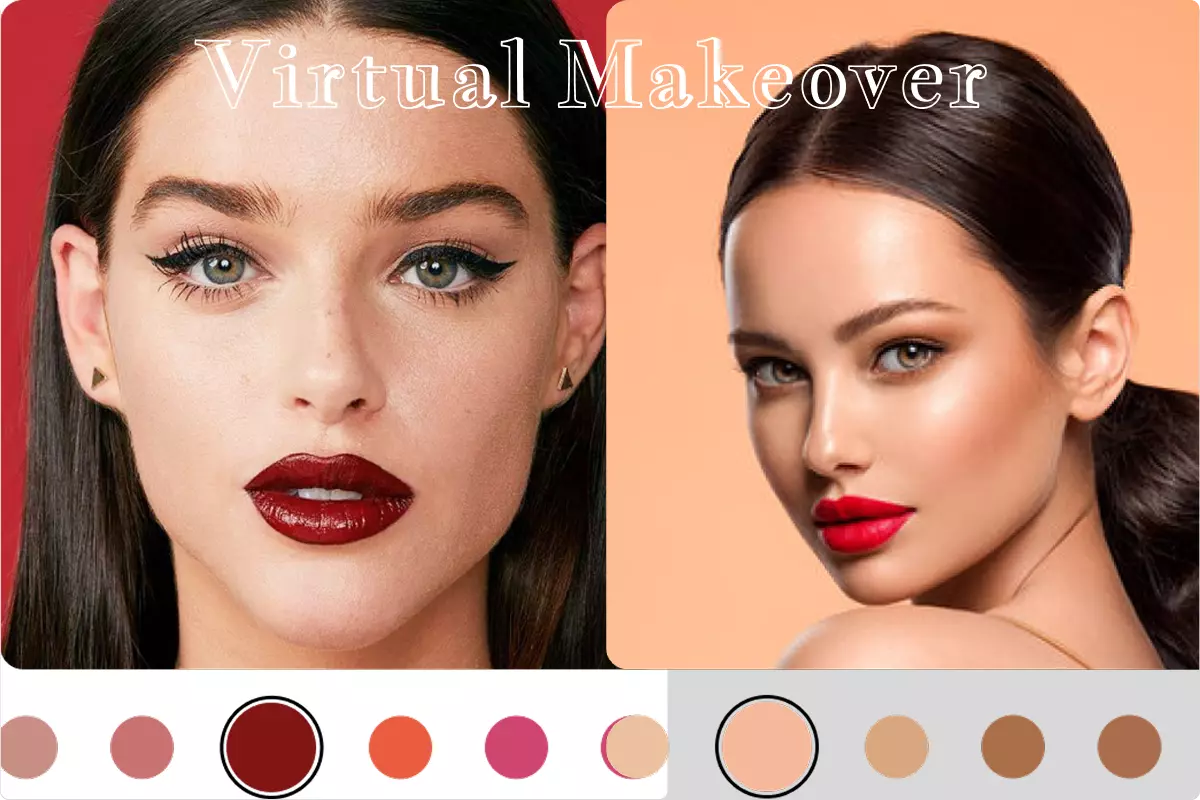
Virtual Makeover AR Template is a complete, production-ready AR beauty try-on solution for Unity, powered by DeepAR’s native SDKs and designed to work seamlessly across Android and iOS.
This template enables real-time virtual makeup experiences using advanced face tracking and AR rendering, allowing users to try on cosmetics such as lipsticks, foundations, eyeshadows, eyeliners, eyelashes, and more — directly from their mobile devices.
Built specifically for beauty brands, e-commerce platforms, and AR startups, this Unity template delivers a high-end virtual beauty studio without requiring any native Android or iOS development. Everything is managed directly inside Unity using DeepAR’s proven AR technology.
Users can preview hyper-realistic makeup, capture photos and videos, and share them instantly on social media — driving engagement, confidence, and conversions.
https://www.youtube.com/watch?v=1_jvH-Tz2A0
-
Asset Link
https://assetstore.unity.com/packages/templates/packs/virtual-makeup-319792 -
Publisher Page
https://assetstore.unity.com/publishers/103532
-
DeepAR Powered (Unity Integration)
Built using DeepAR’s native AR SDKs, integrated directly into Unity. -
True Cross-Platform Support
Works on Android and iOS with a single Unity project. -
Real-Time Face Tracking
Accurate facial landmark detection for stable and realistic makeup placement. -
Full Makeup Product Range
Supports:- Lipsticks
- Foundations
- Eyeshadows
- Eyeliners
- Eyelashes
- Additional face filters
-
Makeup Variant Support
Try different styles such as:- Matte
- Glossy
- Creamy
- Shimmer
- Sheer
- Stain
-
Media Capture
Built-in screenshot and video recording for social sharing. -
Drag-and-Drop Workflow
Add or replace makeup filters easily — no coding required. -
Developer Friendly Architecture
Modular scripts and clean structure for easy customization and extension. -
Optimized for AR Beauty Apps
Ideal for e-commerce, virtual retail, and interactive marketing campaigns.
- Virtual Makeup Try-On Apps
- Beauty & Cosmetic E-Commerce
- AR Marketing Campaigns
- Interactive Beauty Mirrors
- Influencer & Social Content Apps
- Virtual Beauty Studios
- Brand Engagement & Conversion Tools
After importing the package:
- Ensure required files exist in:
Plugins/AndroidandStreamingAssetsPlugins/iOSandStreamingAssets
- Use Default Render Pipeline
- Set camera background to Solid Black / Transparent
Resolution and Presentation
- Enable Render Over Native UI
Other Settings
- Enable Application Entry Point Activity
- Disable GameActivity
Publishing Settings
- Enable:
- Custom Main Manifest
- Custom Main Gradle Template
- Use the provided manifest or merge with your existing one
- Ensure required permissions are enabled
- Configure bundle identifier correctly
To activate filters, obtain a free DeepAR license key:
- Visit: https://developer.deepar.ai
- Register and create a project
- Add your Android package name or iOS bundle ID
- Copy the generated API license key
- Open
config.jsoninsideStreamingAssets - Paste the license key for Android and iOS
- Install Simple Scroll-Snap to resolve any compile issues.
- Place
.deeparfilter files insideStreamingAssets - In
FilterController:- Add filter name (without extension)
- Assign thumbnail image
- Review the demo scene for reference
Use DeepAR Studio to design custom AR makeup filters:
- Download: https://developer.deepar.ai/downloads
- Documentation: DeepAR Studio Docs
- Tutorial Video: https://www.youtube.com/watch?v=YjUuxctbFx4
You can also study and modify existing free filters.
- Customize UI sliders and filter selection
- Use
FilterController.csto:- Switch filters
- Change colors
- Capture photos
- Record videos
- Switch cameras
- Remove DeepAR watermark by upgrading to a paid DeepAR plan
- Extend functionality with your own controller scripts
This repository contains documentation only.
Source code is provided with the commercial Unity Asset Store license.
All rights reserved.
📧 Email: realmoctopus@gmail.com
🛠 Support: Contact via the Virtual Makeover Unity Asset Store page
Virtual Makeover AR Template is the fastest way to build a cross-platform AR beauty app in Unity — powered by DeepAR, ready for production, and built for conversion.