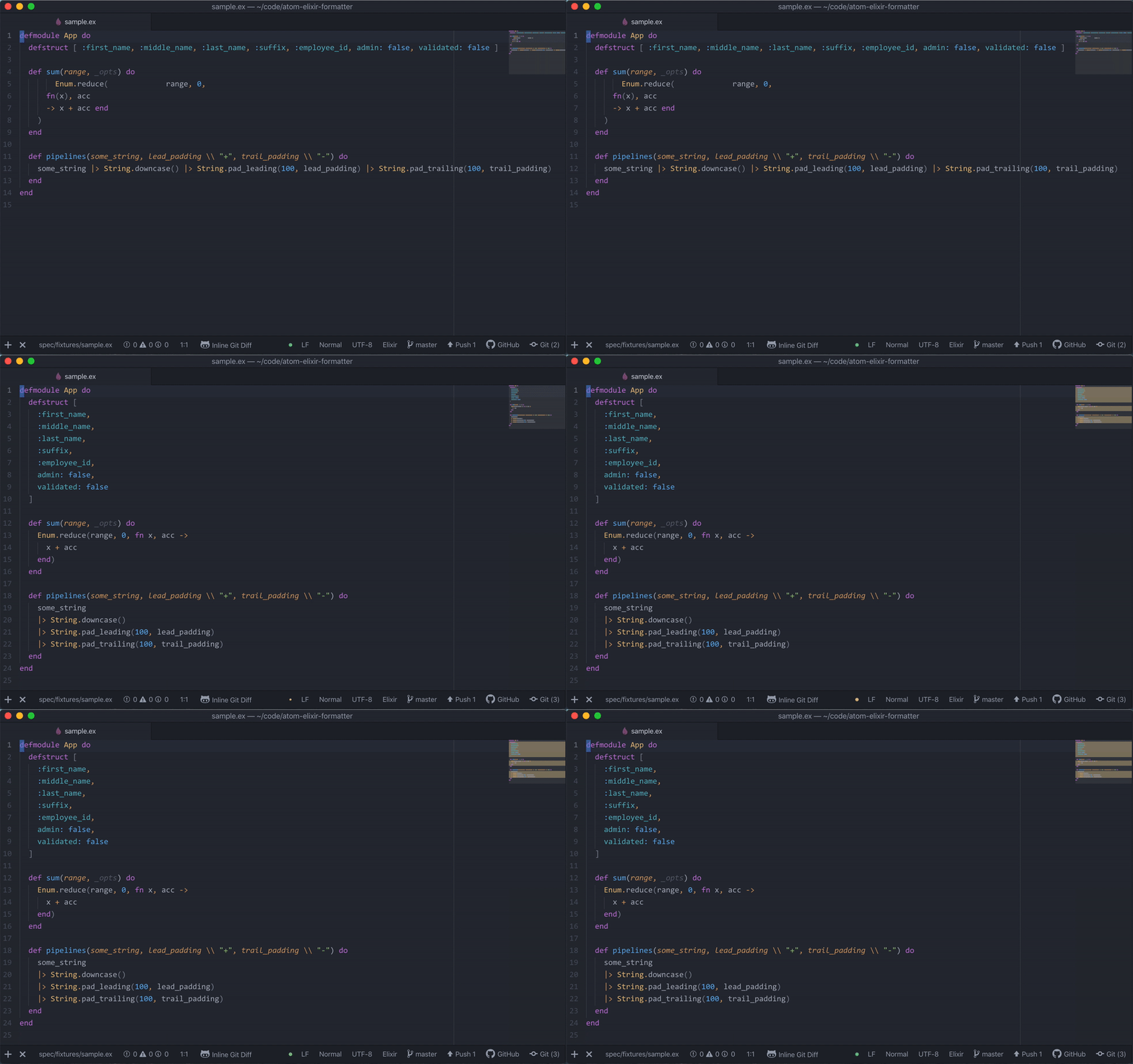


An Elixir source code formatter for the Atom editor. It automatically formats Elixir using the code formatter introduced in Elixir v1.6.
Atom Elixir Formatter requires Elixir v1.6 or later.
Open Settings ⟶ Install and search for atom-elixir-formatter.
Alternatively, install through the terminal:
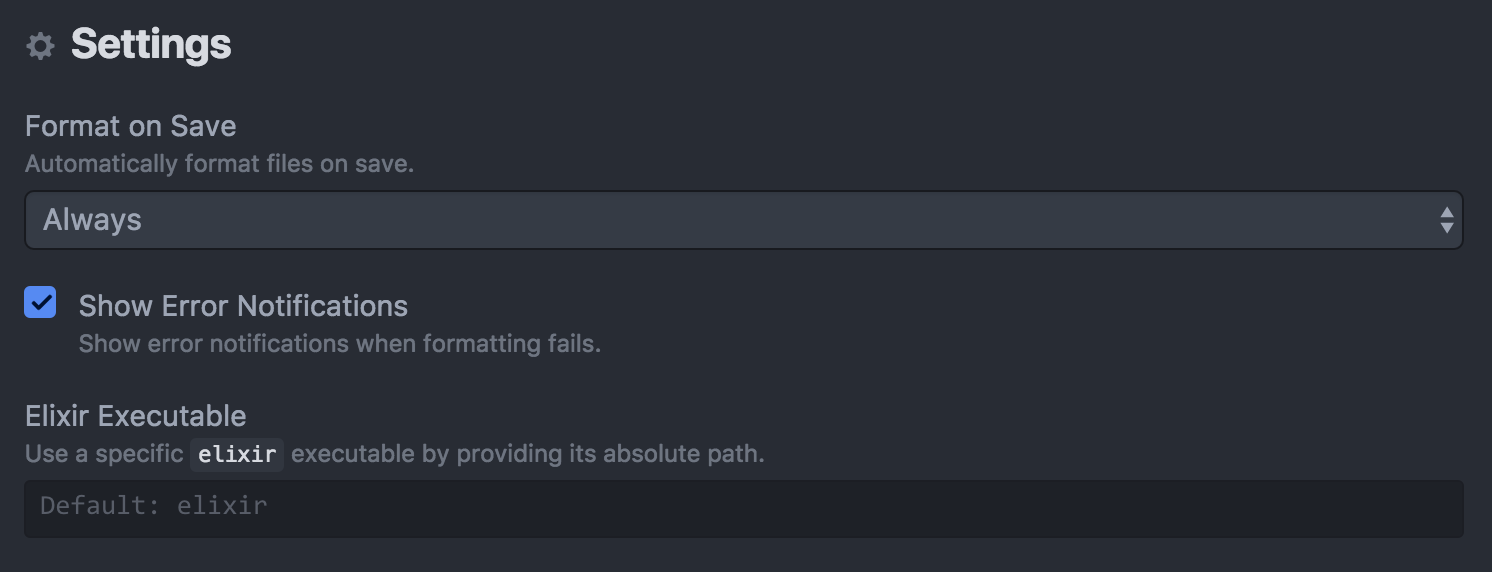
apm install atom-elixir-formatterElixir files are formatted automatically on save. This can be disabled in
Settings, or set to occur only when projects include a .formatter.exs file. See the mix format task documentation for a list of formatter configuration options supported in .formatter.exs.
You can manually format a file using the keyboard shortcut CTRL + ALT + F.
By default, Atom Elixir Formatter uses the elixir executable resolved on $PATH. You can override this behavior by going to Settings ⟶ Packages ⟶ Atom Elixir Formatter and setting Elixir Executable to the absolute path of an elixir executable.