


With this program, you can run gaze estimation on images and videos. By default, the video from a webcam will be used.
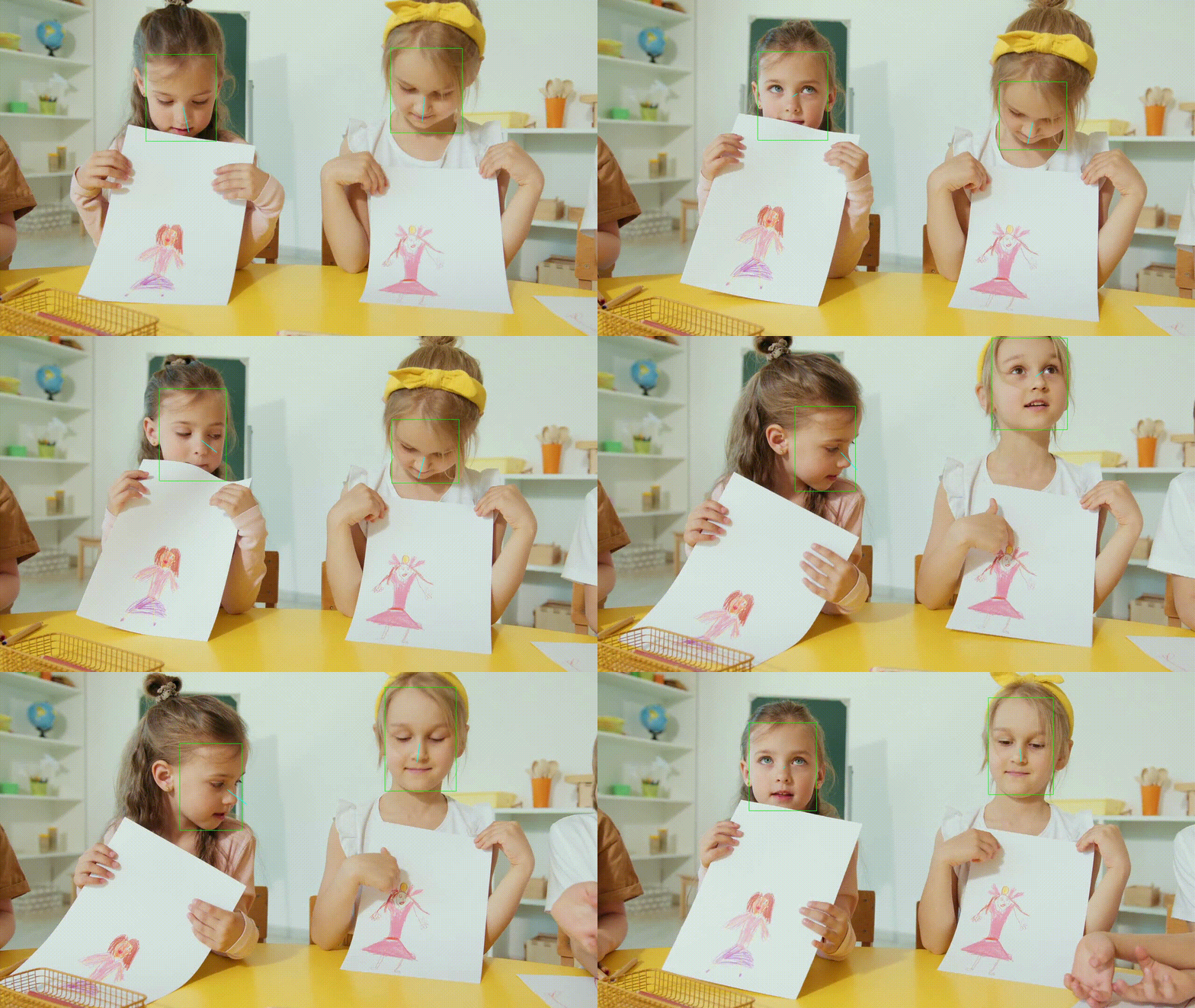
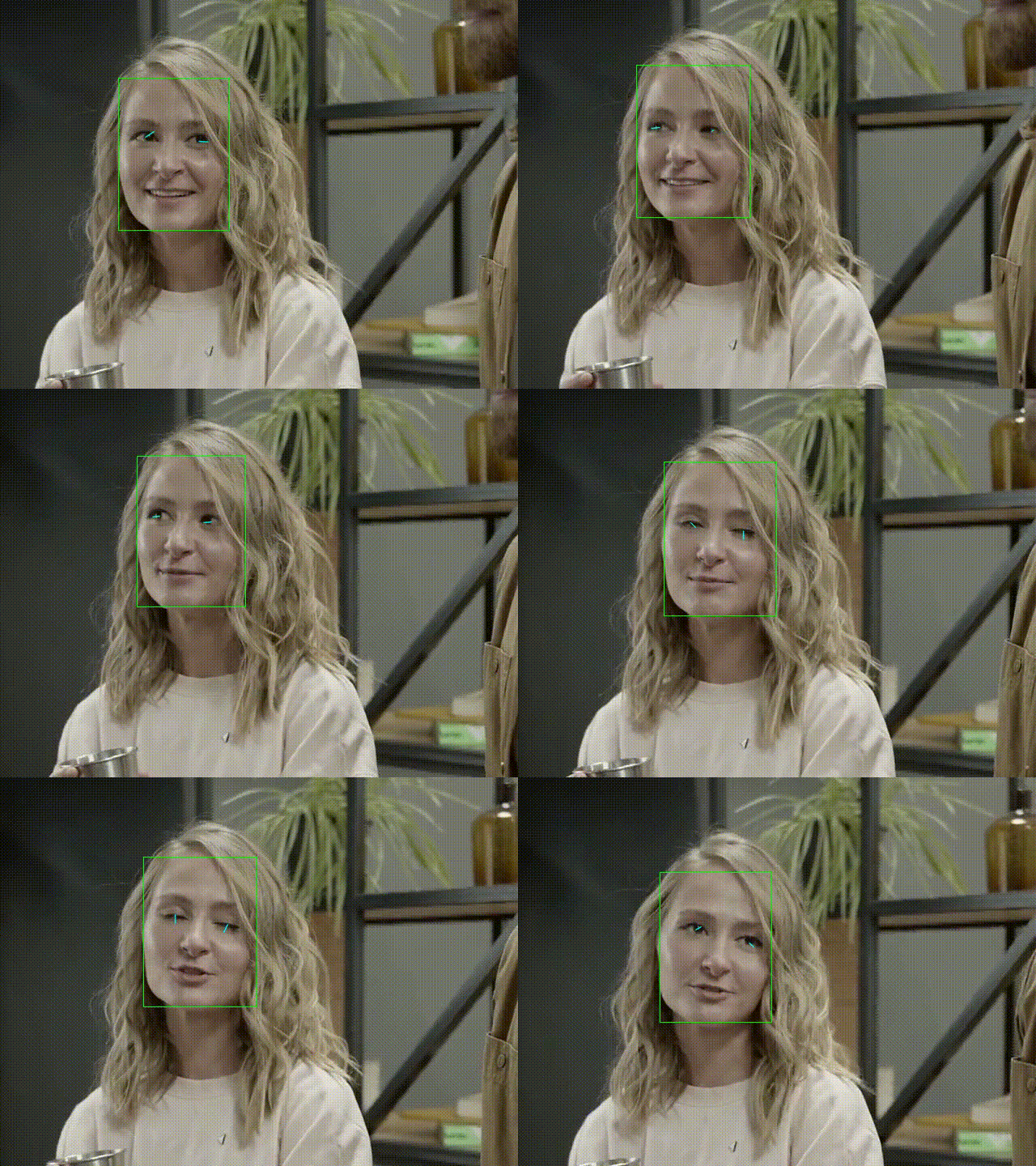
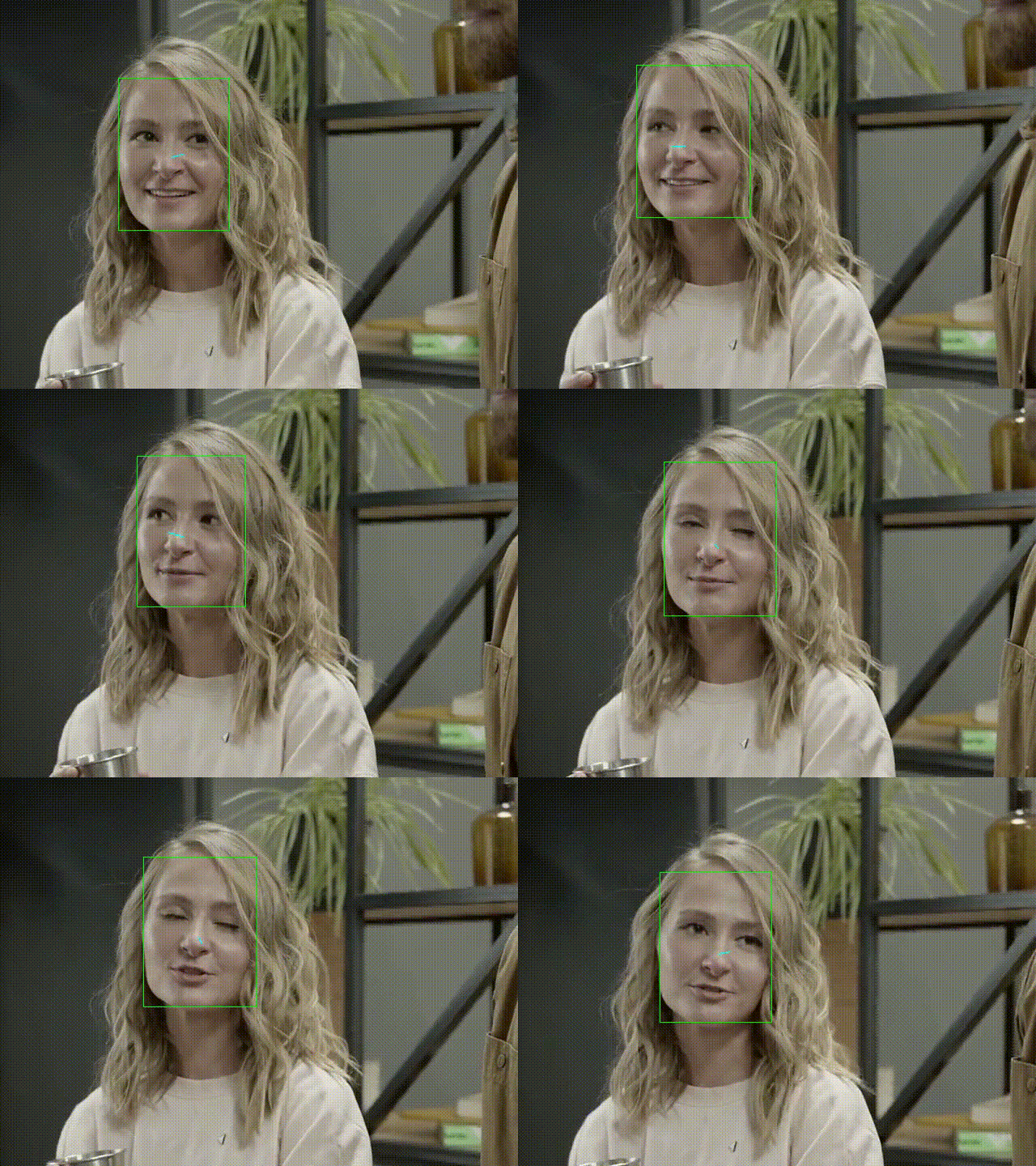
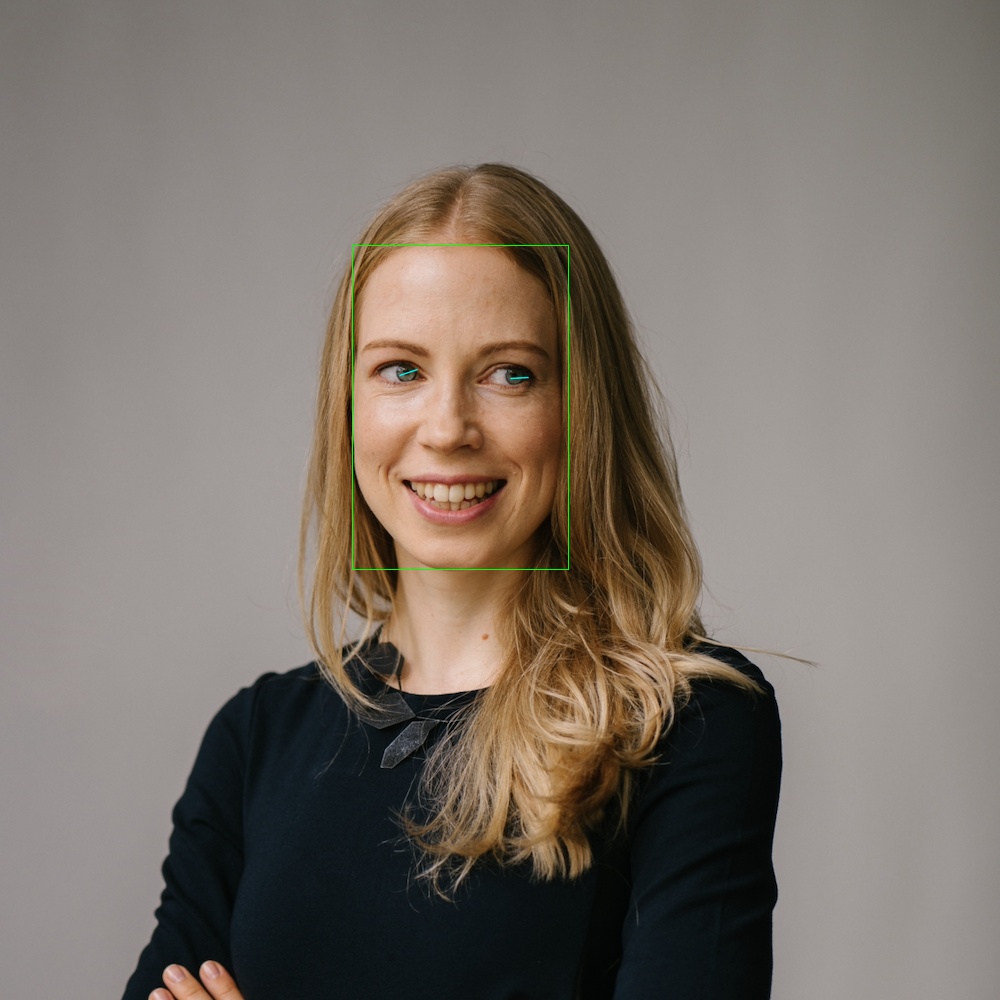
To train a model for MPIIGaze and MPIIFaceGaze, use this repository. You can also use this repo to train a model with ETH-XGaze dataset.
This program is tested only on Ubuntu.
pip install ptgazeptgaze --mode eth-xgazeusage: ptgaze [-h] [--config CONFIG] [--mode {mpiigaze,mpiifacegaze,eth-xgaze}]
[--face-detector {dlib,face_alignment_dlib,face_alignment_sfd,mediapipe}]
[--device {cpu,cuda}] [--image IMAGE] [--video VIDEO] [--camera CAMERA]
[--output-dir OUTPUT_DIR] [--ext {avi,mp4}] [--no-screen] [--debug]
optional arguments:
-h, --help show this help message and exit
--config CONFIG Config file. When using a config file, all the other commandline arguments
are ignored. See
https://github.com/hysts/pytorch_mpiigaze_demo/ptgaze/data/configs/eth-
xgaze.yaml
--mode {mpiigaze,mpiifacegaze,eth-xgaze}
With 'mpiigaze', MPIIGaze model will be used. With 'mpiifacegaze',
MPIIFaceGaze model will be used. With 'eth-xgaze', ETH-XGaze model will be
used.
--face-detector {dlib,face_alignment_dlib,face_alignment_sfd,mediapipe}
The method used to detect faces and find face landmarks (default:
'mediapipe')
--device {cpu,cuda} Device used for model inference.
--image IMAGE Path to an input image file.
--video VIDEO Path to an input video file.
--camera CAMERA Camera calibration file. See https://github.com/hysts/pytorch_mpiigaze_demo/
ptgaze/data/calib/sample_params.yaml
--output-dir OUTPUT_DIR, -o OUTPUT_DIR
If specified, the overlaid video will be saved to this directory.
--ext {avi,mp4}, -e {avi,mp4}
Output video file extension.
--no-screen If specified, the video is not displayed on screen, and saved to the output
directory.
--debug
While processing an image or video, press the following keys on the window to show or hide intermediate results:
l: landmarksh: head poset: projected points of 3D face modelb: face bounding box
- Zhang, Xucong, Seonwook Park, Thabo Beeler, Derek Bradley, Siyu Tang, and Otmar Hilliges. "ETH-XGaze: A Large Scale Dataset for Gaze Estimation under Extreme Head Pose and Gaze Variation." In European Conference on Computer Vision (ECCV), 2020. arXiv:2007.15837, Project Page, GitHub
- Zhang, Xucong, Yusuke Sugano, Mario Fritz, and Andreas Bulling. "Appearance-based Gaze Estimation in the Wild." Proc. of the IEEE Conference on Computer Vision and Pattern Recognition (CVPR), 2015. arXiv:1504.02863, Project Page
- Zhang, Xucong, Yusuke Sugano, Mario Fritz, and Andreas Bulling. "It's Written All Over Your Face: Full-Face Appearance-Based Gaze Estimation." Proc. of the IEEE Conference on Computer Vision and Pattern Recognition Workshops(CVPRW), 2017. arXiv:1611.08860, Project Page
- Zhang, Xucong, Yusuke Sugano, Mario Fritz, and Andreas Bulling. "MPIIGaze: Real-World Dataset and Deep Appearance-Based Gaze Estimation." IEEE transactions on pattern analysis and machine intelligence 41 (2017). arXiv:1711.09017
- Zhang, Xucong, Yusuke Sugano, and Andreas Bulling. "Evaluation of Appearance-Based Methods and Implications for Gaze-Based Applications." Proc. ACM SIGCHI Conference on Human Factors in Computing Systems (CHI), 2019. arXiv, code
When estimating gaze, the model predicts a gaze array and that data is used to draw the gaze line seen in the video. To predict gaze:
- Atleast 2 instances where gaze = True must be given to the algorithm.
- We the compute the intersections of all combinations of gaze lines (where the ground truth -> gaze = True).
- For every frame of the video, we check if any of the above computed intersections lie on the current gaze line (with some margin for error). If any of them do, then return True, else False.
We run the algorithm on the gazeEstimation1.mov video found in the assets/inputs folder. In the following command used to run gaze prediction, notice the gaze_array parameter. It consists of 12 integers. In general, the parameter will always consist of 4x integers where x > 1. The set of 4 integers are got from a frame of the video where gaze is being made, and the 4 numbers are the x and y coordinates of pt0 and pt1. To get an overlay of the points on the video, the below command can be run without the gaze_array parameter.
python3 ptgaze/__main__.py --mode eth-xgaze --video assets/inputs/gazeEstimation1.mov -o assets/results --gaze_array 523 445 516 476 746 406 714 411 285 416 321 427
To convert the video into .mp4
ffmpeg -i assets/results/gazeEstimation1.avi assets/results/gazeestimation1.mp4
Another example:
python3 ptgaze/__main__.py --mode eth-xgaze --video assets/inputs/gazeEstimation2.mov -o assets/results --gaze_array 338 419 360 465 542 414 535 462 799 500 773 554 860 517 824 565 583 259 582 300 561 346 562 398 565 442 569 500 643 455 641 527
Following this format, the consecutive pairs of integers from the gaze_array parameter form points in 2d (eg 6 integers = 3 points) and consecutive pairs of points form lines (6 points = 3 lines). We then compute the intersections of all combinations of lines (line 1 and 2, 2 and 3, 1 and 3) and then check, for every frame in th video, whether any of the intersection points lie on the gaze line from that frame (with some margin for error).