Home
BossConsole is a native desktop workspace for AI agents and the people working with them. Bring a browser, terminal, editor, and plugins into one place; connect your preferred agent; choose the tools it can use; and inspect the results as they happen.
The desktop app runs on macOS, Windows, and Linux. Its core is Apache-2.0, built with Kotlin and Compose Multiplatform on the JVM. Plugin availability and licenses can vary.
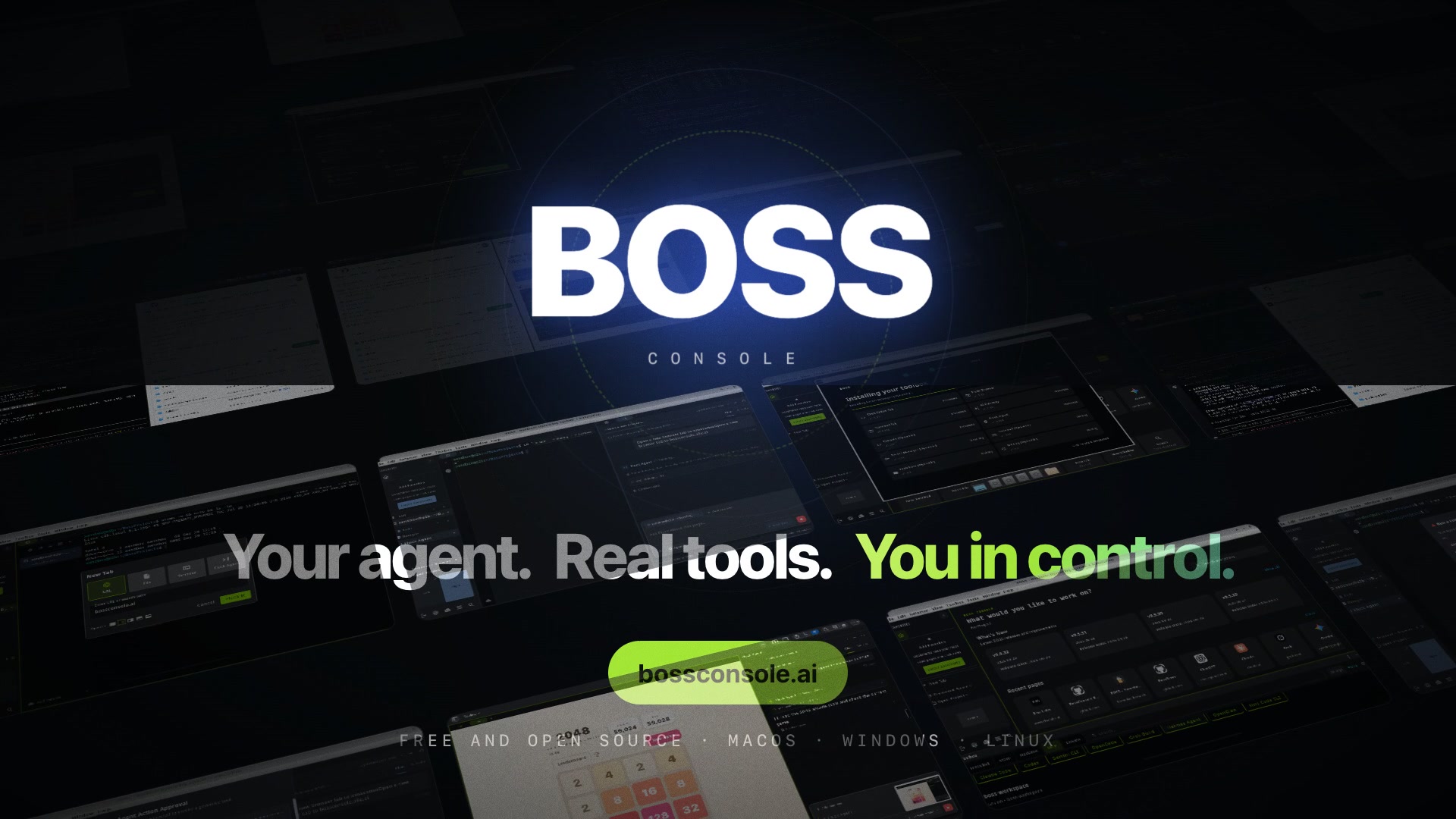
▶ Watch the 64-second launch film · Visual product walkthrough · Explore bossconsole.ai
The original launch film and poster from bossconsole.ai. Select the preview to open the video player.
Download BOSS · Start your first session · Open live sessions
- Install BossConsole and start your first session.
- Arrange tabs and panes into a Space.
- Connect an agent and manage its MCP tools.
- Open your shared terminals and BossConsole windows at cli.risaboss.com.
| Entry point | What you use it for |
|---|---|
| bossconsole.ai | Product overview, examples, and downloads. |
| BossConsole desktop app | Work with your browser, terminals, files, agents, and plugins. |
| cli.risaboss.com | Sign in with your BOSS account to find and open live shared terminals and BossConsole windows. |
The boss command
|
Open desktop resources and inspect or invoke tools from a local shell. See the CLI guide. |
| Guide | Covers |
|---|---|
| Product walkthrough | Launch video and a visual tour of page context, approval, and results. |
| Getting started | Install, sign in, choose plugins, and begin working. |
| Spaces and everyday use | Tabs, splits, saved layouts, browser, terminal, and editor. |
| Live sessions and window sharing | Same-account discovery, remote viewing/control, encryption, and sharing settings. |
| Agents and MCP | Agent attachment, tool inventory, approvals, and access controls. |
| Plugins | Toolbox, plugin updates, and plugin development. |
| CLI | The local boss command and agent harness. |
| Development and contributing | Source setup, configuration, validation, and contribution workflow. |
| Security and privacy | Tool governance, credentials, sharing boundaries, and vulnerability reports. |
| Troubleshooting | Missing tools, sharing failures, and useful diagnostics. |
Source code · Downloads · Release history · Issues · Detailed repository documentation