



Agent Runtimes is a unified library for deploying, managing, and interacting with AI agents across multiple protocols and frameworks. It provides both a Python server for hosting agents and React components for seamless integration into web and desktop applications.
Agent Runtimes solves the complexity of deploying AI agents by providing:
-
Protocol Abstraction: One agent, multiple protocols - deploy your agent once and access it through ACP, Vercel AI SDK, AG-UI, MCP-UI, or A2A without changing your code.
-
Framework Flexibility: Write agents using your preferred framework (Pydantic AI, LangChain, Jupyter AI) while maintaining a consistent API.
-
Cloud Runtime Management: Built-in integration with Datalayer Cloud Runtimes for launching and managing compute resources with Zustand-based state management.
-
UI Components: Pre-built React components (ChatBase, ChatSidebar, ChatFloating) that connect to agents and execute tools directly in the browser.
-
Tool Ecosystem: Seamless integration with MCP (Model Context Protocol) tools, custom tools, and built-in utilities for Jupyter notebooks and Lexical documents.
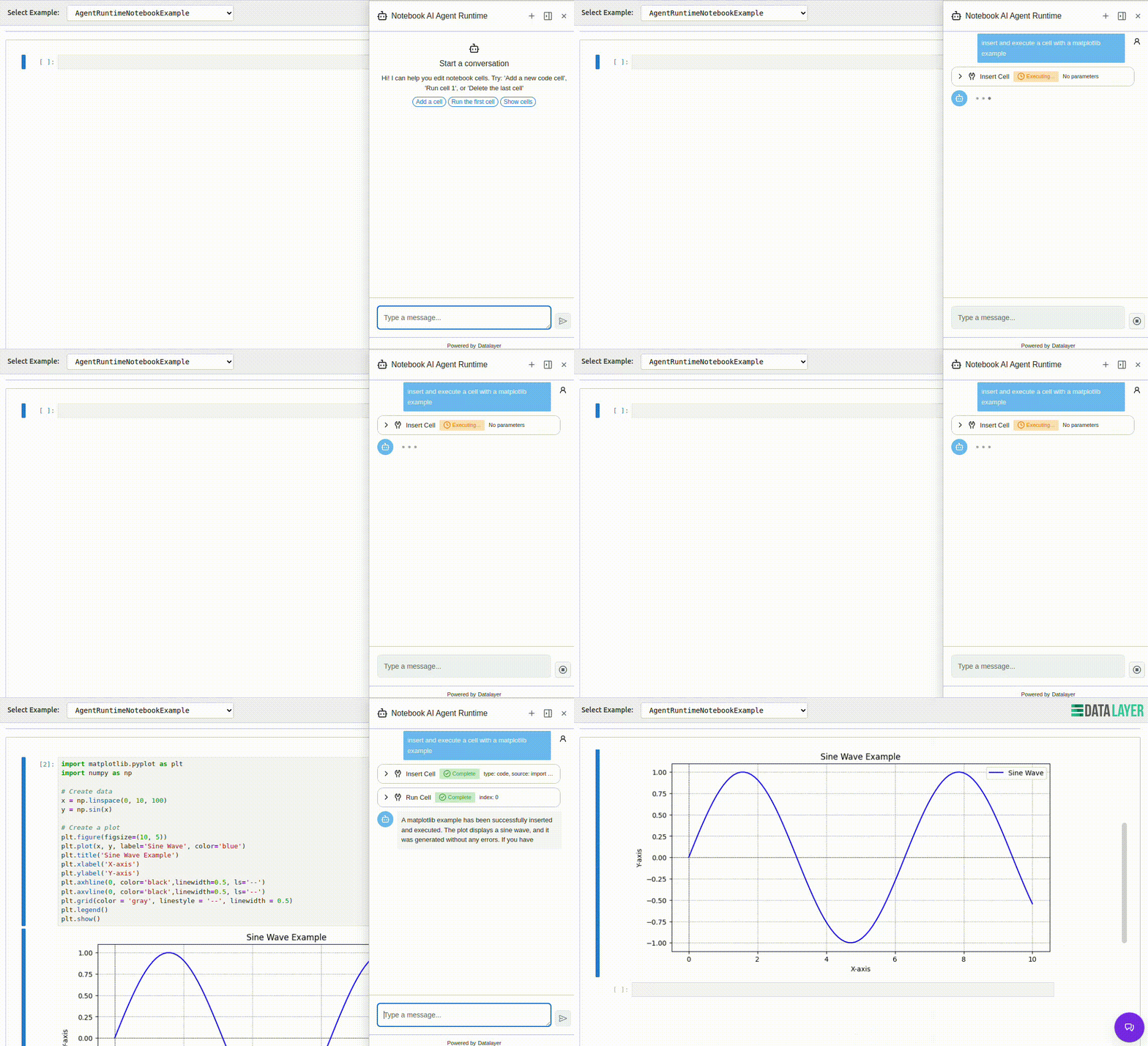
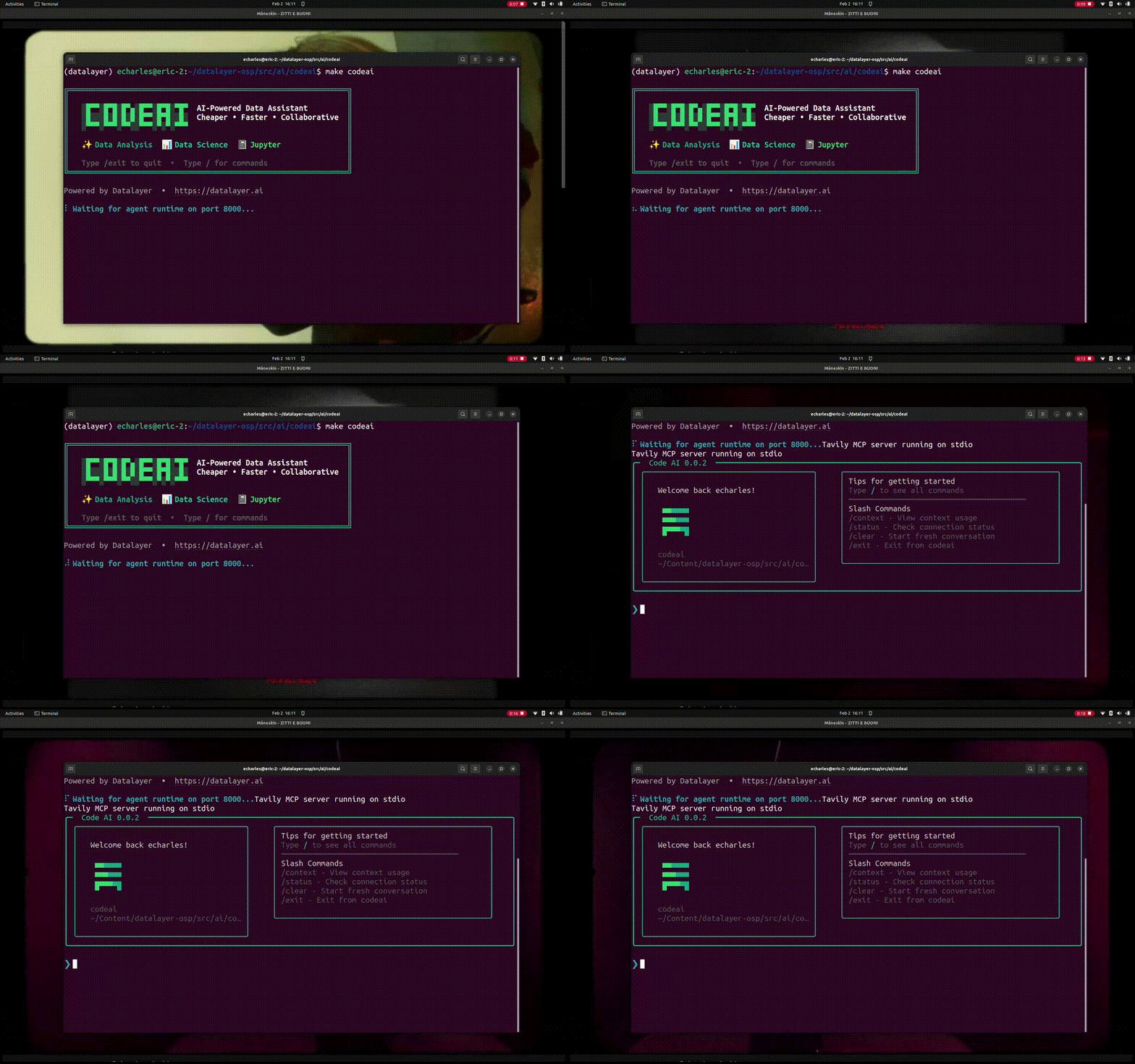
- Central registration: Agent nodes register and heartbeat to Datalayer Runtimes APIs.
- Node configuration: Runtime mode (
private,shared,sleep) and sharing metadata are tracked per node. - Tunnel routing: Agent nodes maintain a tunnel with Datalayer Runtimes to route chat messages between central UI and nodes.
- Dedicated UI: Agent Node list/detail UX is available for node observability and operations.
- End-to-end sync: Local node state can be synchronized to central services for fleet visibility.
- ACP (Agent Client Protocol): WebSocket-based standard protocol
- Vercel AI SDK: Compatible with Vercel's AI SDK for React/Next.js
- AG-UI: Lightweight web interface (Pydantic AI native)
- MCP-UI: Interactive UI resources protocol with React/Web Components
- A2A: Agent-to-agent communication
- Pydantic AI: Type-safe agents (fully implemented)
- LangChain: Complex workflows (adapter ready)
- Jupyter AI: Notebook integration (adapter ready)
- 🔌 Flexible Architecture: Easy to add new agents and protocols
- 🛠️ Tool Support: MCP, custom tools, built-in utilities
- 📊 Observability: OpenTelemetry integration
- 💾 Persistence: DBOS support for durable execution
- 🔒 Context Optimization: LLM context management
The examples demonstrate how to use the Agent Runtimes functionality in various scenarios and frameworks.
make examples starts both the Python agent server and the Vite dev server,
so you need both stacks installed once:
# 1. Node dependencies for the React examples + Vite dev server.
npm install

# 2. Python package (editable) for the local agent-runtimes server.
#    Use a virtualenv or conda env of your choice.
pip install -e .
Optional extras (declared in pyproject.toml):
pip install -e ".[examples]"   # extra agent framework deps used by examples
pip install -e ".[test]"       # pytest and test utilities
pip install -e ".[cli]"        # CLI dependencies
pip install -e ".[chat]"       # chat-related extras
pip install -e ".[docs]" # docs build dependenciesmake examplesFor focused Agent Node development, run:
make agent-nodesThis target starts both:
- the local Python server on port
8765 - the Vite page for
html/agent-node.html
Use this mode to iterate on Agent Node configuration flows and central registration behavior.
Expected central visibility semantics:
- show all nodes owned by the current user,
- show other users' nodes only when mode is
shared.
To run Agent Node with local service URLs preconfigured, use:
make agent-nodes:proxyThis target applies the PLANE_LOCAL_*_URL mappings and exports both
DATALAYER_* and VITE_* variables so Agent Node sync/tunnel and UI calls are
wired to local services.
Prerequisites:
- Start the local Plane stack (
plane local). - Export
DATALAYER_API_KEYfor authenticated registration/tunnel calls.
Override any local service URL if needed:
PLANE_LOCAL_RUNTIMES_URL=http://localhost:19500 make agent-nodes:proxyDocker image build and release notes were moved to:
By default, make examples boots the local Vite dev server with every
Datalayer service URLs set to local defaults for agent execution:
| Variable | Default | Notes |
|---|---|---|
VITE_BASE_URL |
http://localhost:8765 |
Local agent-runtimes server (/api/v1/agents/*) |
VITE_BASE_URL_NO_CODEMODE |
http://localhost:8765 |
Local no-codemode agent endpoint |
VITE_BASE_URL_CODEMODE |
http://localhost:8766 |
Local codemode agent endpoint |
This is the local-first workflow used during development. It avoids accidental
remote calls for the core agent routes even if your shell exports
DATALAYER_*_URL values.
If you want to force production URLs for Datalayer services, use:
make examples:prodThis mode uses the DATALAYER_*_URL convention from
datalayer-core (specifically datalayer_core/utils/urls.py)
and propagates those values to the Vite HTML placeholders.
Override any URL on the command line:
make examples:prod DATALAYER_RUN_URL=https://prod2.datalayer.runIf you are developing against a local Plane (plane local), use:
make examples:proxyThis points each DATALAYER_*_URL at the matching localhost port exposed by
plane local (see services/plane/datalayer_plane/sbin/local.sh):
| Variable | Default port |
|---|---|
PLANE_LOCAL_IAM_URL |
http://localhost:9700 |
PLANE_LOCAL_RUNTIMES_URL |
http://localhost:9500 |
PLANE_LOCAL_SPACER_URL |
http://localhost:9900 |
PLANE_LOCAL_LIBRARY_URL |
http://localhost:9800 |
PLANE_LOCAL_MANAGER_URL |
http://localhost:2100 |
PLANE_LOCAL_AI_AGENTS_URL |
http://localhost:4400 |
PLANE_LOCAL_AI_INFERENCE_URL |
http://localhost:4450 |
PLANE_LOCAL_MCP_SERVERS_URL |
http://localhost:4111 |
PLANE_LOCAL_GROWTH_URL |
http://localhost:6660 |
PLANE_LOCAL_SUCCESS_URL |
http://localhost:3300 |
PLANE_LOCAL_STATUS_URL |
http://localhost:4785 |
PLANE_LOCAL_SUPPORT_URL |
http://localhost:2200 |
Override any port on the command line, e.g.:
PLANE_LOCAL_IAM_URL=http://localhost:9701 make examples:proxyOn the main page, you’ll find an example gallery (cards) that break things down into practical building blocks:
- UX patterns (aka GenUI) with protocols like A2UI and AG-UI
- Interactive or triggered workflows
- Agent Identity and Controls with guardrails, monitoring, tool approvals
- Programmatic tooling with Sandbox and Codemode for MCP and Skills
- Outputs and Notifications
- Real-time collaboration with users, subagents, and multi-agent teams
- Custom agents built from Agentspecs
- ...
Each of these concerns deserves more than a one-off solution—they need deep, composable, and pluggable implementations.
The detailed guides for architecture, use cases, interactive chat, key concepts, and runtime configuration are now in Docusaurus docs:
Generated catalogs are produced via:
make specsGeneration scripts are under scripts/codegen, and outputs are written to:
- Python: agent_runtimes/specs
- TypeScript: src/specs