Experiments settings reset in 44.0.2403.89. Open developer tools settings ▶ Experiments ▶ [✔] Allow custom UI themes to enable theme again.
A highly customized dark theme for Google Chrome.
Stable and Canary channels are officially supported. Beta and Dev channels will work, but I'm not testing on them.
➡ Please follow development for this theme at zero base themes.
- Add Zero Dark Matrix from the Chrome Web Store.
- Open
chrome://flags▶ Enable Developer Tools experiments and click "Relaunch Now" at the bottom. - Open developer tools settings ▶ Experiments ▶ [✔] Allow custom UI themes.
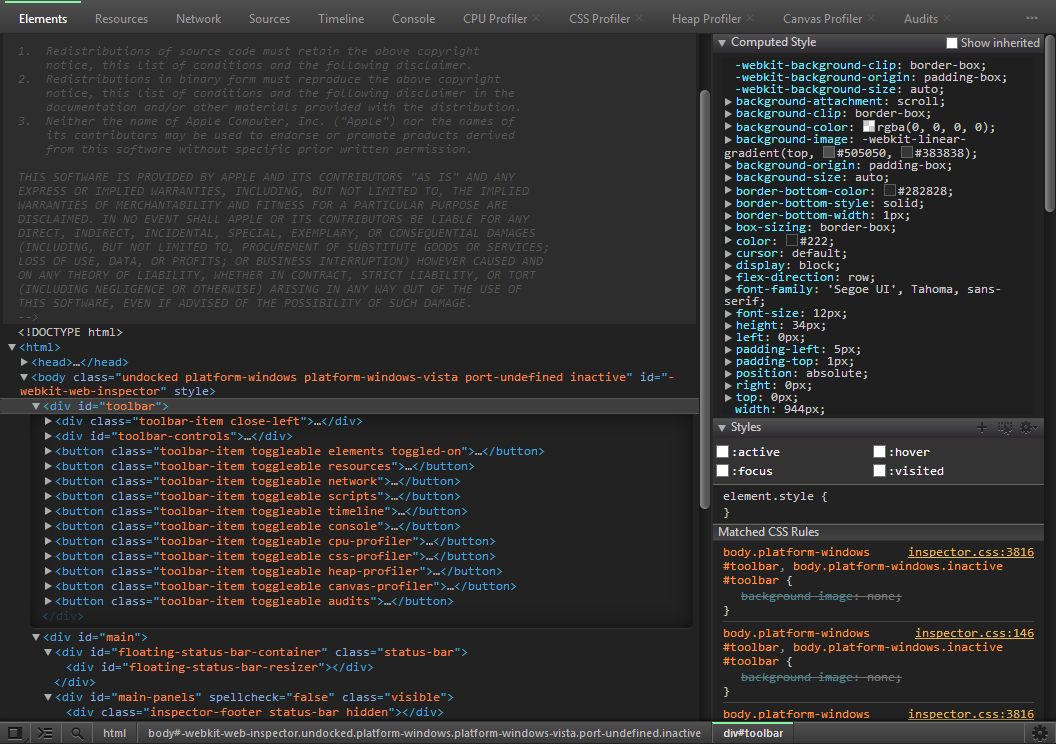

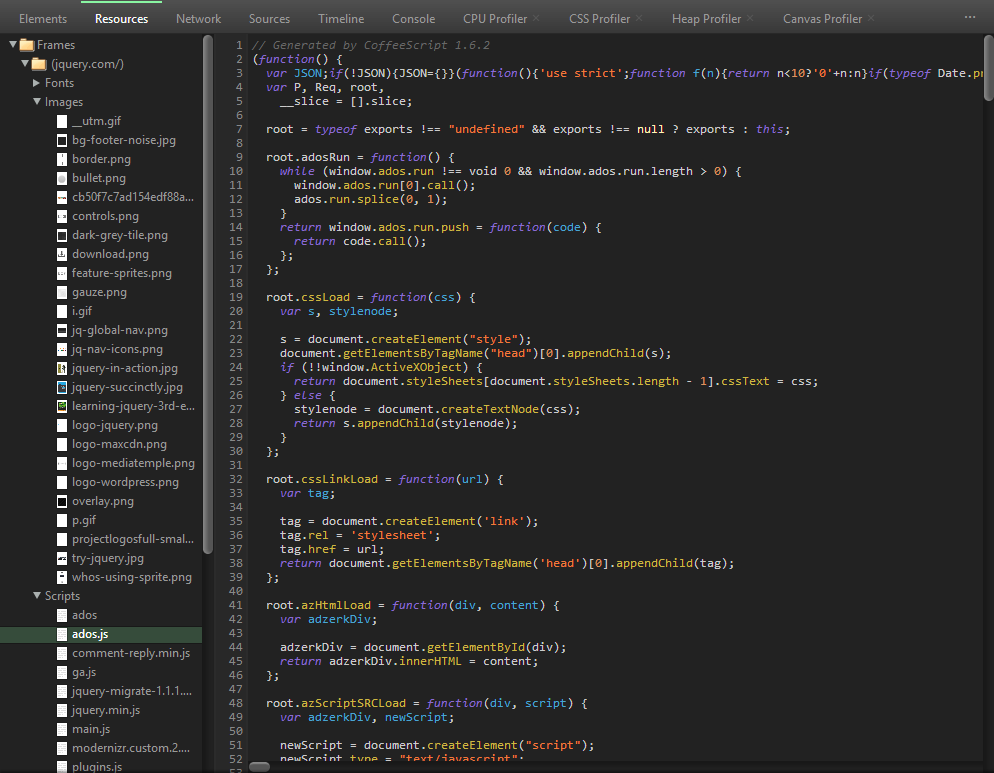
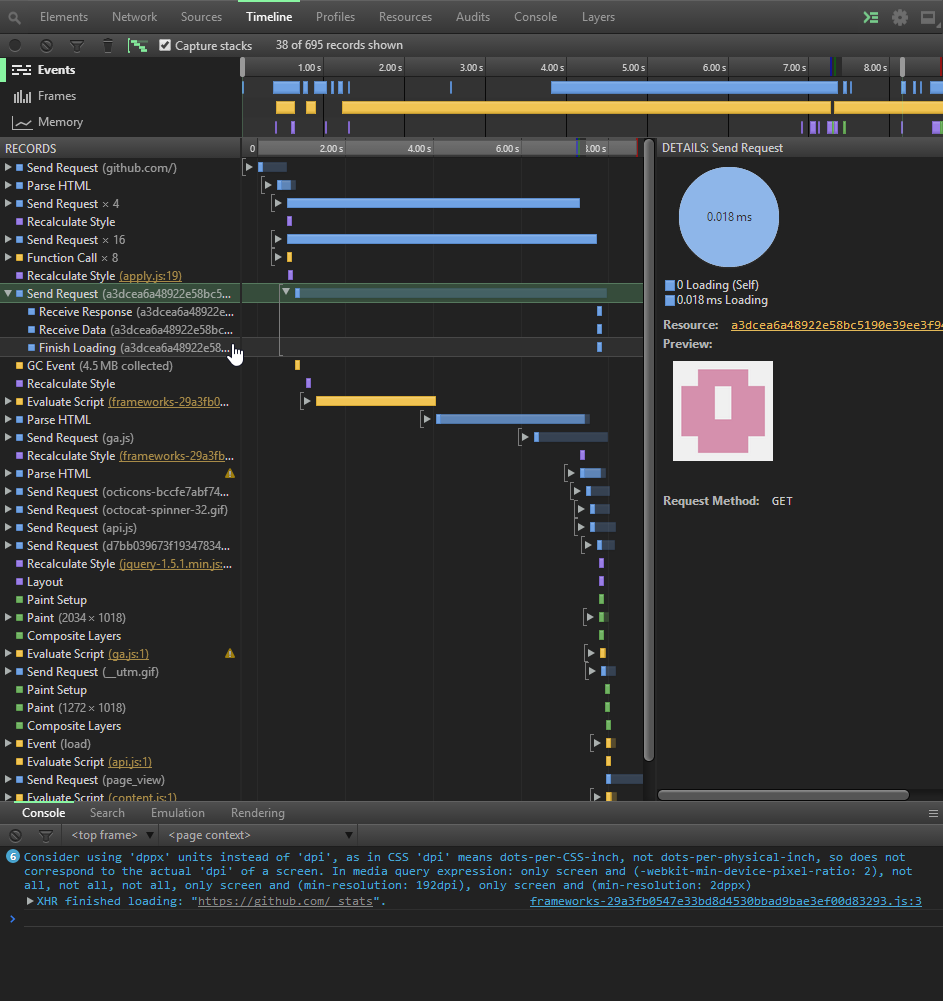


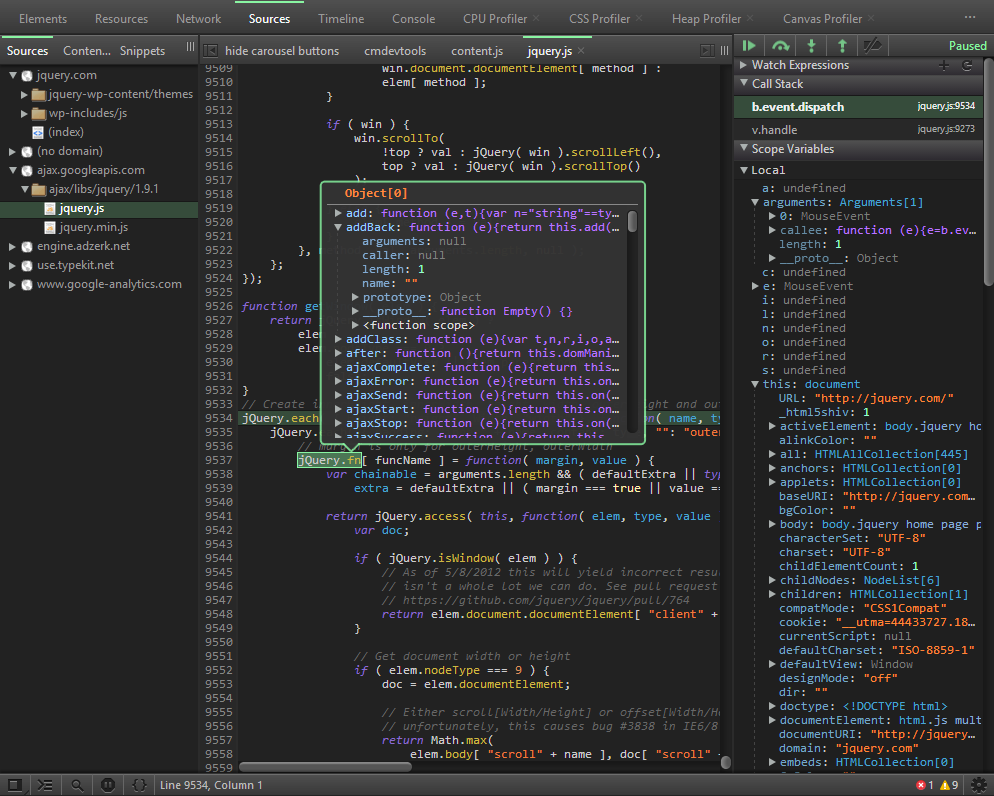
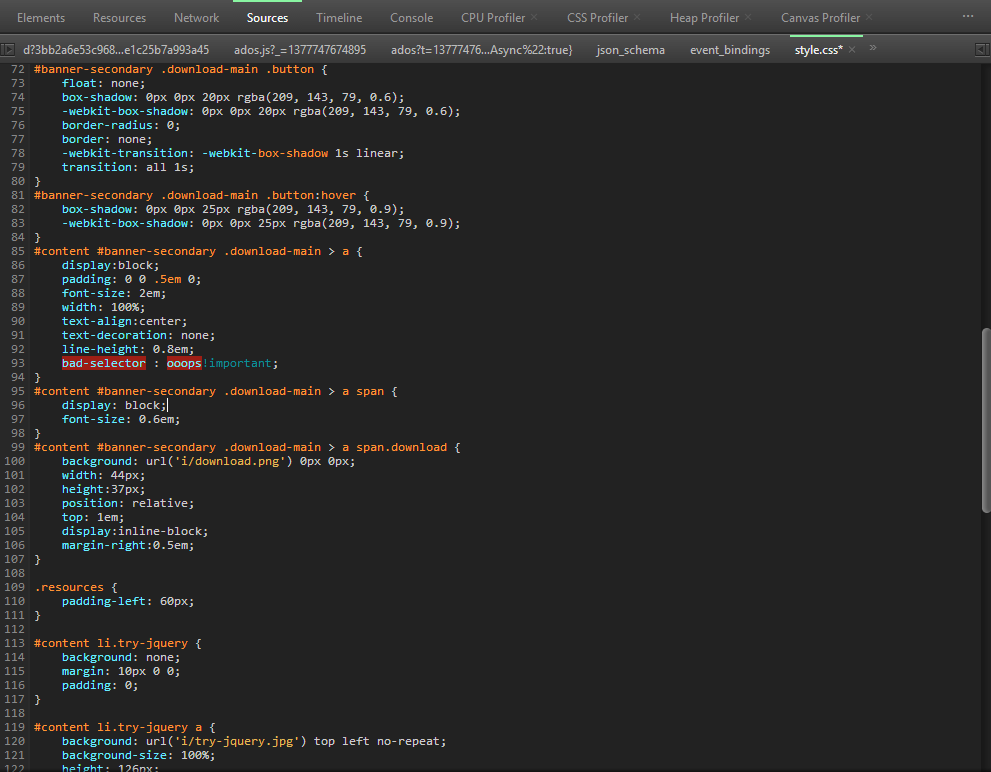
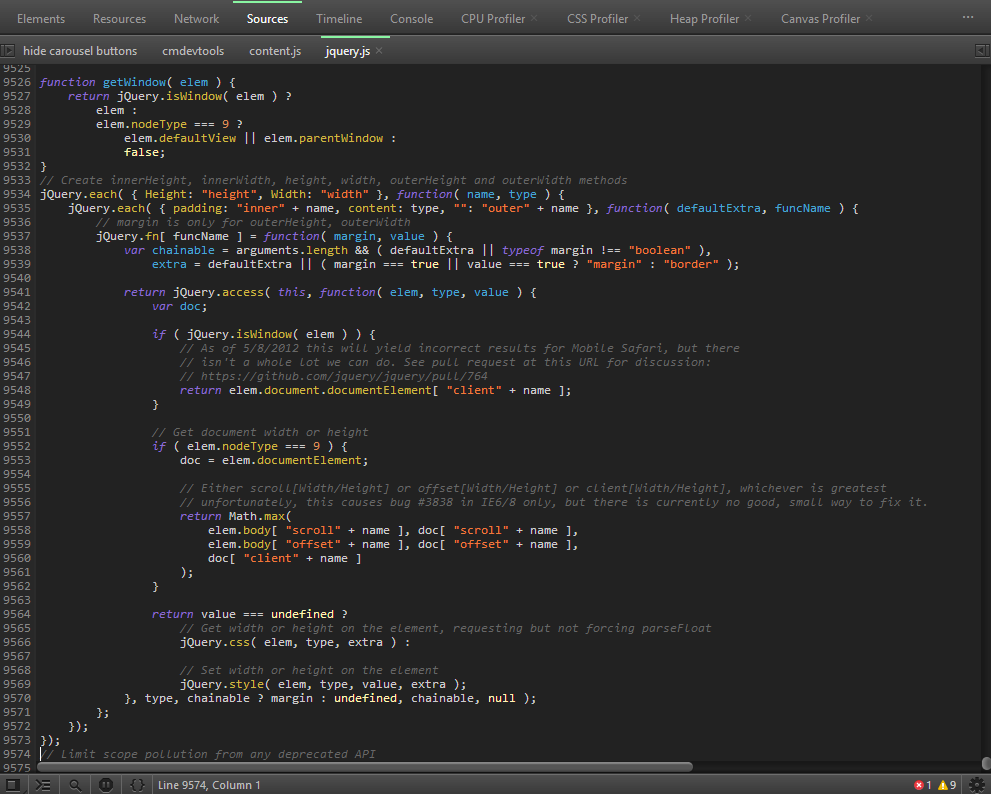
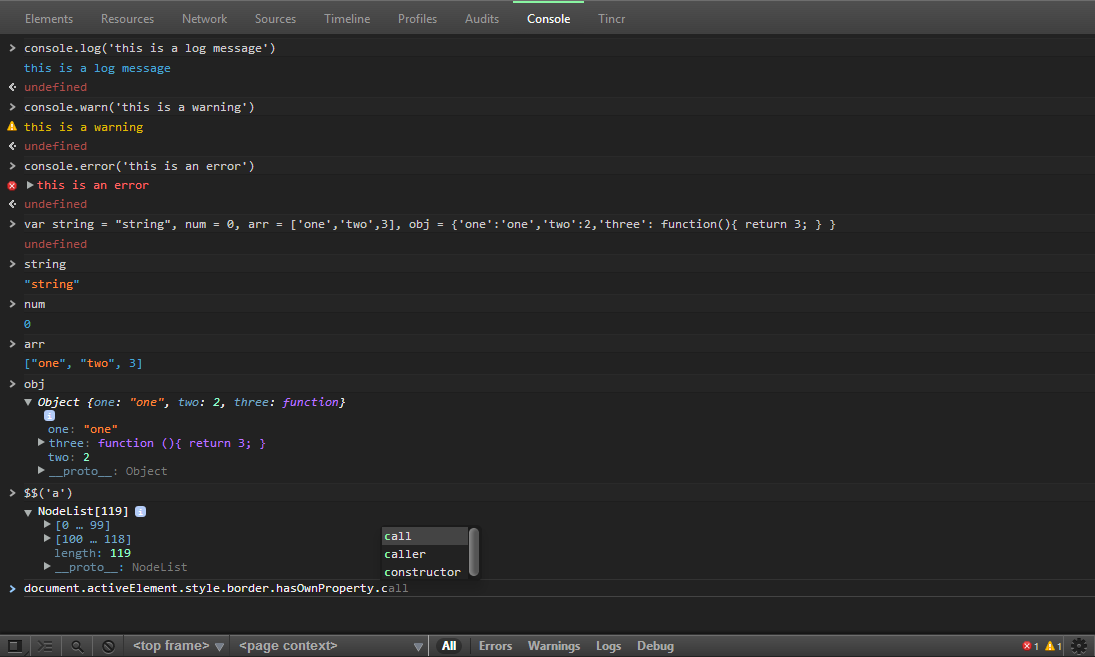
- Majority of inspector chrome re-styled
- Customized Scrollbars
- Animations for ** finding elements ** setting elements inactive ** elements/sources/network panels
- Subtle pulsating element selection
- Re-styled Popovers (PSD files included)
- Child element styling in elements panel
- Thanks to Simon Owen for the base styles. I used his So-Dark-Monokai-v3 as a starting point.
- CSS Tricks for the tutorial on customized scrollbars.
- Animate.css for some of the animations.
Simon's version also used samples from other templates so I will thank them as well!
- IR_Dark_Monokai - Designed and developed by Andres Pagella (@mapagella)
- Todd Werth's IR_Black
- toolbar code from Harris Novick
- Inspired by Darcy Clarke's blog post
- Automatic rake file Rodolfo Puig