CLI-first Agent Accessible local code context and analysis for agent workflows. Uses AST-grep for semantic code search and analysis with compacting for token efficiency. AmbianceCLI fetches appropriate context from accross the project, your agent decides where to dig deeper. Meaning faster, more efficient, code completion.
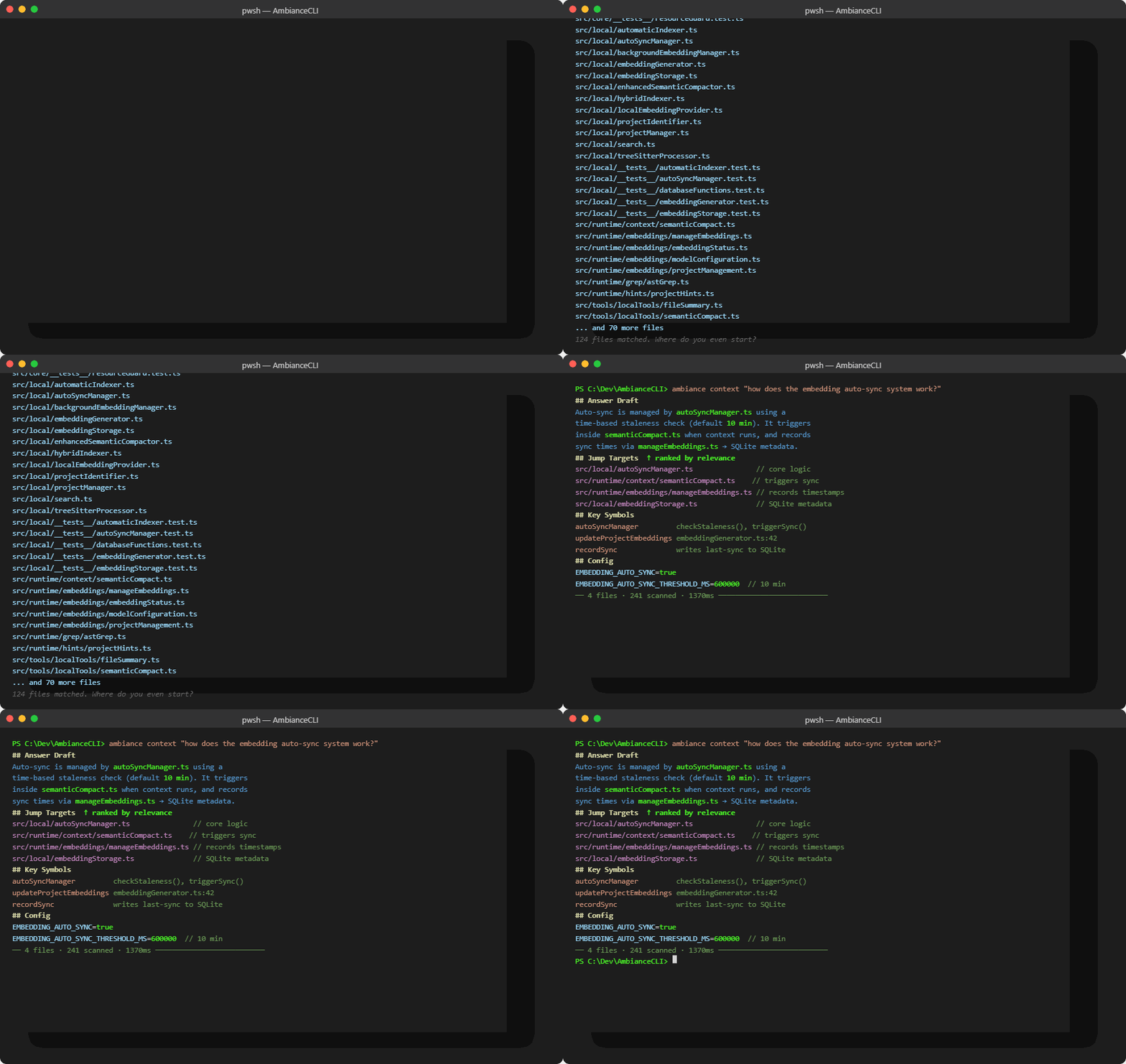
Instead of grepping through hundreds of files, ask a natural language question and get ranked results with jump targets, key symbols, and config — in milliseconds.
npm install -g @jackjackstudios/ambiance-cliTo integrate Ambiance directly into your favorite AI environments, install the Ambiance Agent Skill:
ambiance skill installBy default, this will copy the skill definitions into the known configuration directories of .claude, .gemini, .antigravity, .codex, and .cursor.
ambiance --help
ambiance doctor --json
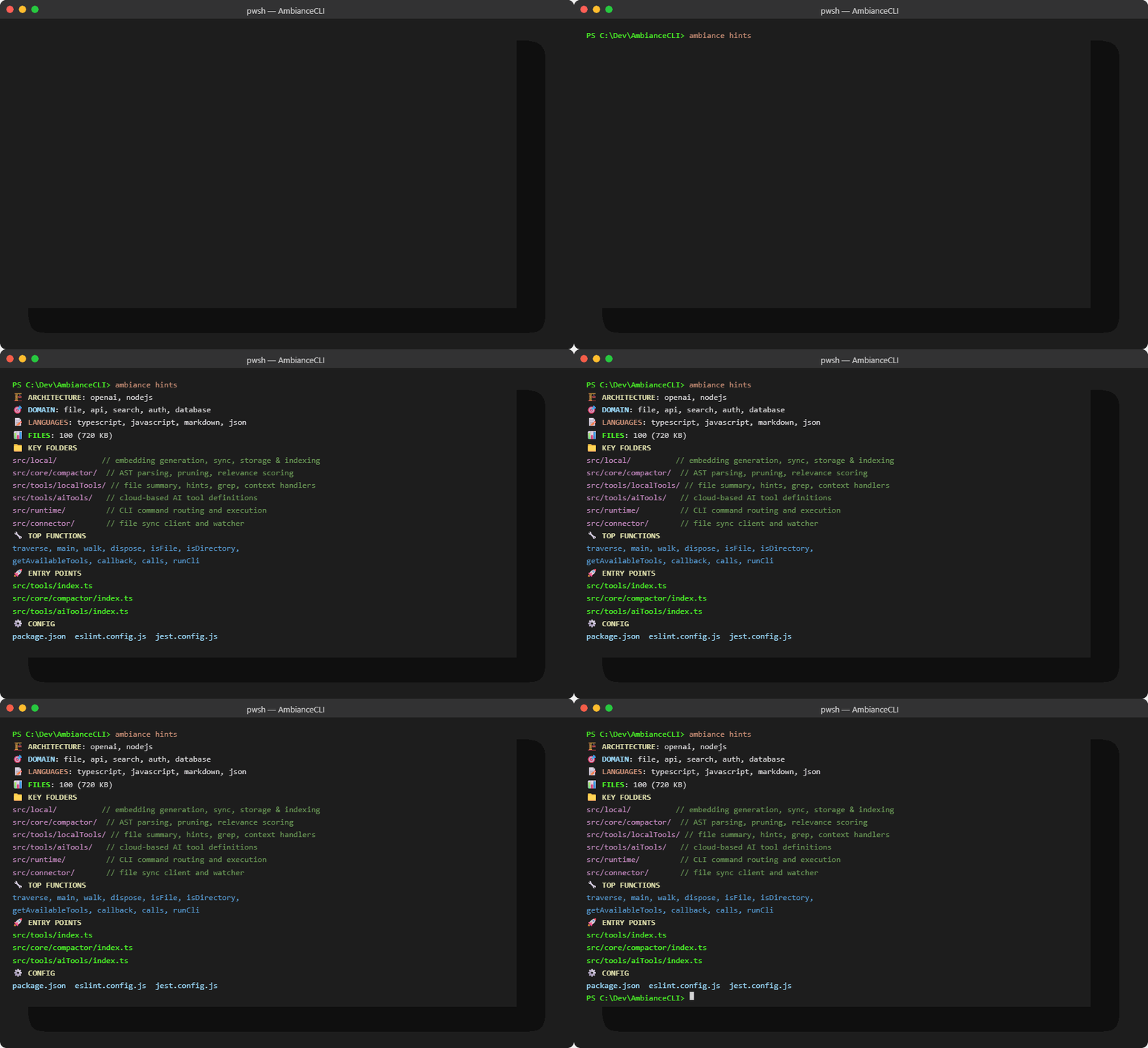
ambiance skill verify --jsonOne command gives any agent or developer a full orientation to an unfamiliar codebase: architecture patterns, key folders, entry points, and top functions.
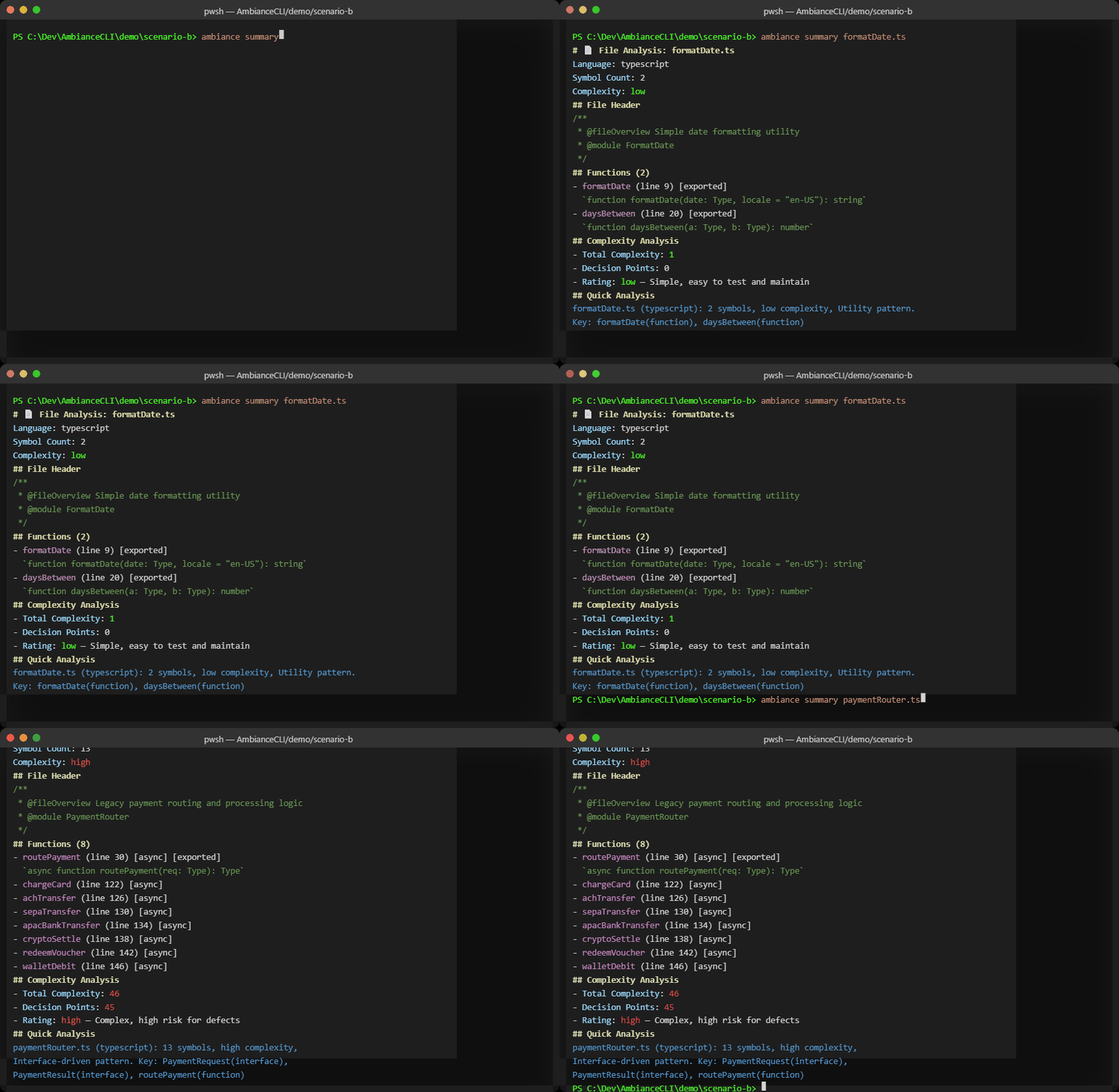
Instantly surfaces cyclomatic complexity, symbol counts, and architectural patterns so you know which files need attention.
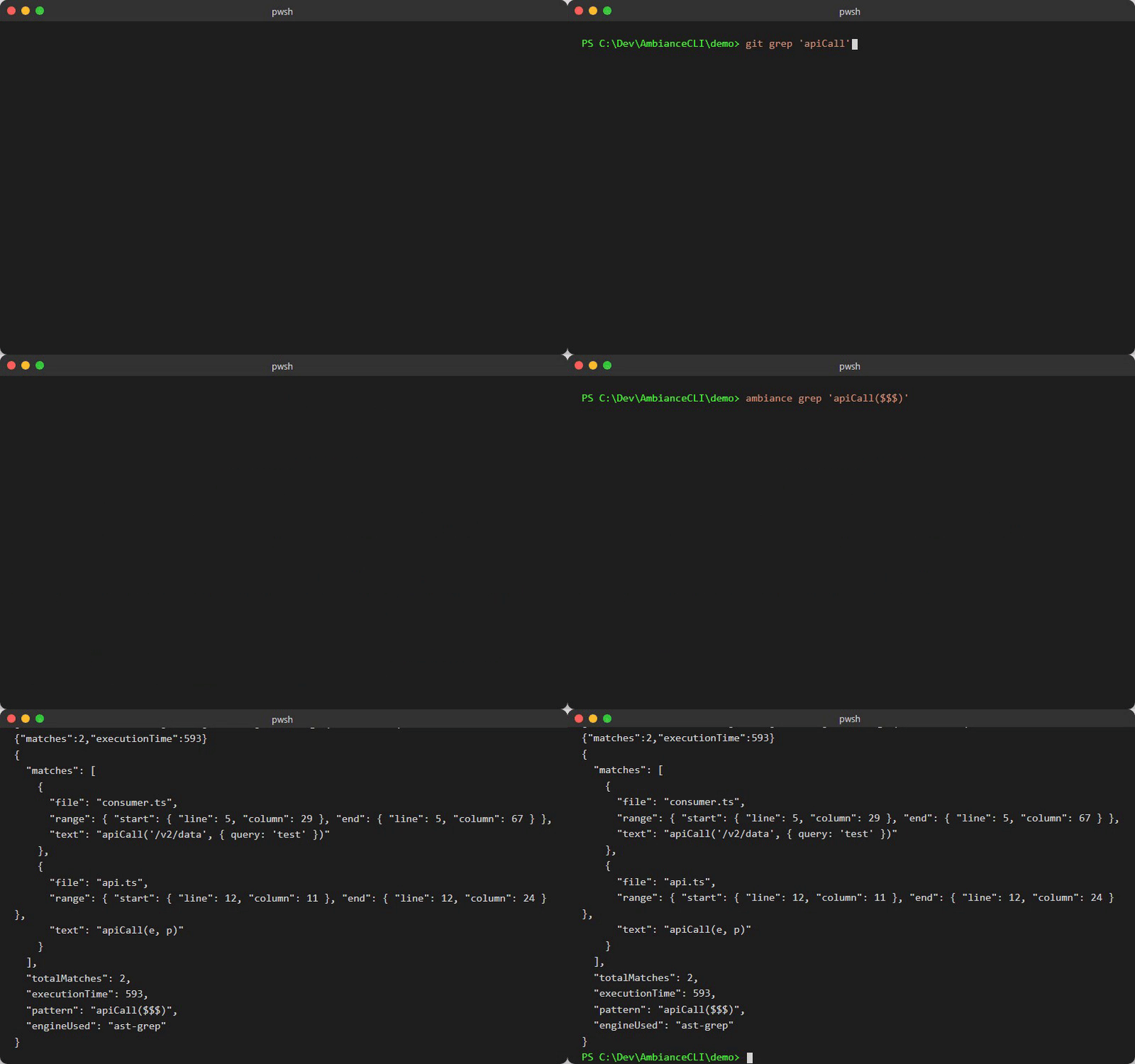
Finds exact function invocations, not comments or string matches. Compared here against standard text grep on the same codebase.
Paste a log line and get back the relevant source locations, stack context, and suggested fix targets.
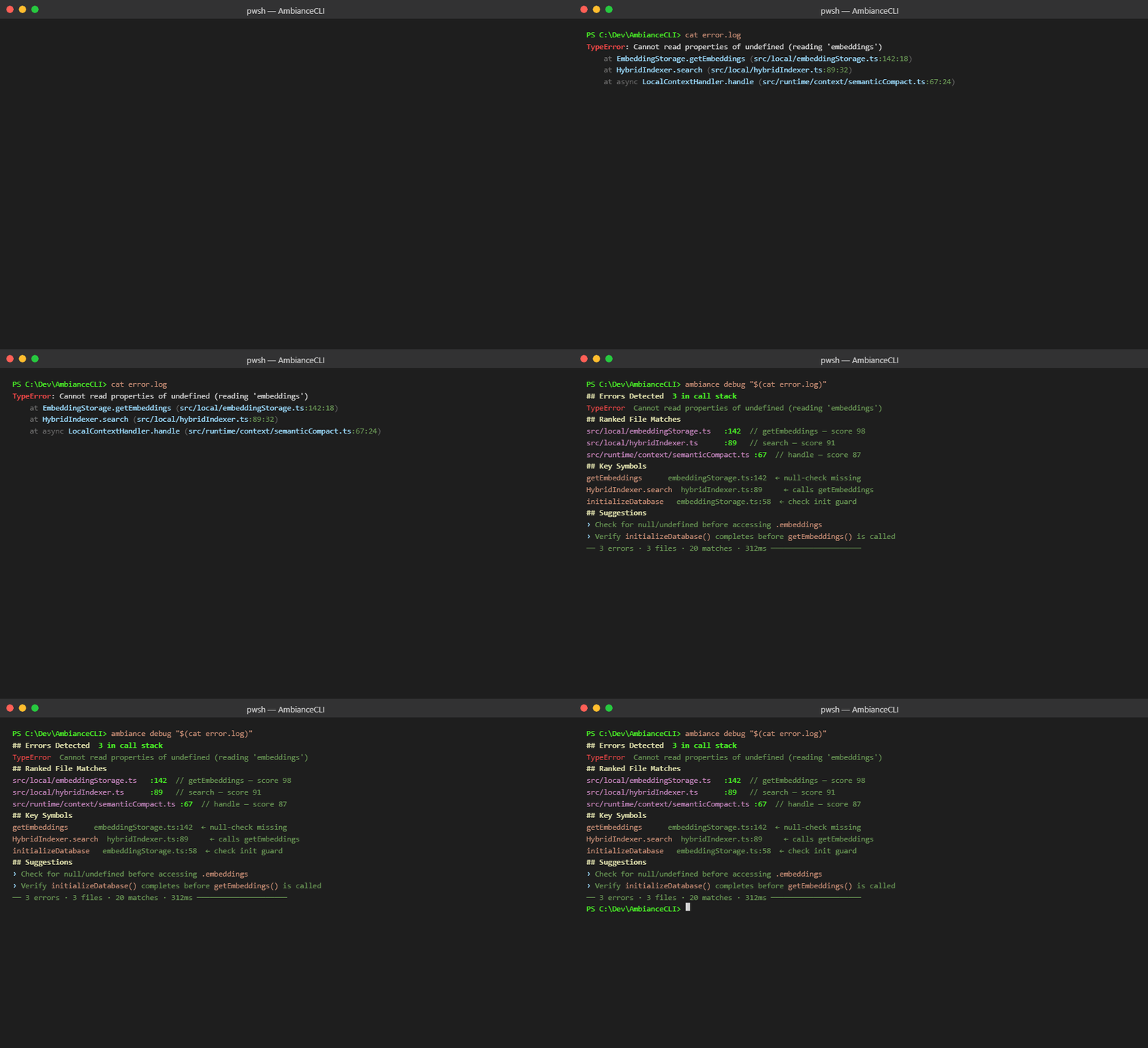
All commands support JSON mode via --json.
ambiance context "<query>" --json --project-path <path>ambiance hints --json --project-path <path>ambiance summary <file> --jsonambiance manifest --json --project-path <path>- NEW: Project-wide function listingambiance debug "<log text>" --json --project-path <path>ambiance grep "<ast pattern>" --json --project-path <path>ambiance frontend --json --project-path <path>ambiance embeddings <action> --json --project-path <path>ambiance packs <create|list|get|delete|template|ui> --jsonambiance compare --prompt "<prompt>" --json
Ambiance ships versioned skill templates in skills/ambiance.
- Validate templates:
ambiance skill verify --json - Workflow docs and examples:
skills/ambiance/README.md - Workflow files:
skills/ambiance/workflows/*.json
MCP remains available as a compatibility path, but CLI is now the primary interface.
- Bridge command:
ambiance migrate mcp-map --json
- Prefer
--jsonfor machine parsing. - Non-zero exit codes are returned for usage/runtime failures.
- Use explicit
--project-pathfor deterministic runs.
npm run build
npm run verify:skills
npm testMIT. See LICENSE.