


Custom boot and loading screen for the R36S Handheld Gaming Console.
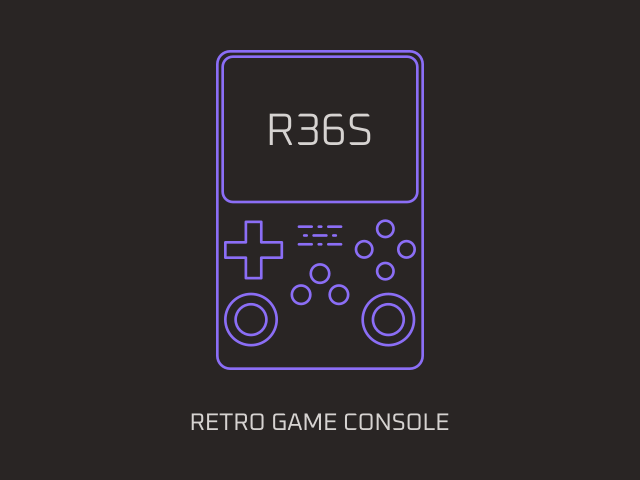
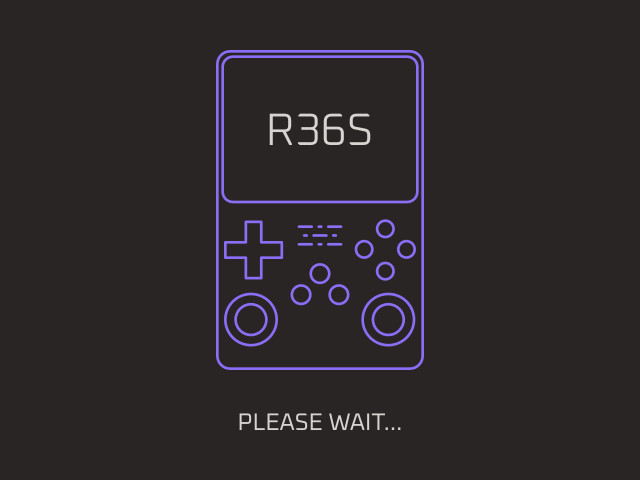
Copy the following files to your system's SD card. Consider backing up existing files before proceeding.
logo.bmpto the root of theBOOTpartition.loading.jpgto the/launchimages/folder in theEASYROMSpartition.
Source SVG files, created with Inkscape, are available for customization. Ensure you use 24-bit mode when exporting the logo.bmp image. The font used is Oxanium.
Creative Commons Attribution 4.0 International Public License