➰ Emacs Javascript Test Runner integration that support mode line report!
Upbo is the Korean pronunciation of karma.



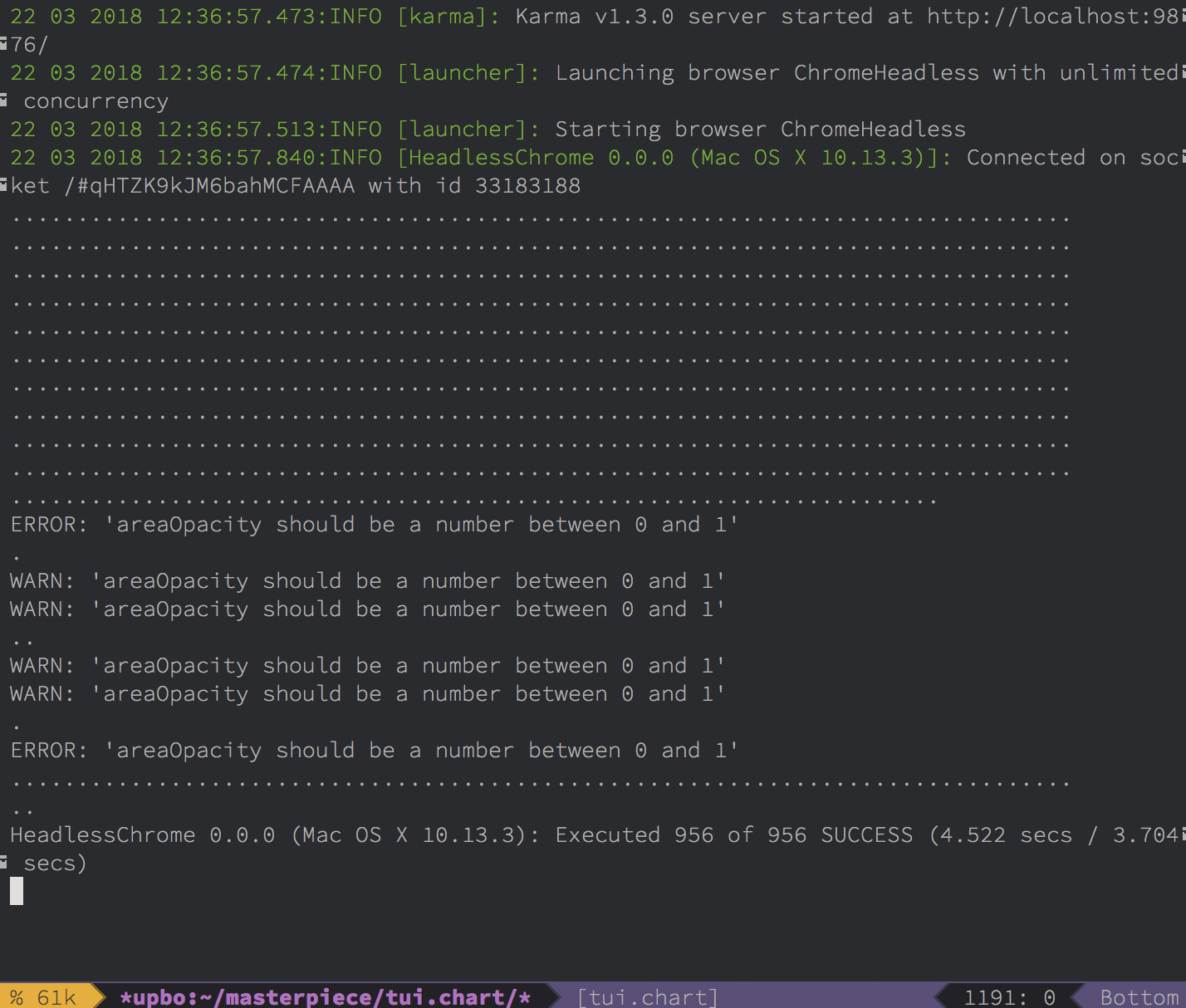
You can install upbo with package-install:
M-x package-install [RET] upbo [RET]
Or by add following code to emacs initialize file
(unless (package-installed-p 'upbo)
  (package-install 'upbo))
If the installation have problem try package-refresh-contents:
M-x package-refresh-contents [RET]
(use-package upbo
:ensure t)Upbo recognizes project in the current buffer based on the git root.
You can apply project-specific test settings using the define-upbo-test function in your init.el
If you have not set up the project, upbo will find the kama.conf.js in git root.
Upbo uses upbo-karma-command variable as karma-cli path. If upbo-karma-command is nil, then by default it looks for a karma executable in global, and if it does not find it, it tries to execute in the project using npx.
To enable in major buffer automatically, add upbo-mode to your major buffer mode hook like this:
(add-hook javascript-mode-hook 'upbo-mode)
(add-hook js2-mode-hook 'upbo-mode)(upbo-define-test
:path "/path/to/your/project/git/root"
:browsers "ChromeHeadless"
:conf-file "/path/to/your/karma-conf/karma.conf.js")pathis project git root pathbrowsersuses as karma--browsersoption, Currently we support one browser for mode line reporting. if you don't have set, Upbo uses thebrowsersoption of the karma configuration.conf-fileis karma configuration to use in the project
| Keybinding | Description |
|---|---|
| C-c, C-u, s | Execute karma single run. |
| C-c, C-u, w | Execute karma with auto watch. |
| C-c, C-u, r | Open project upbo process view, you need to run karma first. |
| Keybinding | Description |
|---|---|
| s | Execute karma single run. |
| w | Execute karma with auto watch. |
| k | Kill upbo process of current project. |
| q | Close upbo view. |