
A Visual Studio Code extension that provides the ability to run Kusto queries in Notebooks as well as plain text files.
- Run Kusto Queries
- Graphs & Data Viewer
- Code Completion
- Syntax highlighting
- Code refactoring
- Code formatting
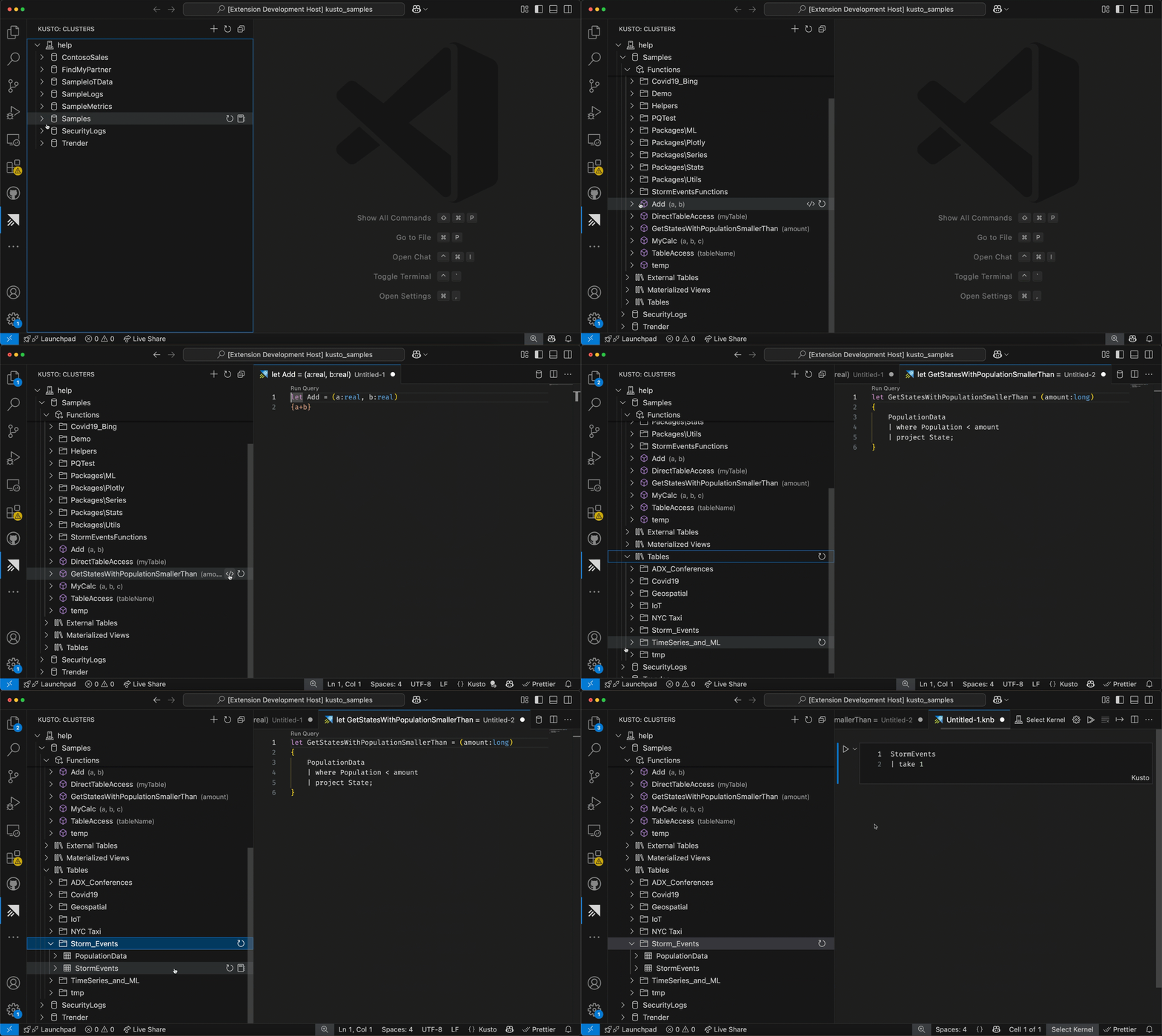
- Kusto panel with access to Clusters, Databases, Tables, etc
- Run Kusto queries in Plain text files, Notebooks or in an Interactive Window
- Open a
*.kql|*.cslfile and start typing to get code completion. - Open a
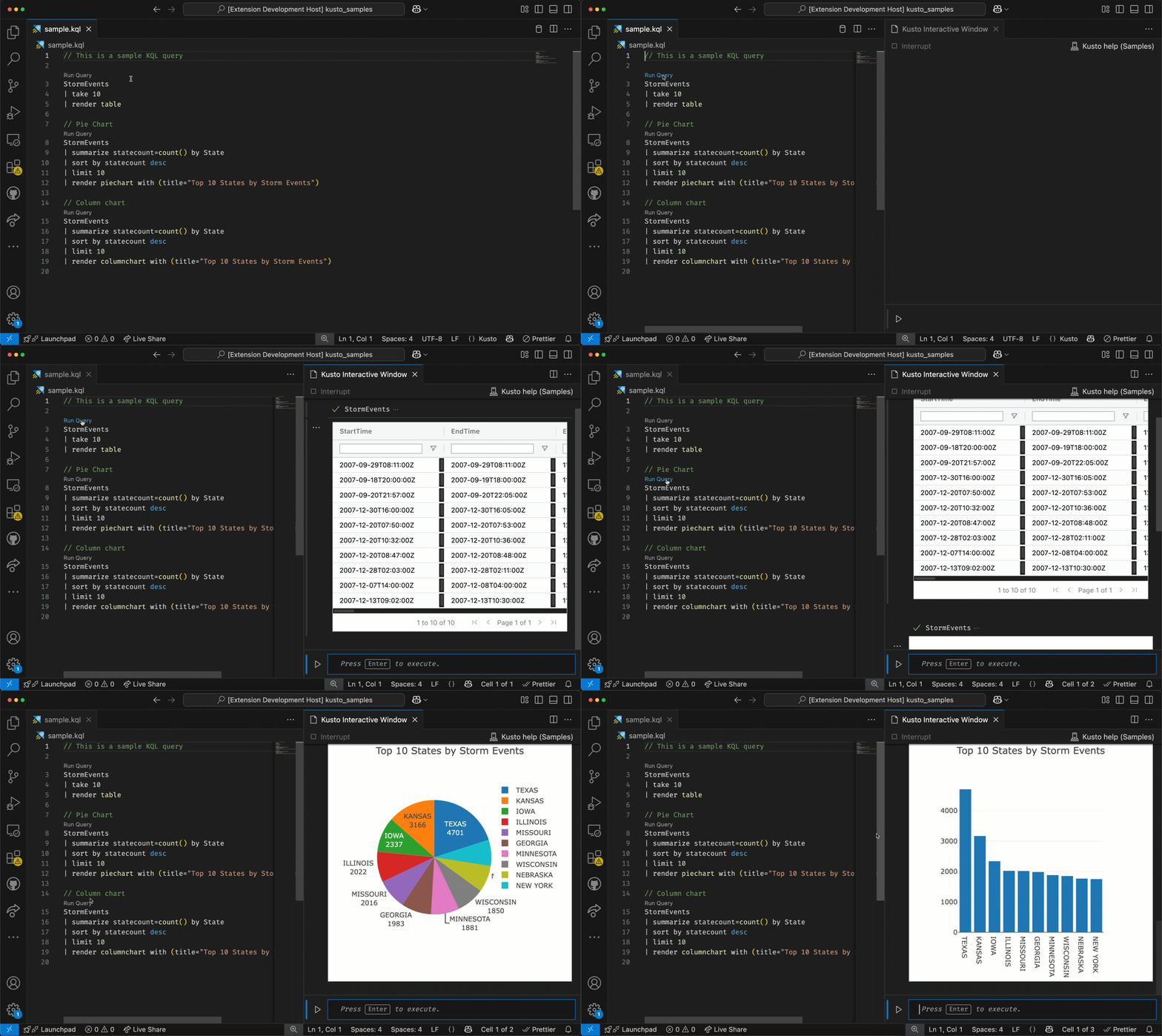
*.kql|*.cslfile and click on theRun Querycode lense - Open a
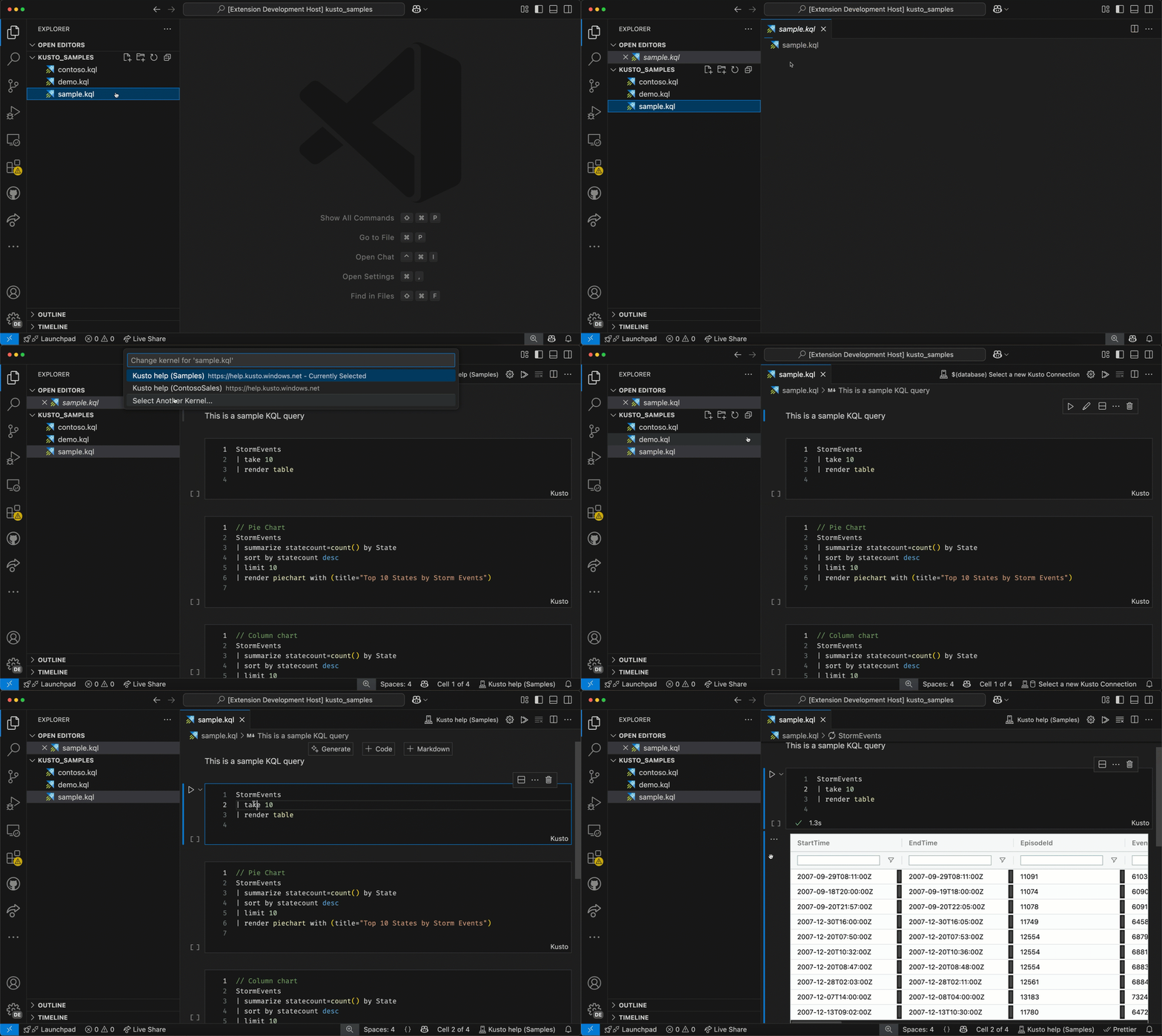
*.kql|*.cslfile as a notebook - Create a file with extension
*.knb(or use the commandCreate Kusto Notebook) - With text file (
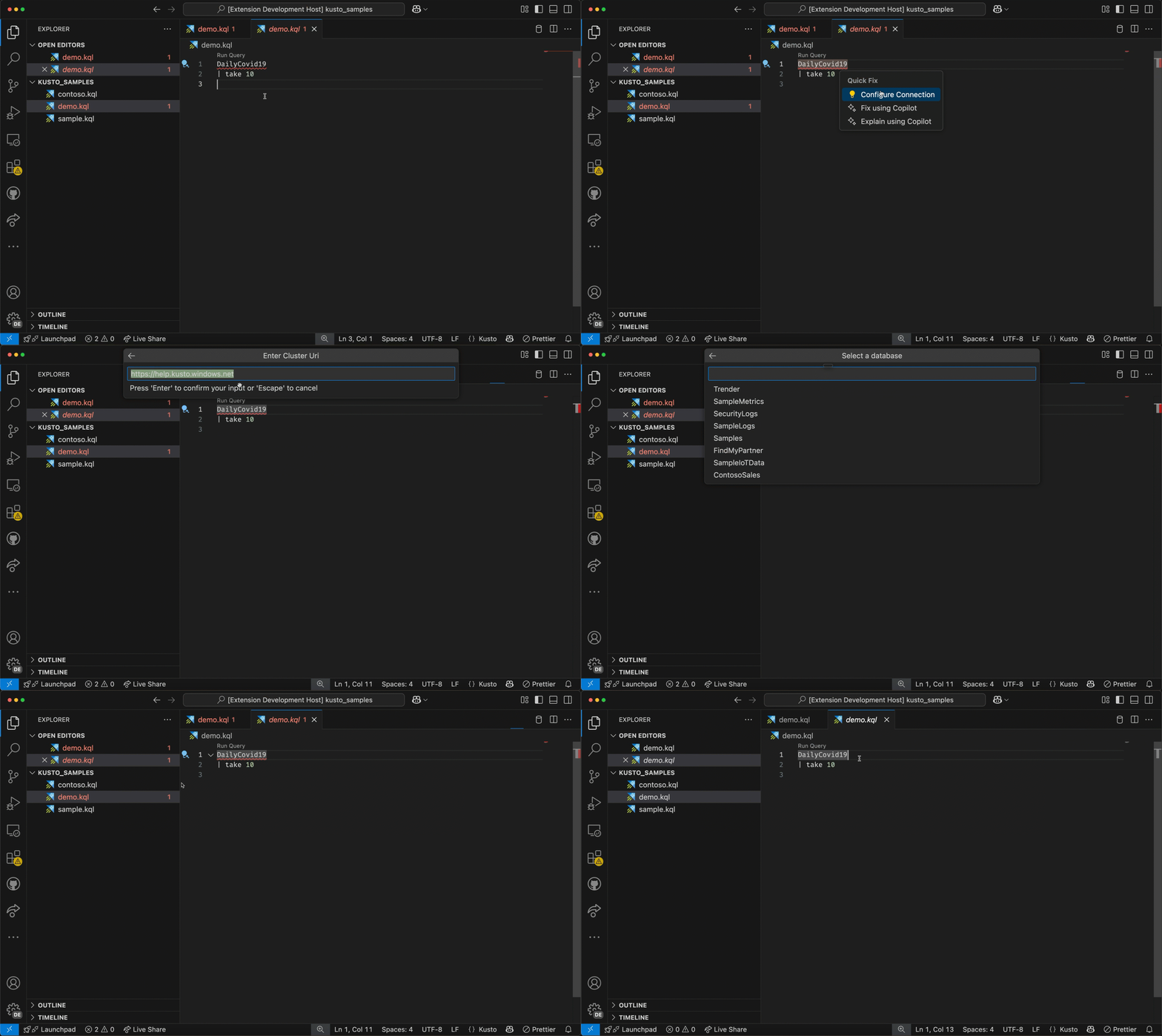
*.kql,*.csl) use the commandConfigure Kusto Connectionto configure the Kusto connection for a . - With notebooks, select the cluster and database from via the Kernel Picker (or
Notebook: Select Notebook Kernelcommand).
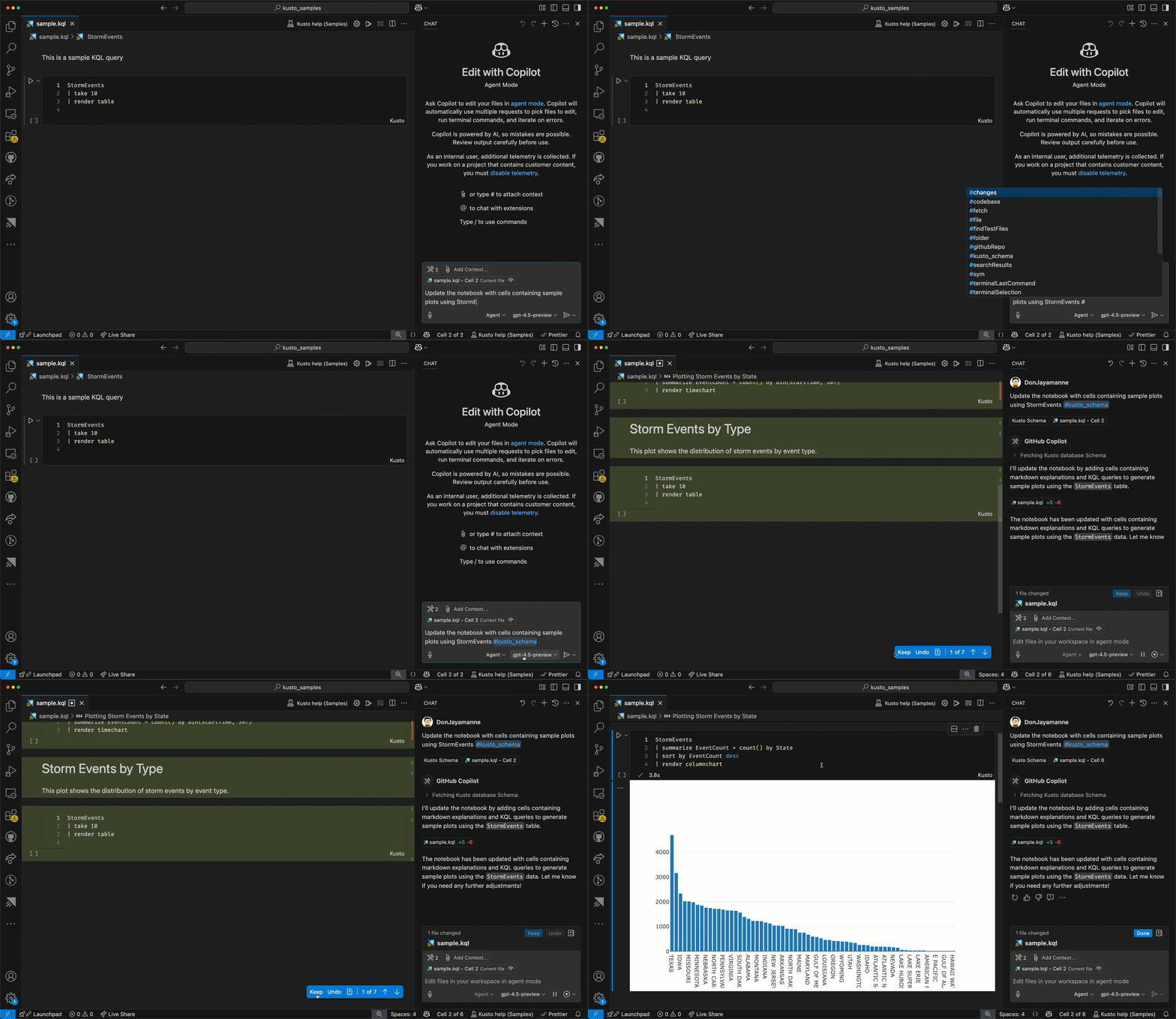
Works with Jupyter Notebooks as well (when using kqlmagic)
- This extension augments Jupyter Notebooks with Kusto language features, when using the Jupyter extension.
- The extension will automatically detect the cluster and database from cells containing the connection information
kql AzureDataExplorer://code;cluster='help';database='Samples'.
Difference between Kusto Notebooks & Jupyter Notebooks (with kqlmagic)
- Kusto Notebooks, there are no additional dependencies.
- Authentication against Azure is handled by VS Code.
- With Jupyter Notebooks, you'll need to install Python and the kqlmagic package.
- You can use Python to further analyze the data.
- Support for more charts
- & more...
Joyce Er, SteVen Batten, Peng Lyu, Tanha Kabir
MIT