
A TypeScript library and CLI tool to generate high-quality sprite images using Nano Banana Pro via kie.ai.
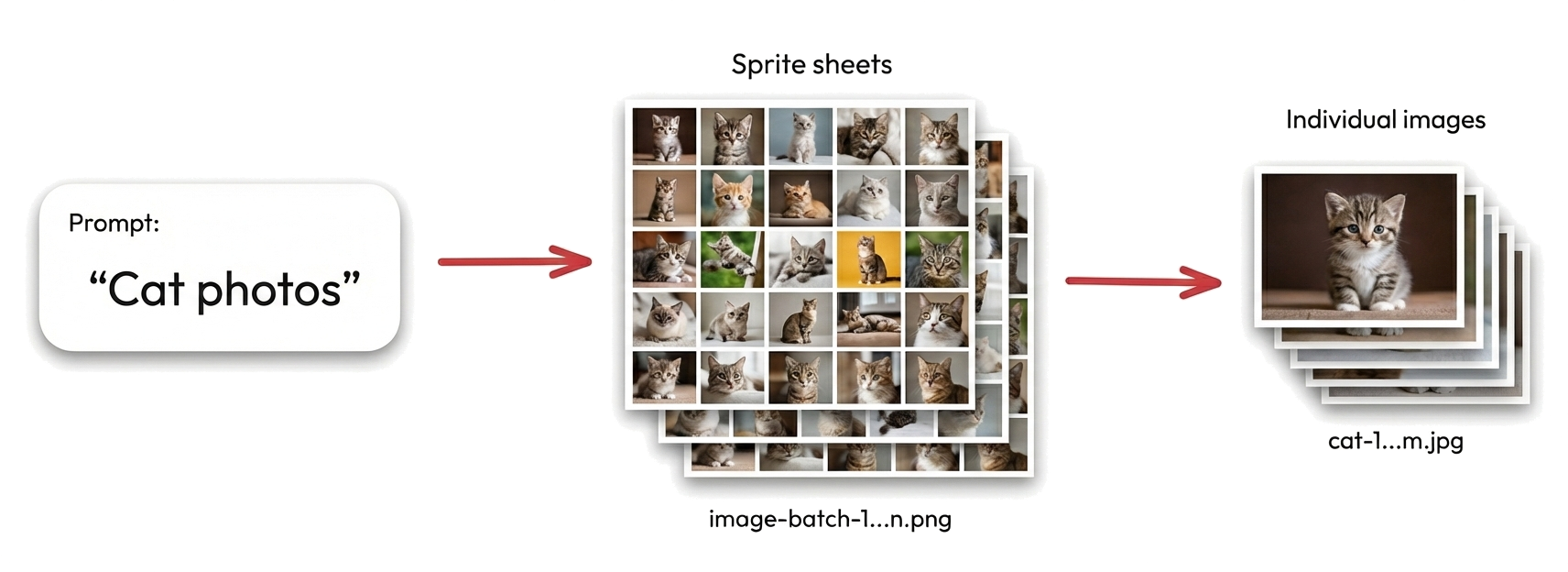
Possibly the quickest, easiest and most cost-effective way to generate large batches of consistent images for logos, thumbnails, game assets, product photos, and more.
✨ Try it now with this one-liner:
KIE_API_KEY="your-kie-api-key" bunx ai-sprite-image-generator "Cat photos"Suitable for any scenario where density, speed and/or image consistency is preferable to raw image quality, such as:
- Logo or icon design ideas
- Thumbnails
- Game assets
- Product photos
- Placeholder images for development
| Cats | Product Photos |
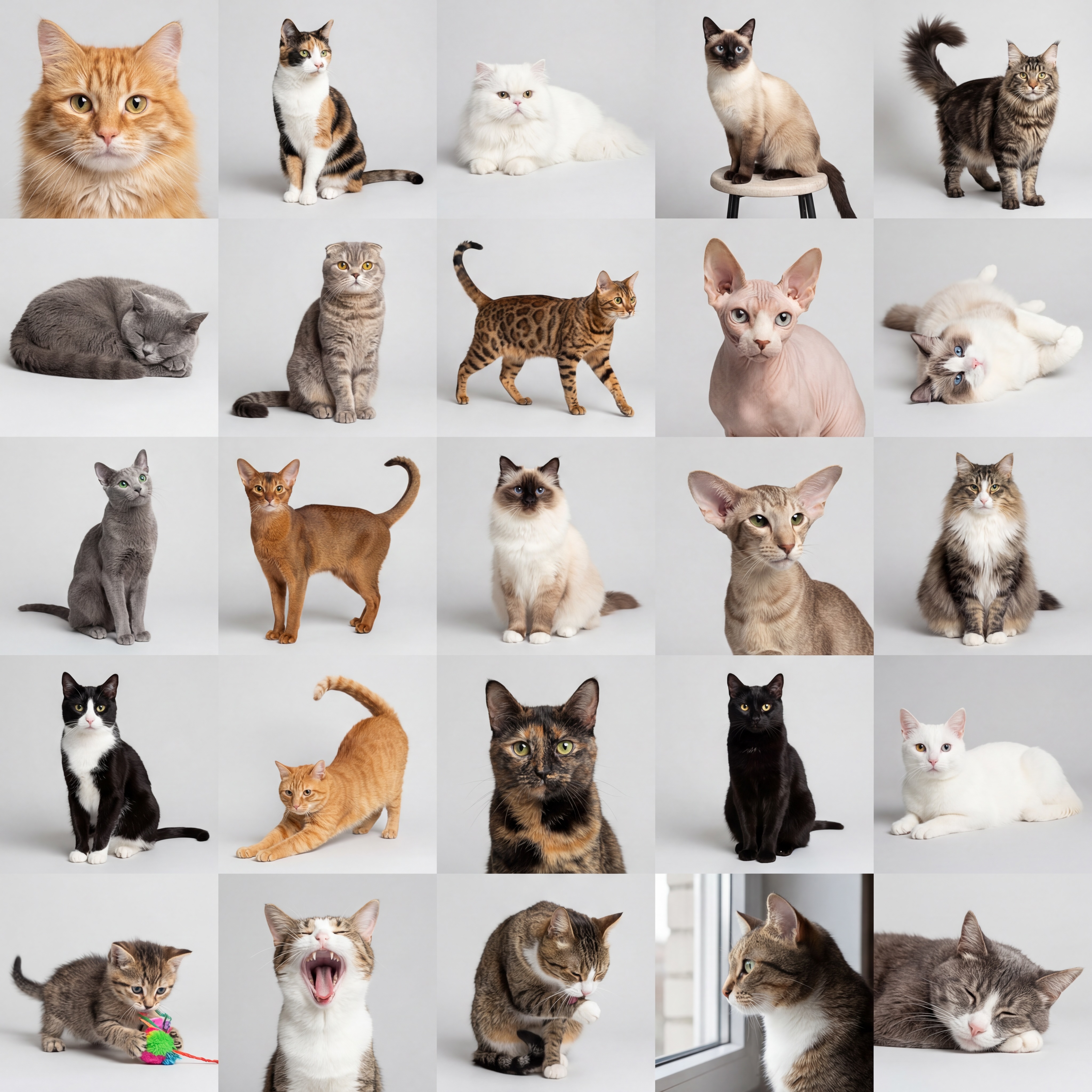 |
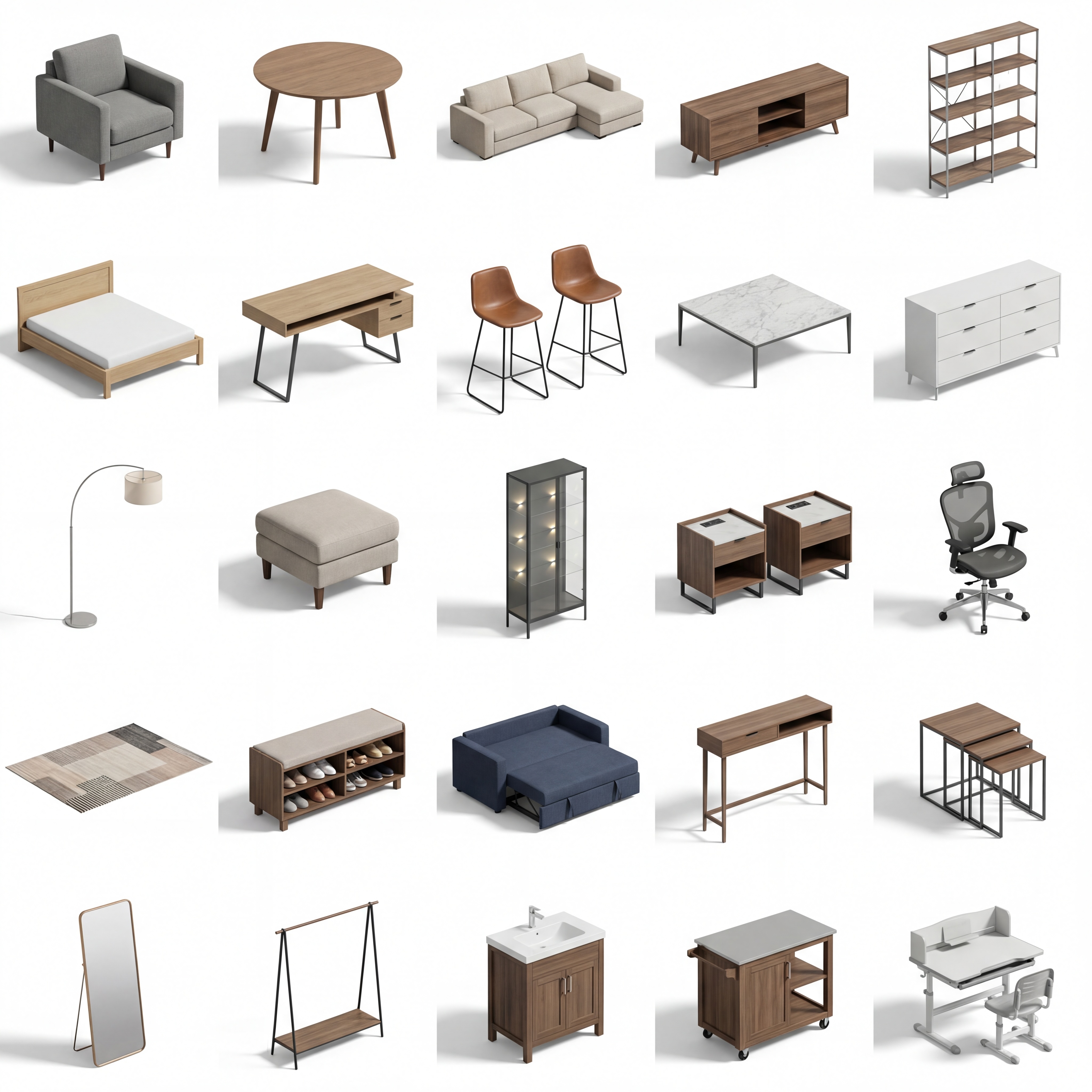 |
| Avatars | Animals |
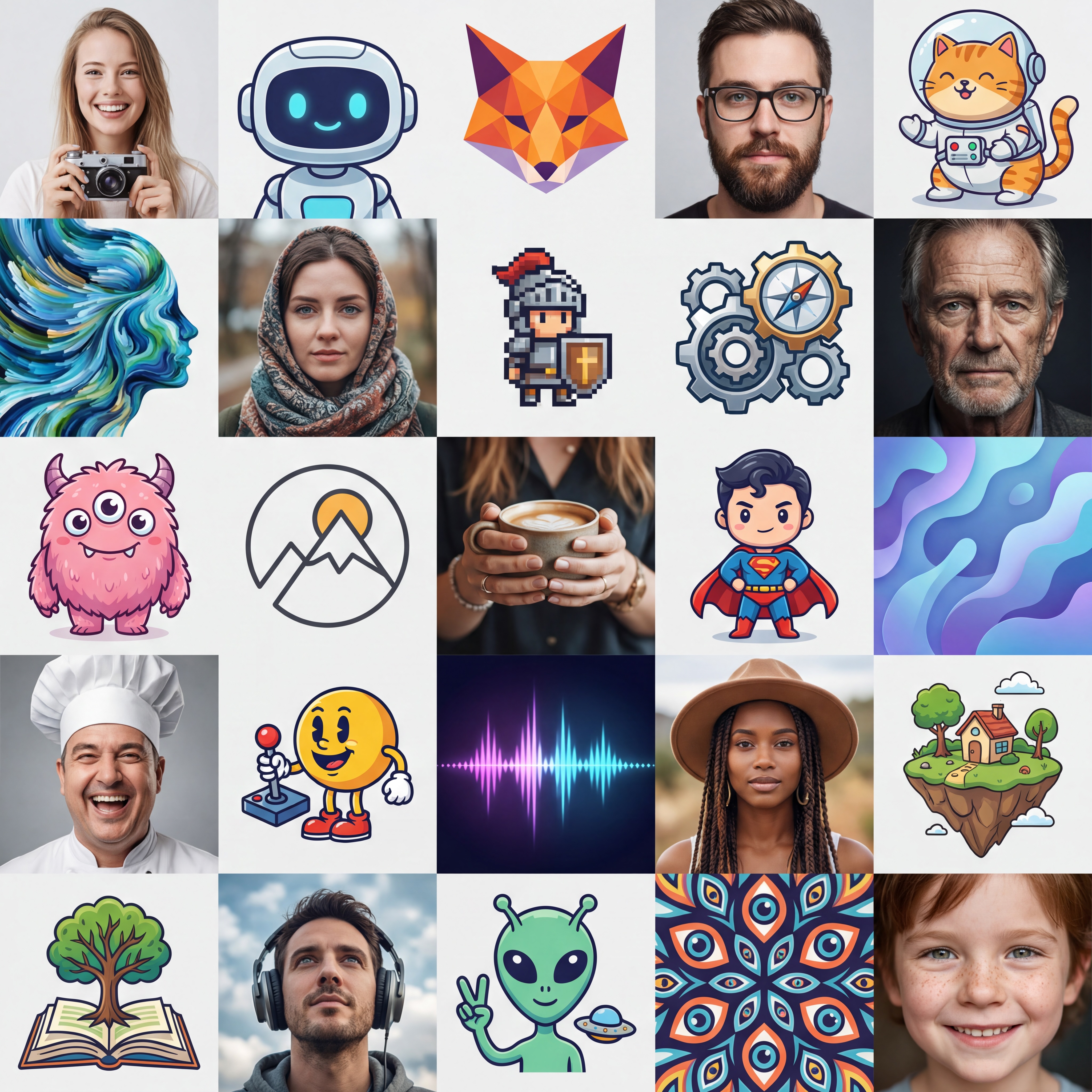 |
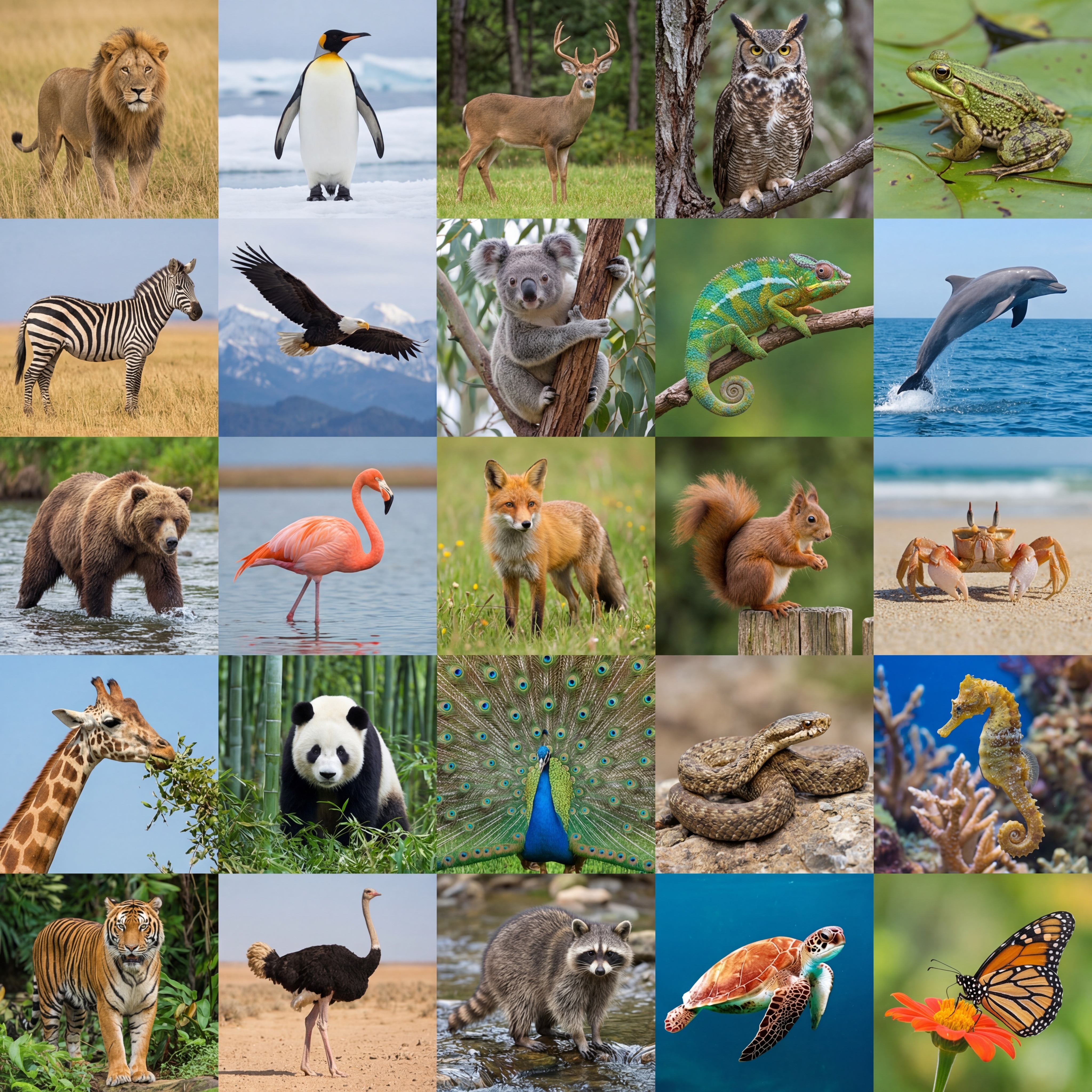 |
| Game Assets | Logo / Icon Design Ideas |
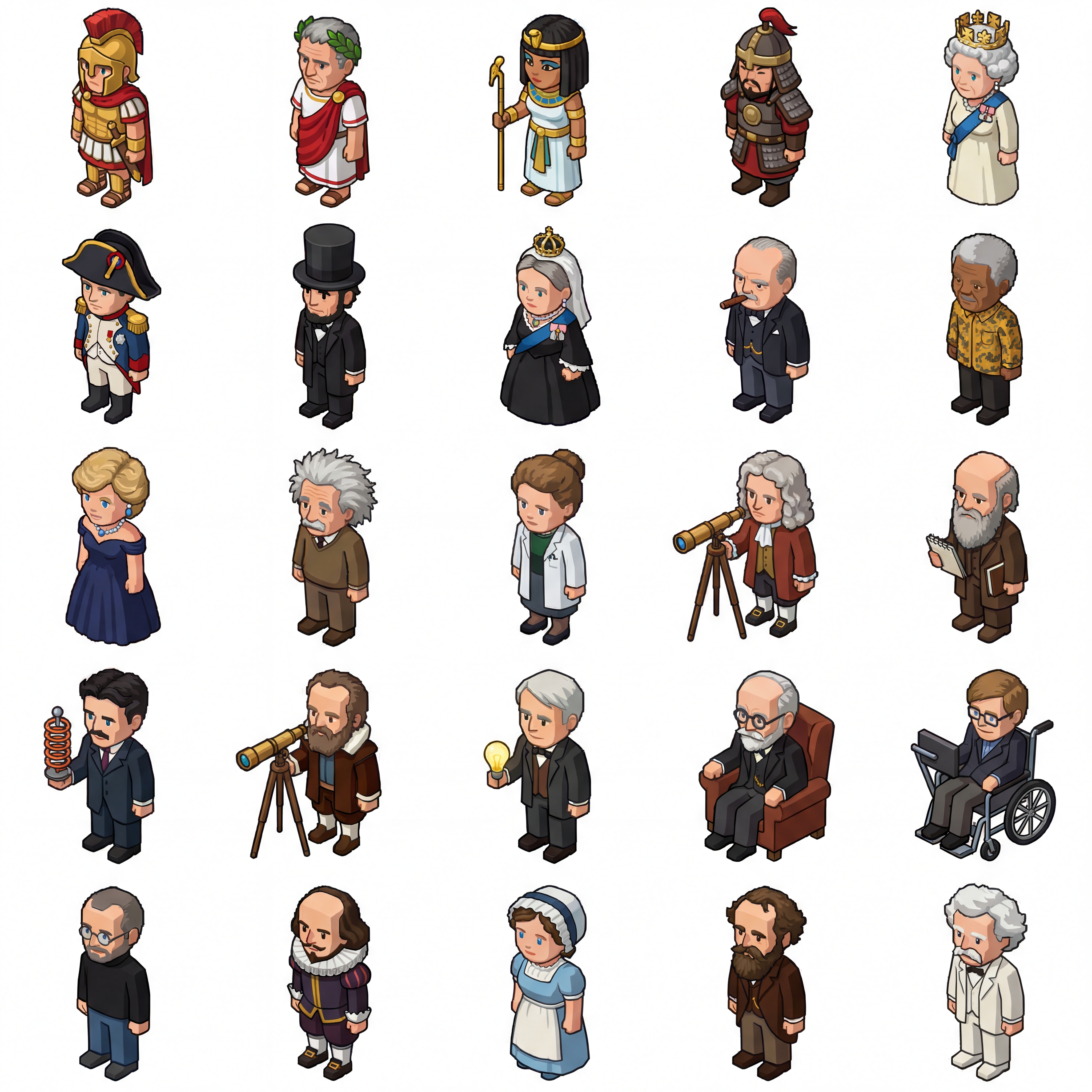 |
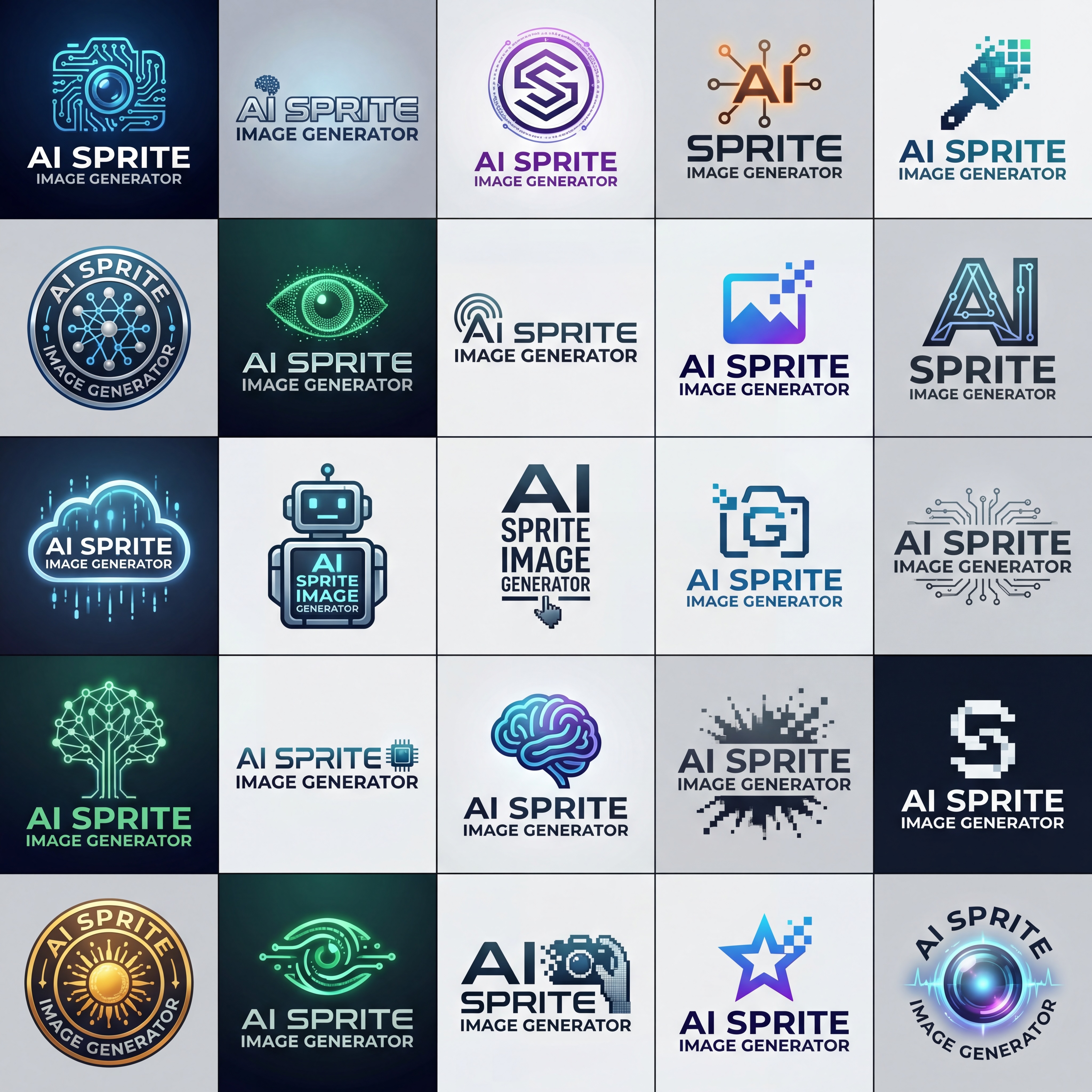 |
See integration-test.ts for example prompts and usage.
- 🚀 Fast parallel batch processing - Process batches concurrently to generate 100s of images in seconds
- ✂️ Image splitting - Automatically crops sprite sheets into individual images
- ⏱️ Rate limiting - Respects KIE AI API limits (20 requests per 10 seconds)
- 🎨 Optimized prompts - Automatically enhances your prompts for consistent sprite sheet generation
- 🖼️ Output consistency - Consistent art style between images
- 💰 Cost effective - Generate 25 images for the price of a single image on other platforms
At time of writing:
By generating a 5x5 sprite sheet using KIE AI we can generate 25 820x820px images for $0.0048 each.
Tip
That's 30x cheaper!
npm install ai-sprite-image-generatorpnpm add ai-sprite-image-generatorbun add ai-sprite-image-generatorThe package includes a CLI for quick image generation from the command line.
npm install -g ai-sprite-image-generatorSet your KIE AI API token as an environment variable:
export KIE_API_KEY="your-kie-api-key"# Generate 25 random images (5x5 grid)
ai-sprite-image-generator "Photos of cats"
# Generate specific named items
ai-sprite-image-generator "Furniture product photos" --cells "Chair,Table,Sofa,Lamp"By default, your generated photos will be in ./out/.
You can pipe cell names from a file or command (newline or comma-separated):
# From a file (one item per line)
cat items.txt | ai-sprite-image-generator "Product photos"

# From echo (comma-separated)
echo "Cat,Dog,Bird,Fish" | ai-sprite-image-generator "Animal avatars"USAGE:
ai-sprite-image-generator <prompt> [options]
OPTIONS:
-c, --cells <items> Comma or newline-separated list of cell names
-o, --output <path> Output directory (default: ./out)
-x, --columns <n> Grid columns (default: 5)
-y, --rows <n> Grid rows (default: 5)
-a, --aspect-ratio <r> Aspect ratio: 1:1, 2:3, 3:2, 4:3, 16:9, etc. (default: 1:1)
-r, --resolution <r> Resolution: 1K, 2K, 4K (default: 4K)
-f, --format <fmt> Output format: png, jpg (default: png)
-m, --model <name> AI model name (default: nano-banana-pro)
--concurrency <n> Max concurrent batches (default: 10)
--existing <mode> Handle existing files: overwrite, skip (default: overwrite)
-q, --quiet Suppress verbose output
-h, --help Show help message
-v, --version Show version number# Generate with custom grid size (3x3 = 9 images per batch)
ai-sprite-image-generator "Animal avatars" -x 3 -y 3
# Output to specific directory in JPG format
ai-sprite-image-generator "Logo designs" -o ./logos --format jpg
# Skip existing files instead of overwriting
ai-sprite-image-generator "Game assets" --existing skip
# Quiet mode (minimal output)
ai-sprite-image-generator "Thumbnails" -qimport { generateImages } from 'ai-sprite-image-generator';
const kieApiKey = 'your-kie-api-key';
const prompt = 'Photos of cats';
const result = await generateImages(kieApiKey, prompt);
console.log('Generated images:', result.imagePaths);
// Generated images: ['out/images/image-1.png', 'out/images/image-2.png', ...]To specify specific items for each cell, pass an array of strings. Requests will be batched based on the grid size (e.g. 5x5 = 25 items per batch):
import { generateImages } from 'ai-sprite-image-generator';

const kieApiKey = 'your-kie-api-key';

const prompt = 'Furniture product photos';

const cells = ['Chair', 'Dinner Table', 'Sofa', 'Lamp', 'Bookshelf', 'Desk'];

const result = await generateImages(
  kieApiKey,
  prompt,
  {
    outputPath: './furniture',
  },
  cells,
);

console.log('Generated images:', result.imagePaths);
// Generated images: ['./furniture/images/chair.png', './furniture/images/dinner-table.png', ...]Main function to generate sprite images.
See lib.ts for full implementation.
Parameters:
apiKey(string) - Your KIE AI API token - Get one hereprompt(string) - Base prompt describing the desired image styleoptions(ImageGenerationOptions) - Optional configurationcells(string[] | CellDefinition[]) - Optional array of cell names or definitions
Returns: Promise<ImageGenerationResult>
interface ImageGenerationOptions {
  rows: number; // Grid rows (default: 5)
  columns: number; // Grid columns (default: 5)
  outputPath: string; // Output directory (default: './out')
  aspectRatio: AspectRatio; // Image aspect ratio (default: '1:1')
  resolution: Resolution; // Image resolution (default: '4K')
  outputFormat: OutputFormat; // Output format (default: 'png')
  maxConcurrentBatches: number; // Max parallel batches (default: 10)
  pollIntervalMs: number; // Polling interval (default: 5000)
  maxPollAttempts: number; // Max poll attempts (default: 60)
  maxRetries: number; // Max retries for failures (default: 3)
  model: string; // AI model to use (default: 'nano-banana-pro')
  verbose: boolean; // Enable console logging (default: true)
}

interface ImageGenerationResult {
  batchImagePaths: string[]; // Paths to sprite sheet images
  imagePaths: string[]; // Paths to individual cell images
  errors: Array<{ batchIndex: number; error: Error }>;
  totalBatches: number;
  successfulBatches: number;
}Install dependencies:
bun installRun lint/format/typecheck (and auto-fix where possible):
bun fixRun tests:
bun testBuild package:
bun run build