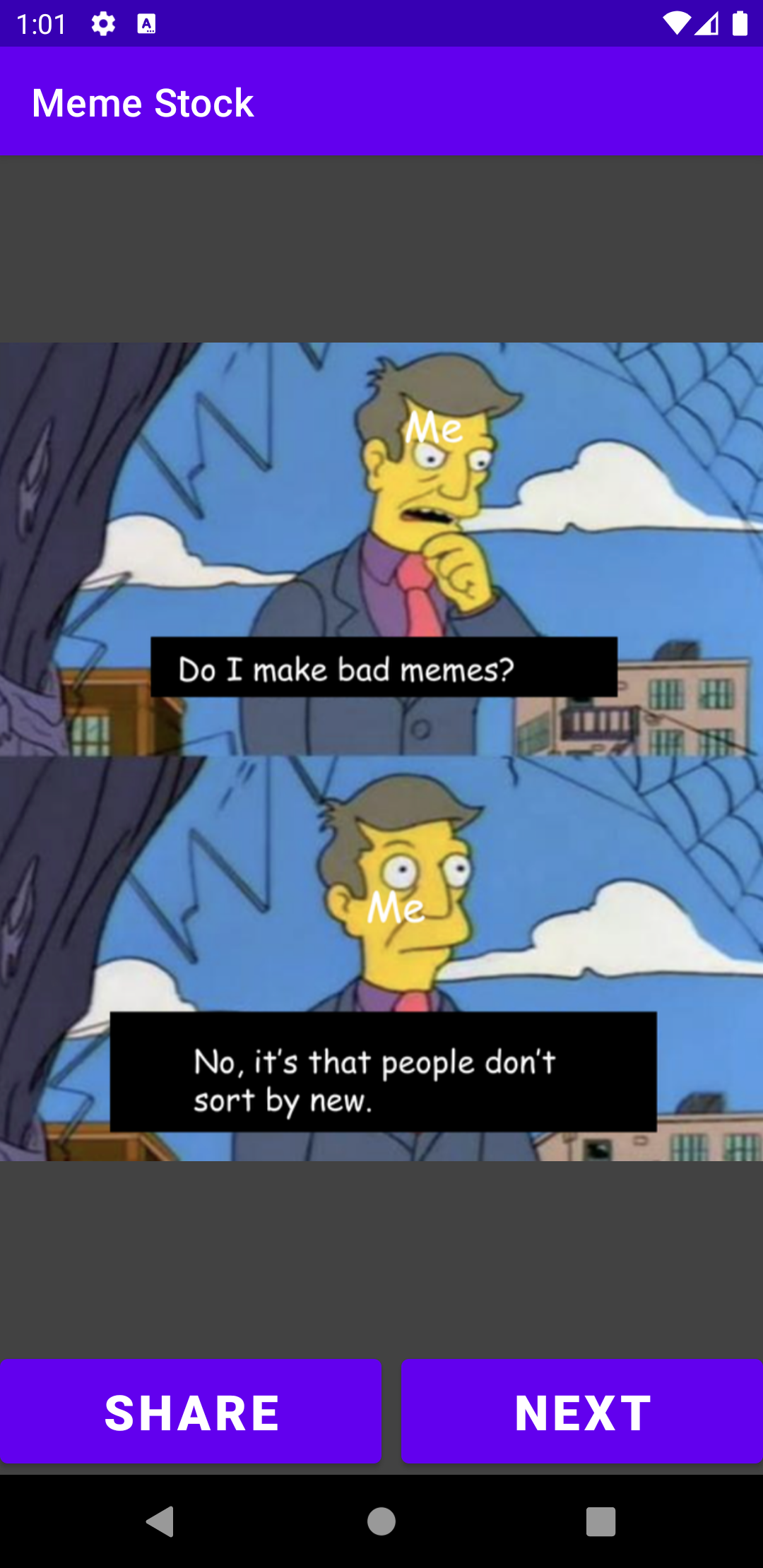
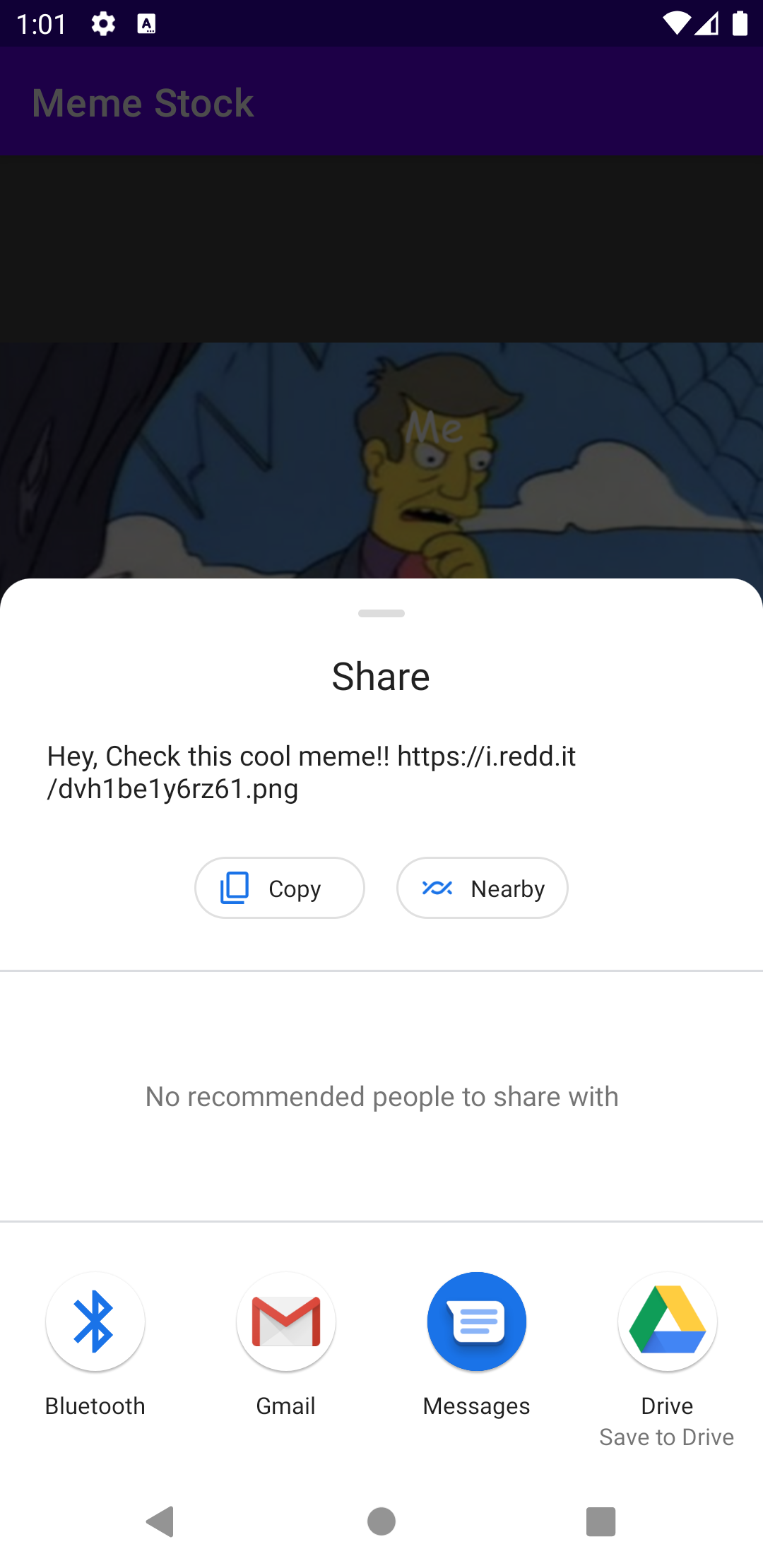
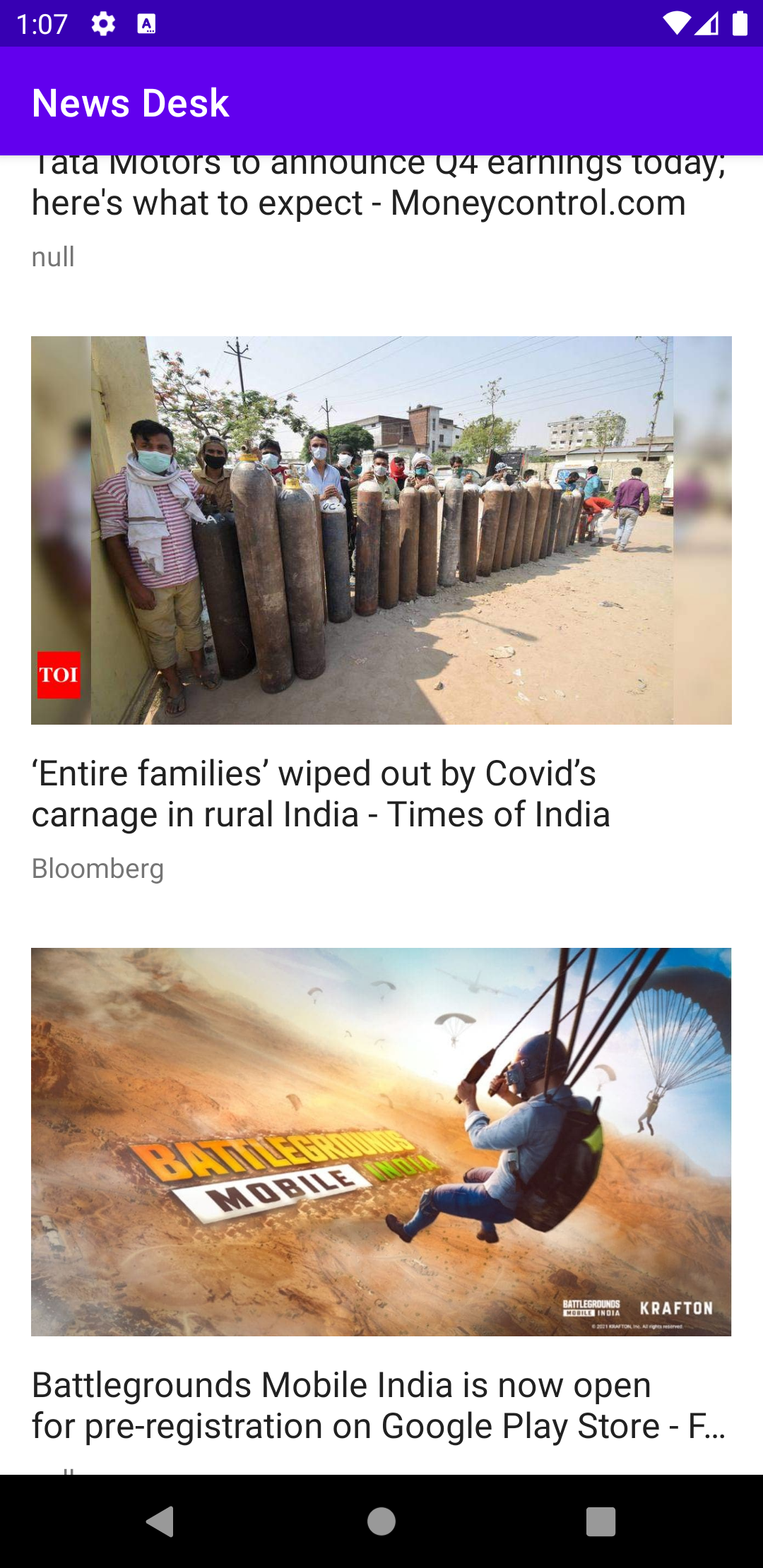
You signed in with another tab or window. Reload to refresh your session.You signed out in another tab or window. Reload to refresh your session.You switched accounts on another tab or window. Reload to refresh your session.Dismiss alert
{{ message }}
This repository was archived by the owner on Sep 18, 2022. It is now read-only.
(These instructions were tested with Android Studio version 4.2.1)
Open Android Studio and select File->Open... or from the Android Launcher select Import project (Eclipse ADT, Gradle, etc.) and navigate to the root directory of your project.
Select the directory or drill in and select the file build.gradle in the cloned repo.
Click 'OK' to open the the project in Android Studio.
A Gradle sync should start, but you can force a sync and build the 'app' module as needed.