

Key Features • Installation • Usage • Documentation • Support • Contributing • Credits • Attribution • License
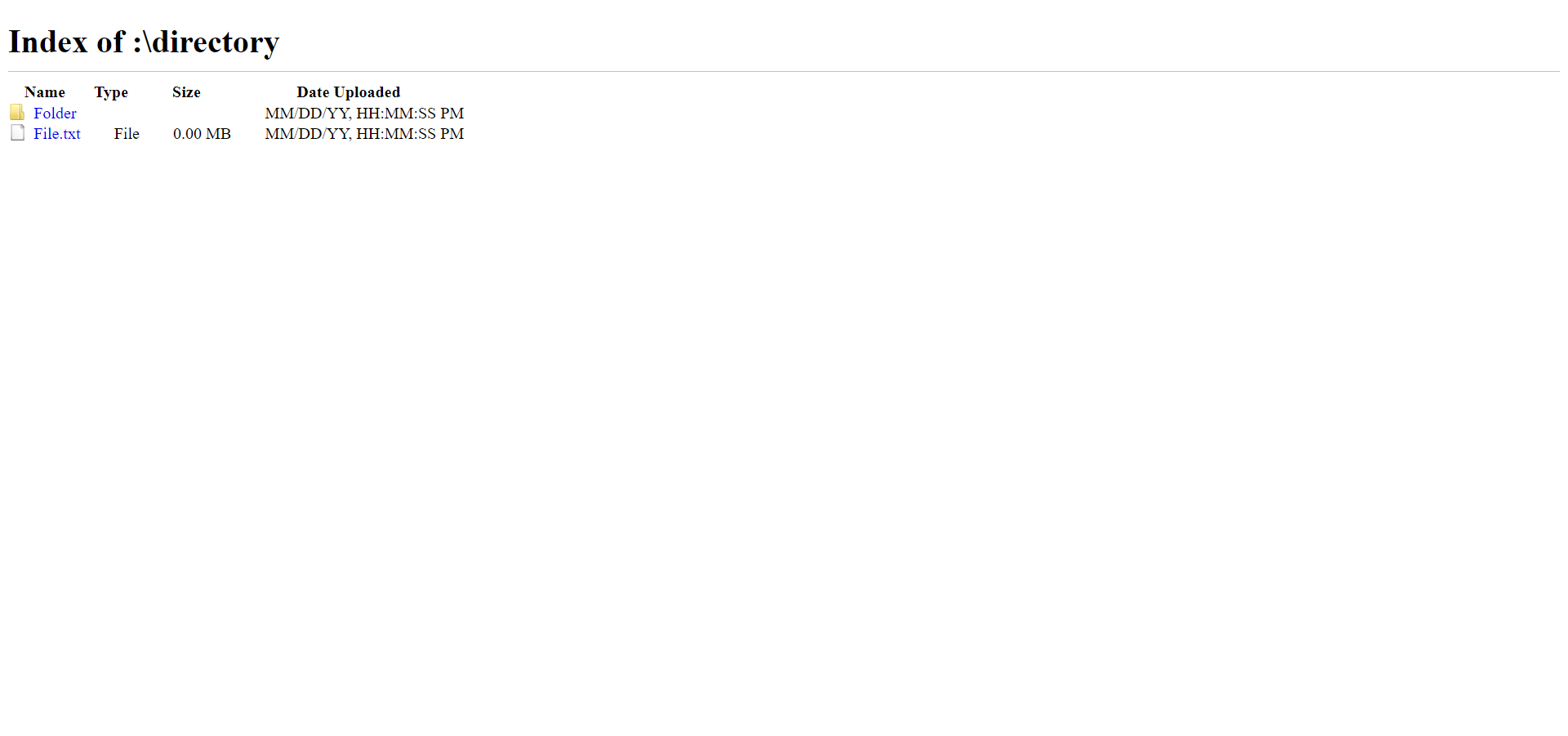
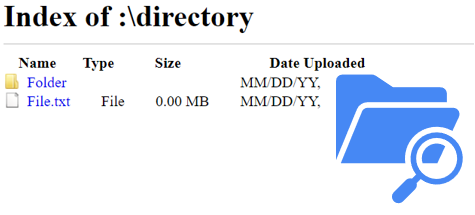
- The Chromium directory listing UI, as static HTML.
- Name, type, size, and upload date columns.
- Icons for folders and files.
- Two versions: a simplified one to edit by hand, and the original Chromium page for reference.
- No build step and no dependencies.
- Works on any web server, or as a GitHub Pages site.
git clone https://github.com/willtheorangeguy/Chrome-File-Directory.git
cd Chrome-File-Directory
Then open index.html in a browser. There is nothing to install — see docs/quickstart.md.
Edit index.html to list your own files: set the title, then add a row per file or folder. docs/usage.md walks through it.
Full documentation lives in docs/:
Quickstart · Installation · Usage · Configuration · Architecture · Deployment · FAQ · Troubleshooting · Roadmap
Open a GitHub Discussion or file an issue.
Contributions welcome. See the org-wide Contributing Guide and Code of Conduct.
This software uses the following open source packages, projects, services or websites:
 |
 |
 |
 |
|---|---|---|---|
| GitHub | W3C | W3Schools | Chromium |
| Web - Plans | Web - Donate | Web - Pro | Web |
The page this reproduces is the work of the
Chromium Development Team, maintained by Google. Chromium is
released under the BSD 3-Clause License; the upstream notice is preserved in
LICENSE_chromium.md, and index_chromium.html is kept unmodified as
a reference copy.
BSD 2-Clause — see LICENSE.md. Also see the Privacy Policy and Terms and Conditions.