


A minimal, keyboard-driven Hyprland setup with a focus on clean aesthetics and fast workflows.
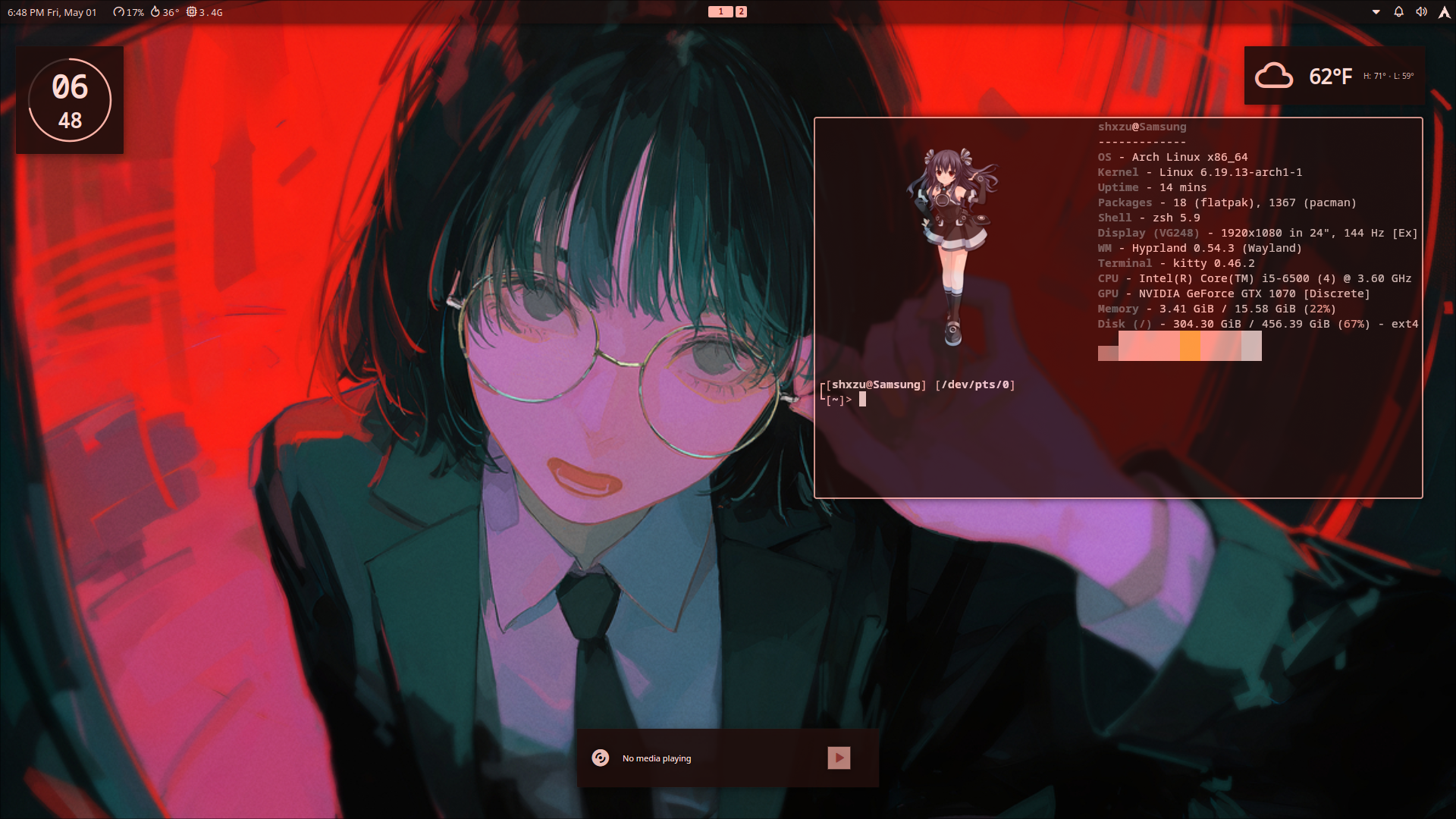
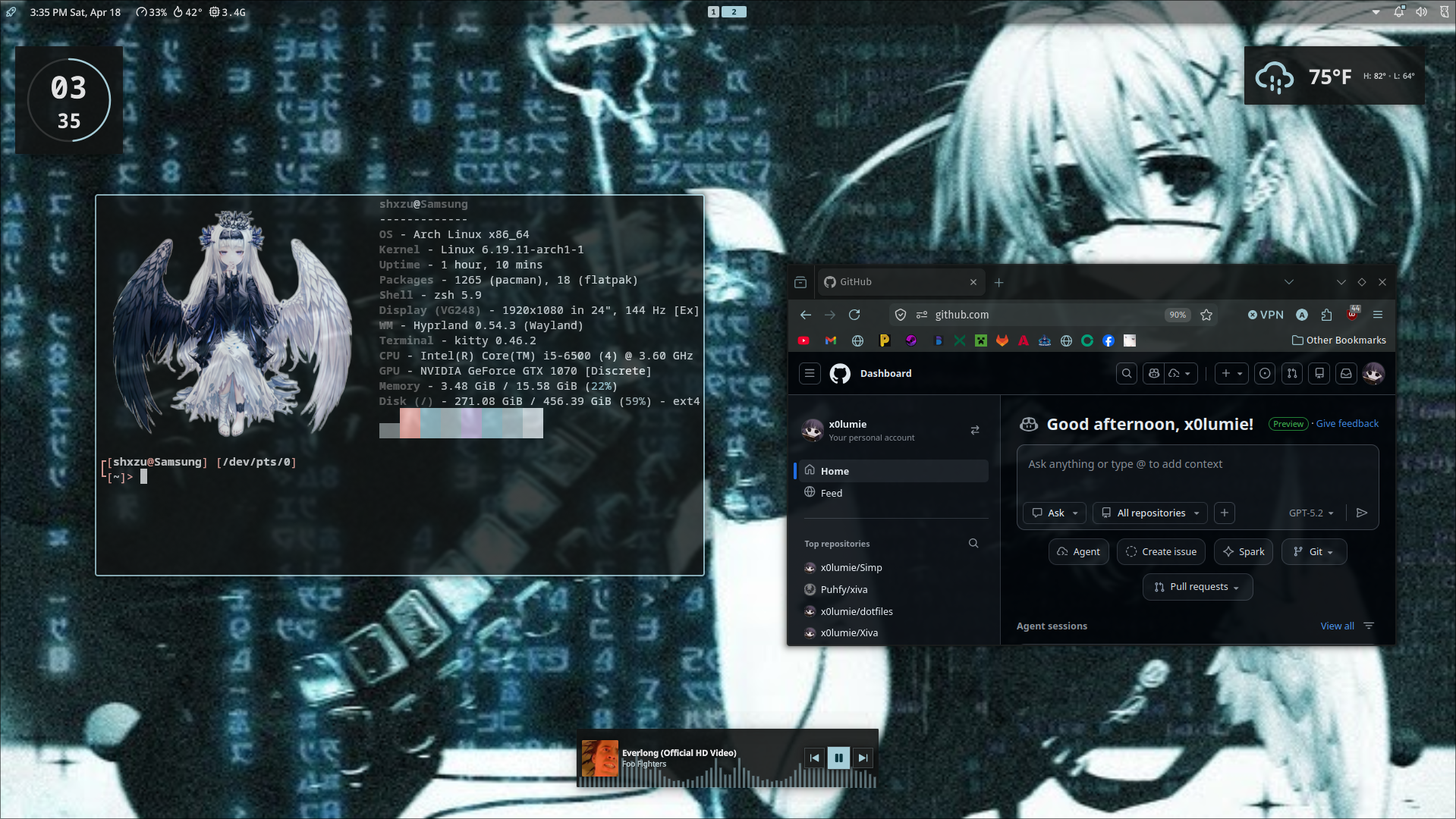
| Role | Software |
|---|---|
| Window Manager | Hyprland |
| Status Bar | QuickShell w/ noctalia cfgs |
| App Launcher | Fuzzel |
| Screenshot | HyprShot |
| Terminal | Kitty |
| Shell Theme | Oh My Zsh |
Before installing, make sure you have the following:
- Git — for cloning the repo
- An existing Wayland-compatible GPU driver setup (required for Hyprland)
- A PC, with an internet connection and a compatible Linux distribution on it (duh)
Warning
Back up your existing configs before running these commands! This will overwrite configs for any of the programs listed in the stack above.
cp -r ~/.config ~/.config.bakInstall dependencies via yay (AUR helper):
yay -Syu hyprland quickshell fuzzel kitty hyprshot noctalia-shell ttf-jetbrains-mono-nerd zshDon't have yay? Install it first:
sudo pacman -S --needed git base-devel
git clone https://aur.archlinux.org/yay.git && cd yay && makepkg -siEnable the COPR repo for Hyprland, then install:
sudo dnf copr enable solopasha/hyprland
sudo dnf install hyprland kitty fuzzel zsh
Note
quickshell, hyprshot, and noctalia-shell are not in the official Fedora repos. You'll need to build them from source or check for community packages. See their respective GitHub pages for build instructions.
Caution
Hyprland is not officially supported on Debian/Ubuntu due to outdated system packages. You will need to either build it from source or use a community-maintained PPA.
Install via the community Hyprland PPA (Ubuntu 24.04+ recommended):
sudo add-apt-repository ppa:hyprland-unofficial/hyprland
sudo apt update
sudo apt install hyprland kitty fuzzel zsh
Install Oh My Zsh separately:
sh -c "$(curl -fsSL https://raw.githubusercontent.com/ohmyzsh/ohmyzsh/master/tools/install.sh)"Note
As with Fedora, quickshell and noctalia-shell will need to be built from source on Debian/Ubuntu. Build instructions can be found here.
Once dependencies are installed, clone the repo and copy the configs:
git clone https://github.com/x0lumie/dotfiles
cd dotfiles
cp -r config/* ~/.config/
Then set Zsh as your default shell if it isn't already:
chsh -s $(which zsh)Log out and back in to apply everything.
Icons not rendering in the status bar? Make sure you have a Nerd Font installed and set it as your terminal/bar font.
Hyprland crashes on launch? Check that your GPU drivers support Wayland. Nvidia users should follow the Hyprland Nvidia guide.
Oh My Zsh theme looks off?
Run source ~/.zshrc or restart your terminal after the first install.
- noctalia — QuickShell bar configuration
- Hyprland — The compositor this is all built on
- Inspiration from the r/unixporn community
Feel free to open an issue if something isn't working or you have questions!