An autonomous GitHub App that continuously improves repository security by detecting and fixing known vulnerabilities in dependencies and codebases.
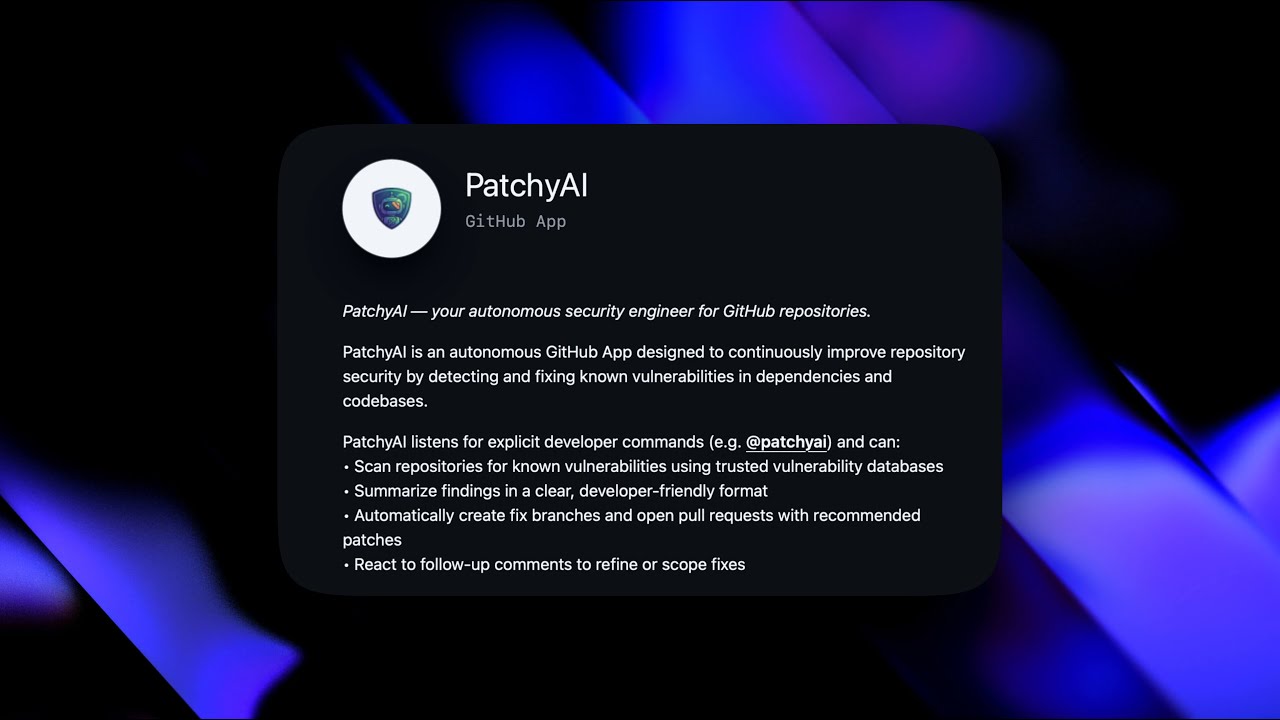
PatchyAI was born out of a real security incident. After receiving an email from Vercel about the recently discovered react2shell vulnerability (CVSS 10.0) affecting one of my projects, I realized the need for automated security patching. Instead of manually reviewing and fixing vulnerabilities across multiple repositories, I built Patchy to automate the entire process.
patchyai/
├── assets/          # Static assets and images
├── cline/           # Docker environment for AI agent
│   ├── Dockerfile.patchy
│   └── entrypoint.sh
├── kestra/          # Kestra workflow definitions
│   ├── patchy_entrypoint.yaml
│   ├── vulnerability_scan.yaml
│   └── ...
└── webapp/          # Next.js setup & landing page
    ├── src/
    └── package.json
- 🔍 Automated Vulnerability Scanning: Continuously scans repositories for known vulnerabilities using trusted security databases (OSV Scanner)
- 📊 Clear Summaries: Provides developer-friendly reports of security findings
- 🔧 Automatic Fixes: Creates fix branches and opens pull requests with recommended patches
- 💬 Interactive Refinement: Responds to follow-up comments to refine or adjust fixes
- 🔄 Seamless Integration: Works natively with GitHub workflows and developer tools
Built for modern DevSecOps workflows, PatchyAI integrates seamlessly into GitHub repositories to reduce security debt while keeping developers in complete control.
- Kestra: Workflow orchestration and automation
- Cline CLI: AI-powered vulnerability fixing
- Next.js 16: Web application framework (React 19, Tailwind CSS 4)
- Vercel: Web application hosting
- OSV Scanner: Vulnerability detection
- GitHub API: Repository management and PR automation
- Visit the PatchyAI GitHub App
- Click "Install" and select the repositories you want to protect
- Add GEMINI API Key on the redirected setup page.
You can trigger a manual scan by creating an issue or commenting on a PR with:
@patchyai scan
To run the web application locally:
-
Navigate to the webapp directory:
cd webapp -
Install dependencies:
npm install
-
Run the development server:
npm run dev
-
Open http://localhost:3000 with your browser.
PatchyAI uses a serverless workflow architecture:
- GitHub Webhooks → Triggers on push, PR, or scheduled scans
- Next.js Webapp → Handles user onboarding and API key configuration
- Kestra Workflows → Orchestrates scanning and fixing processes
- Cline CLI → AI agent performs intelligent code fixes
- GitHub API → Creates branches, commits, and pull requests
PatchyAI runs its scanning and fixing tasks within a secure, isolated Docker container defined in cline/Dockerfile.patchy.
- Base Image:
node:22-alpinefor a lightweight footprint. - Tools Installed:
osv-scanner: For detecting vulnerabilities.cline: The AI-powered CLI agent for implementing fixes.
- Security: Runs as a non-root user (
clineuser) to ensure isolation and security during execution.
- All scans run in isolated Docker containers
- No code is stored permanently; only vulnerability reports are retained
- API keys are securely managed through Kestra's secret management
- All fixes are reviewed via pull requests before merging
Contributions are welcome! Please feel free to submit a Pull Request.
- Fork the repository
- Create your feature branch (
git checkout -b feature/AmazingFeature) - Commit your changes (
git commit -m 'Add some AmazingFeature') - Push to the branch (
git push origin feature/AmazingFeature) - Open a Pull Request
This project is licensed under the MIT License - see the LICENSE file for details.
- Google OSV Scanner for vulnerability detection
- Kestra for workflow orchestration
- Cline for AI-powered code assistance
For questions, issues, or feature requests, please open an issue on GitHub or contact @xkaper001.
Made with ❤️ to keep your code secure