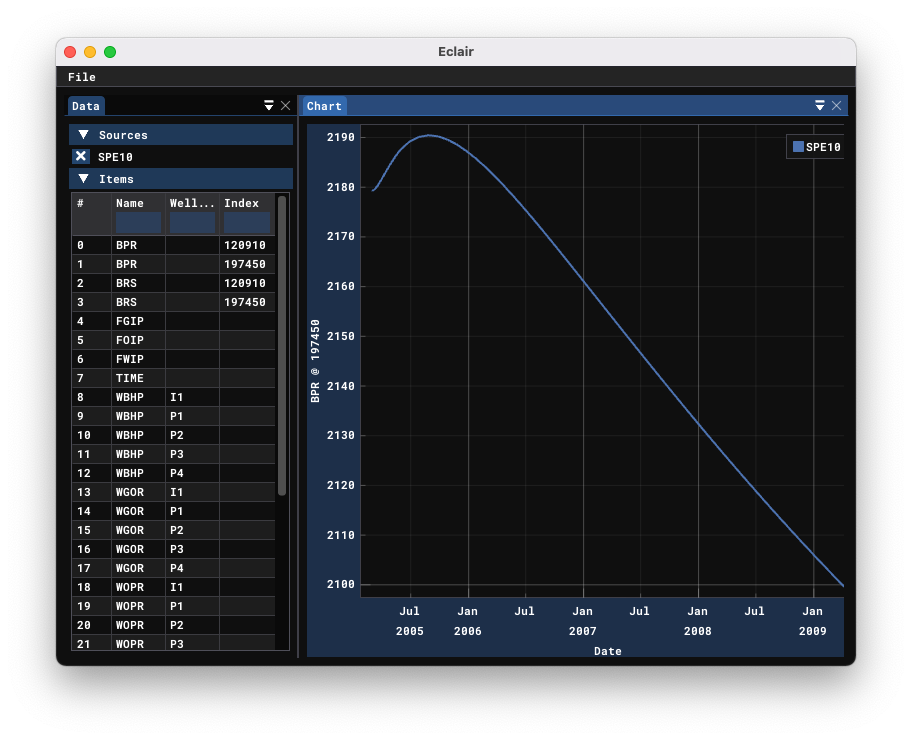
Eclair is a GUI application to visualize summary outputs of the oil&gas reservoir simulators that write out results in the Eclipse binary format:
Eclair consists of the Rust back-end and the C++ front-end. To build the application, one first needs to compile the backend:
-
Install Rust and Cargo. Refer to https://rustup.rs/ for Rust installation instructions;
-
Inside the repo run
cargo build --release --all
Afterwards one needs to build the CMake project inside the eclair-gui folder. The CMakeLists.txt is set up to
automatically discover the necessary Rust files, so the build instructions are simply:
cd eclair-gui
mkdir build && cd build
cmake -DCMAKE_BUILD_TYPE=Release ..
make
On Windows, you might want to add -GNinja to the cmake invocation and then build with ninja instead of make.
On Linux you might have to install additional packages to compile the front-end. Refer to your distribution docs for details.