



UniPet is a Universal Desktop Pet for AI coding agents.
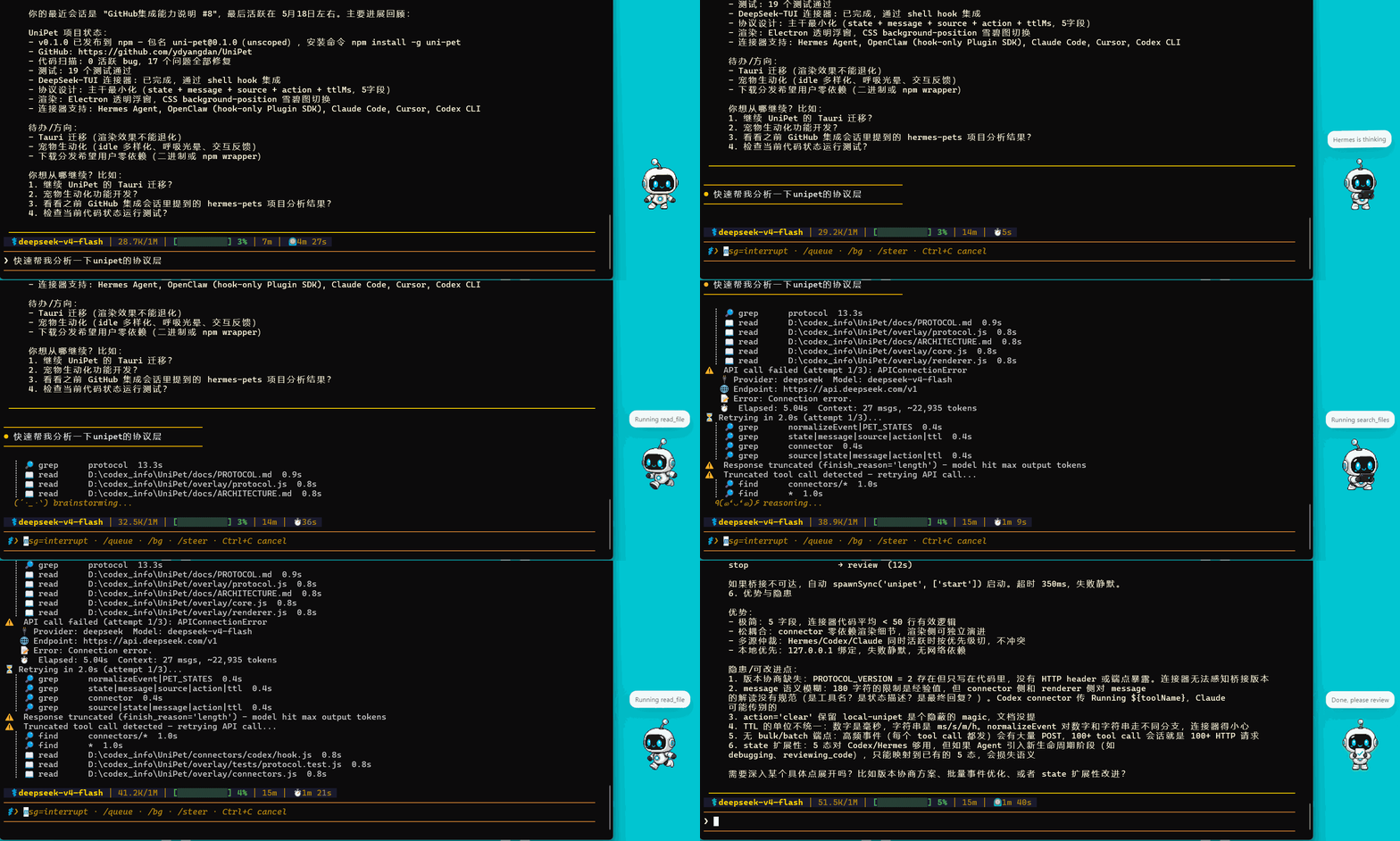
Think Codex Pet, but for every agent. UniPet is a local visual status layer that turns invisible agent work into a small animated desktop companion, so you can see when your agent is thinking, running tools, waiting for input, failing, or ready for review. It runs through a lightweight localhost protocol, so agents, hooks, scripts, and plugins can drive the pet without patching their core code.
npm install -g uni-pet
unipet start
unipet demo
unipet agent add codex- Universal agent status layer for Codex, Claude Code, Hermes, OpenClaw, DeepSeek-TUI, and custom agents.
- Visual feedback for real work: idle, running, waiting, failed, and review states.
- Simple local protocol: drive UniPet from hooks, plugins, config blocks, CLI, HTTP, or WebSocket.
- Zero-intrusion: integrate with agents without modifying their source code.
- Local-first: listens on localhost and keeps events on your machine.
- Lightweight: Node.js + Electron; UniPet itself does not require Python.
- Codex-compatible pets: install, switch, and remove skins from the CLI.
- Built for standards: connectors send facts, while UniPet owns behavior, bubbles, and rendering.
- One stable event protocol for many agents instead of one-off integrations.
- A visible desktop companion for real coding-agent work, not a heavy virtual pet game.
- Developer-friendly extension points: hooks, plugins, CLI, HTTP, WebSocket, and local pet skins.
- Small local runtime that is easy to inspect, modify, and remove.
For most users:
npm install -g uni-pet
unipet start
unipet demo
Connect only the agents you use:
unipet agent add codex
unipet agent add claude-code
unipet agent add hermes
unipet agent add openclaw
unipet agent add deepseek-tui
Check the local runtime and connector setup:
unipet doctor
unipet agent status
Update later with:
npm update -g uni-petRemove UniPet cleanly:
unipet agent remove all
unipet stop
npm uninstall -g uni-pet
User config and installed pets live under ~/.unipet.
| Agent | Setup | Integration |
|---|---|---|
| Codex | unipet agent add codex |
Codex hooks |
| Claude Code | unipet agent add claude-code |
Claude Code hooks |
| Hermes | unipet agent add hermes |
Hermes plugin |
| OpenClaw | unipet agent add openclaw |
OpenClaw plugin |
| DeepSeek-TUI | unipet agent add deepseek-tui |
lifecycle hooks |
| Custom agents | unipet state ... or HTTP |
UniPet local protocol |
Start, inspect, and stop UniPet:
unipet start
unipet status
unipet doctor
unipet stop
Send a manual test event:
unipet demo
unipet state running "Running tests"
unipet state review "Ready for review"
unipet clear
The local bridge listens on:
HTTP  http://127.0.0.1:8768
WS    ws://127.0.0.1:8769/ws
Any tool can update the pet through the same event shape:
unipet state running "Running tests" --source my-agent
unipet state waiting "Waiting for approval" --source my-agent --ttl 2m
unipet state review "Ready for review" --source my-agent
For direct integrations, send local HTTP or WebSocket events with source,
state, message, action, and ttl. See Protocol.
For custom scripts and agents, see Custom Agent Integration.
Browse and install online pets:
unipet pet search
unipet pet search cat
unipet pet info anby
unipet pet install anby --use
Manage local pets:
unipet pet list
unipet pet current
unipet pet validate ./my-pet
unipet pet import ./my-pet --use
unipet pet use anby
unipet pet remove anby
Installed pets and user config live under ~/.unipet.
Use agent to add, inspect, disable, or remove UniPet integrations:
unipet agent list
unipet agent status
unipet agent add codex
unipet agent disable codex
unipet agent remove codex
You can replace codex with claude-code, hermes, openclaw,
deepseek-tui, or all.
Agent hook/plugin
      -> UniPet localhost bridge
      -> state/event engine
      -> desktop pet renderer
Connectors translate agent lifecycle events into a small local event payload:
source, state, message, action, and ttl. The renderer then maps
those events into Codex Pet-style states, bubbles, and small companion motions.
- Node.js 18+
- npm
- Windows, macOS, Linux, Unix, or WSL
UniPet can run on Windows, macOS, Linux, Unix, or WSL. Agent integrations are optional; connect only the agents you actually use.
- UniPet currently uses Electron for the desktop overlay; a lighter native shell is future work.
- WSL needs a working Linux GUI display environment.
- Agent connectors depend on each agent's hook or plugin support.
- The Hermes connector runs inside Hermes' Python plugin environment, but UniPet itself does not require Python.
npm install
npm run check
npm run smoke:install
npm run smoke:overlay
npm start
npm run check runs the overlay tests and connector tests for OpenClaw,
DeepSeek-TUI, Codex, and Claude Code.
npm run smoke:overlay starts a temporary local overlay, sends each core state,
checks the bridge view, and then stops the runtime.
Useful project files:
- Architecture
- Protocol
- Connectors
- Custom Agent Integration
- Pet Format
- Vision and Upgrade Plan
- Release Notes
- Roadmap
- Contributing
Project layout
UniPet/
|-- overlay/                         Node.js/Electron desktop runtime
|   |-- main.js                      Electron app + local HTTP/WS bridge
|   |-- core.js                      event normalization + state store
|   |-- cli.js                       global unipet command
|   |-- market.js                    Codex pet market client
|   |-- pets.js                      local pet library
|   |-- renderer.js                  spritesheet animation renderer
|   |-- life/                        companion behavior layer
|   |-- renderers/                   renderer adapters
|   |-- tests/                       Node test suite
|   `-- assets/default/              bundled default pet
|-- connectors/codex/                Codex hook connector
|-- connectors/claude-code/          Claude Code hook connector
|-- connectors/hermes/               Hermes plugin connector
|-- connectors/openclaw/             OpenClaw hook plugin
|-- connectors/deepseek-tui/         DeepSeek-TUI hook connector
|-- docs/                            design notes
|-- install.ps1                      Windows installer
`-- install.sh                       Unix installer
- Run
unipet doctorfirst. It checks the local bridge, runtime file, current pet, command setup, and prints anext:line with the recommended action. - Run
unipet agent statusafter installing connectors. Each connector prints its config path, managed hook/plugin state, and anext:line. - If
127.0.0.1:8768is already in use, rununipet stop, thenunipet start. - After installing a connector, restart the related agent session, gateway, or TUI.
- Architecture
- Protocol
- Connectors
- Custom Agent Integration
- Pet Format
- Vision and Upgrade Plan
- Release Notes
- Changelog
- Roadmap
MIT