







 |
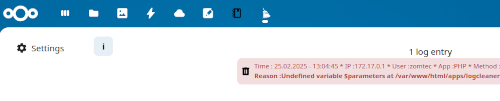
This app is similar to the nextcloud's built in logreader but with some additional features for the instance administration |
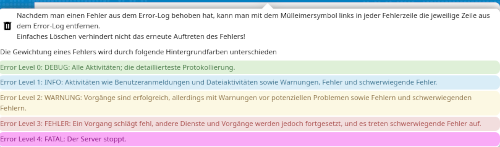
| 🛡️ Only accessible for administration 🎨 Error levels with different colors. ⚙️ Number of displayed log entries can be set. 🛠️ After correcting a log entry it can be deleted from the log file. ⏩ One click deletion of all duplicates within the log file. 🗑️ Empty the log file without using shell commands. 📜 View datails of log entries. 🔍 Find solutions on the internet by various search engines. |
 |
There are programs or server environments that log a lot and may generate masses of log files. This is also the case with Nextcloud. Under certain circumstances, this can regularly lead to the hard drive running full, because the log file may be constantly fed with new errors.
It is not advisable to simply empty or delete the log file. The better approach is to look at the individual error entries and correct them so that they do not occur again.
That's where the LogCleaner app comes in. With LogCleaner it is possible to decide for yourself which error has to be processed or corrected or which error is irrelevant in order to inflate the log file. After correction or consideration, you can delete individual error entries from the log file with the help of LogCleaner. It doesn't matter whether the error is at the beginning, at the end or in the middle of the log file.
Furthermore LogCleaner can detect duplicates in the log file and delete them with just one click.
- It is recommended to download or install this app directly from the Nextcloud App store.
- Alternatively you can download the latest logcleaner release based on this repository.
ff you are unsure and don't know exactly how to work with LogCleaner, feel free to look here and get information.
- rakekniven for improving grammar and fixing typos
- maghog for the revision of the swedish language files
All of the text is in english?
Maybe your language files are missing.You might want to help translating the app to new languages or report errors in existing translations. So feel free and send me translations.
Very bad translation?
We used the AI-based Google translator to generate language files. Of course, there were limitations to the translation depending on the quality of the AI. If you'd like to help improve your language file, open an issue and report your suggestion for improvement. Thank you- 🌟 Star this repository: This is the easiest way to support LogCleaner and it costs nothing.
- ⭐ Rate and/or 💬 comment on Logcleaner in the Nextcloud AppStore
- 🪲 Report bugs: Report any bugs you find on the issue tracker.
- 📖 Translate: Help translate LogCleaner into your language, if the AI-based Google translator generated language files are poorly translated
- 📝 Contribute: Read and file or comment on an issue and ask for guidance or give advice.
Show me
Info content:
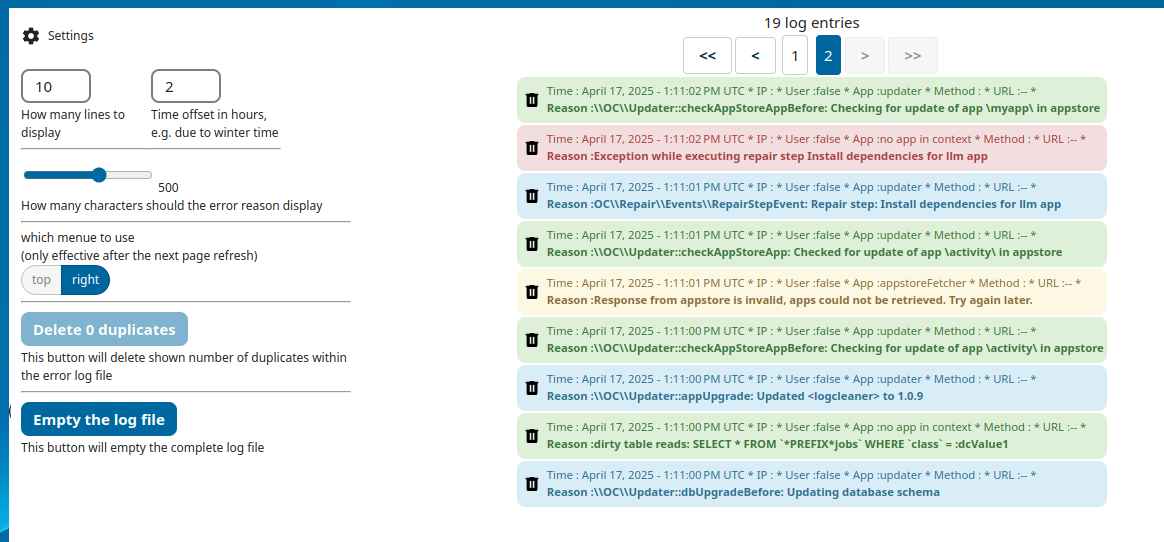
Main view with settings:
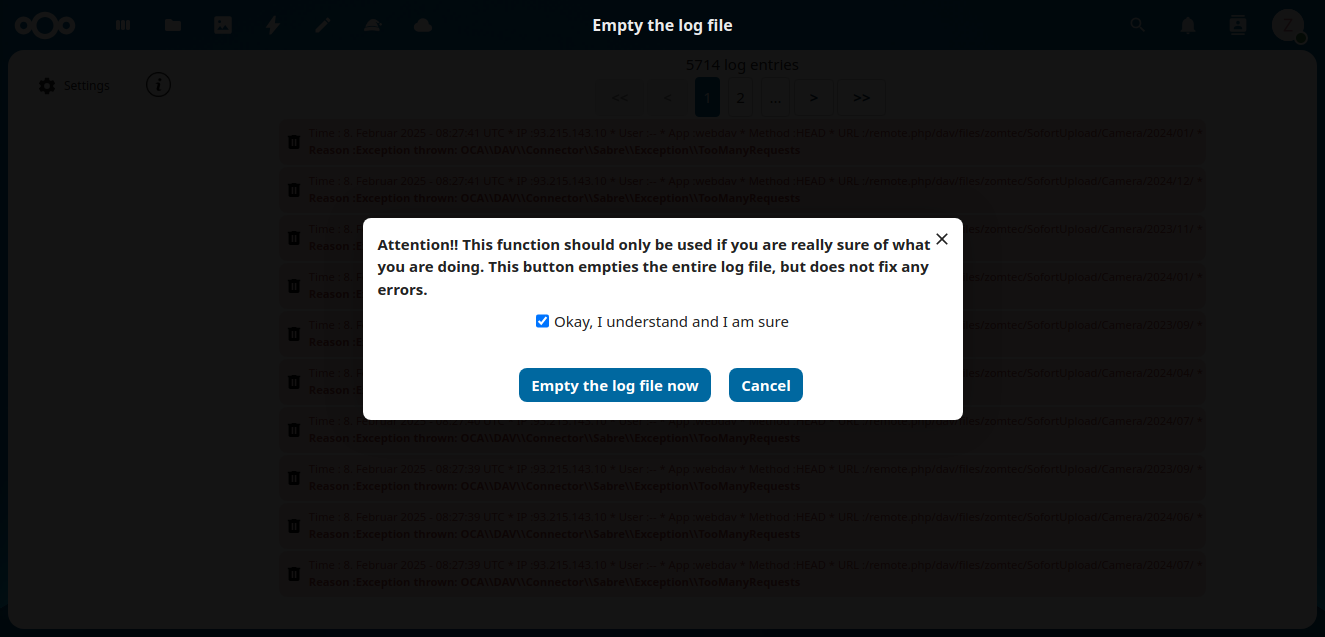
'Empty log file' button pressed:
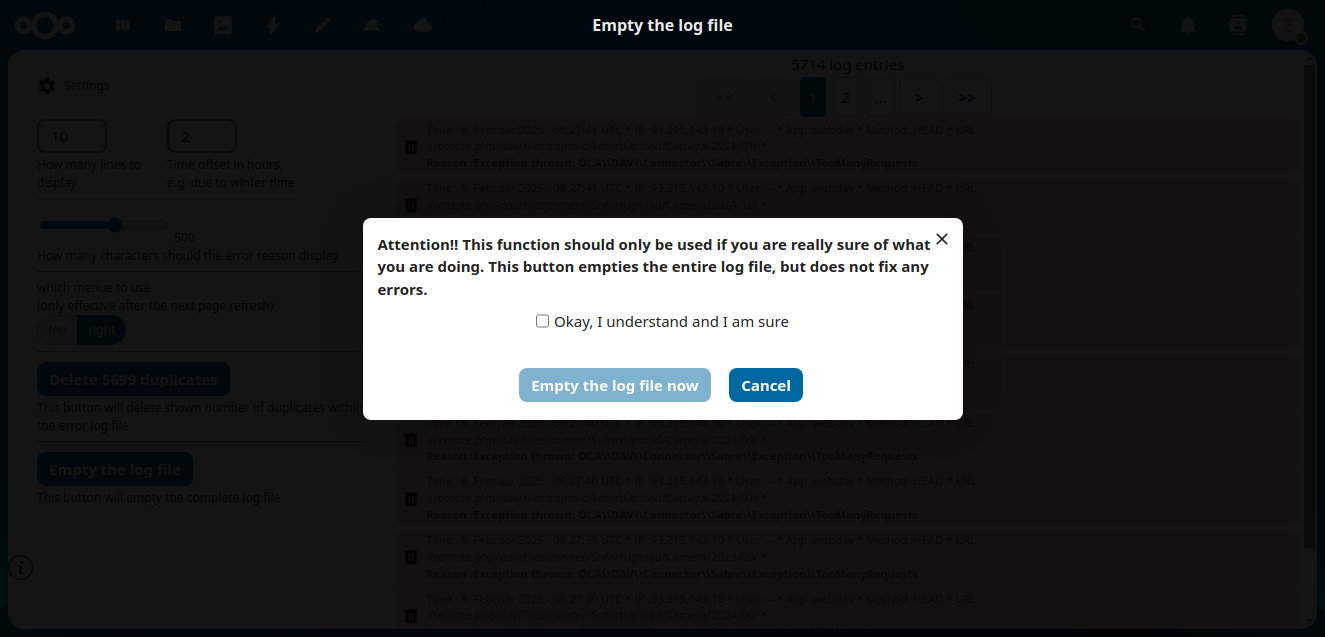
'Empty the log file now' button active after enabled check box:
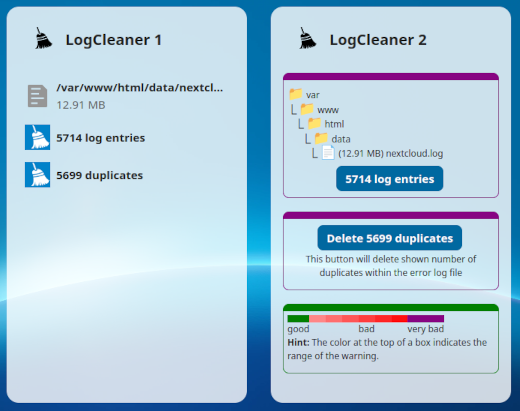
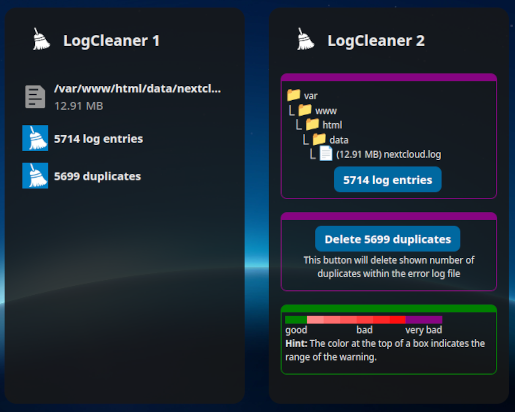
LogCleaner dashboard widgets:
New features since LogCleaner 1.2.8: View Details and search for solutions on the internet