VCU & TMS570s
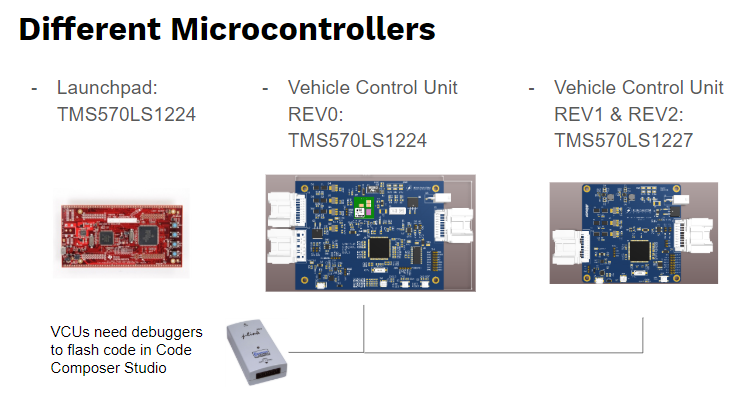
We currently use three different platforms to interact with our TMS570 microcontroller. The Launchpad and VCU REV0 both use the TMS570LS1224 while the VCU REV1/REV2 uses the TMS570LS1227. The VCUs all require a debugger to be able to flash code via Code Composer.
Schematics - These are the schematics for VCU REV2
Follow the tutorials on the other VCU pages, they show you the procedures on how to install the downloads
J-link Support:
- Adding J-link to CCS as a debugger - Needed to use the J-link to debug any of the VCUs in Code Composer Studio
FTDI Driver info:
- FTDI FT230 Driver - Required for the UART to USB converter on the VCU. (Allows communication between VCU and PC serial terminal)
freeRTOS for VCU REV2:
-
freeRTOS Halcogen port to TMS570LS1227PGE - Needed since Halcogen doesn't provide a specific configuration for our MCU variant.
- Follow the above link, the last step of the tutorial is to change the linker file. This sets up the memory addresses of the MCU, and defines where freeRTOS will be stored. Because we are creating our own TMS5701227PGE_FREERTOS port, we need to specify these ourselves.
- In Code Composer, select the existing Halcogen-generated linker file (sys_link.cmd) in the lefthand projects pane underneath your source folder. Right click it and select 'Exclude from Build'. Instead of typing it out like the tutorial shows, download this linker file and paste it into your source folder.
- (We have to do this since Halcogen will keep trying to regenerate the wrong linker whenever we want to change any other halcogen driver parameter. There's another alternative that is a little less clean but does the job too.)